
![Cover image for [Claude Code #16] /copy · /export · /statusline and Other Handy Commands](/assets/images/posts/cde7a15a-a218-4696-837c-43110f0e6c51/claude-code-utility-commands.jpg)
They are not headline features, but some commands become part of your daily workflow once you know them. You can work without them, but knowing them makes things noticeably easier.
This installment brings together seven such convenience features.
If Claude Code Part 15 was about shortcuts for your hands, this time we cover commands that handle the small errands.
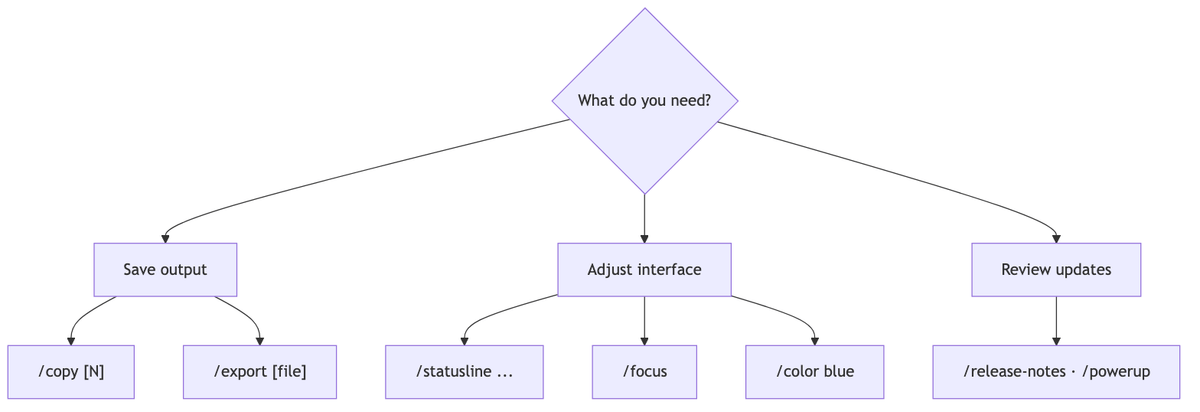
/copy: Copy Responses to the Clipboard
You do not need to drag with the mouse to copy the answer you just received. /copy puts the latest response on your clipboard.
As of Official commands documentation, /copy 2 copies the second-to-last response. If the response contains code blocks, a selection screen lets you choose a block or include the entire response.
When the clipboard does not work over SSH, press w on the selection screen to save the content to a file.
/export: Export the Entire Conversation
/export exports the entire conversation so far as plain text.
Provide a filename to save it directly to that file; running it without one opens a prompt where you choose between copying to the clipboard and saving to a file. It is useful for attaching troubleshooting records to an issue or keeping them as retrospective material.
/statusline: Create a Status Line
If you want to always display information such as context usage, the git branch, and cost at the bottom of the screen, use /statusline.
Just describe what you want in natural language.
/statusline Show the model name and context utilization as a progress barBased on Official status line documentation, Claude Code creates the script and automatically connects it to the configuration. The status line is simply a shell script that receives session information as JSON, so you can edit it freely by hand.
/focus: A View That Shows Only the Result
Long-running tool-call logs can sometimes fill the screen. Turn on /focus to leave only the last prompt, a one-line tool summary, and the final response.
It is available only in fullscreen rendering, and the selection persists across sessions.
/color: Color-Code Each Session
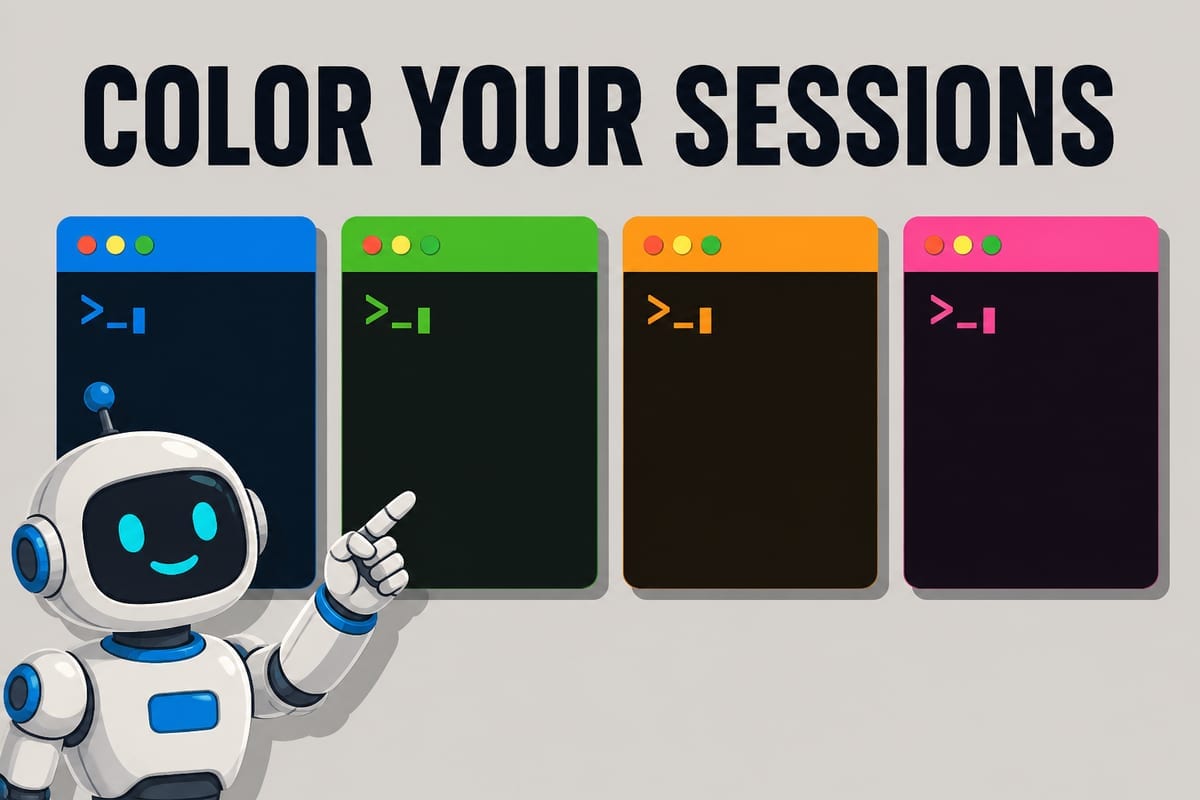
With multiple terminal tabs open, it is easy to lose track of which session belongs to which task. Change the input bar color, for example with /color blue, to distinguish them at a glance.
Running it without an argument selects a random color. The eight available colors are red, blue, green, yellow, purple, orange, pink, and cyan; /color default restores the default.
/release-notes and /powerup: Keep Up with Features
Claude Code is updated frequently, so it is easy to miss new features.
/release-notes opens a picker for browsing version-by-version changes without affecting the conversation. /powerup is an interactive lesson for learning features with animated demos.
The features covered in this series ultimately remain up to date through these two commands as well.
Summary
Copy with /copy, archive with /export, use /statusline as your dashboard, focus with /focus, and distinguish sessions with /color. Catch up on new features with /release-notes.
Each one is small, but together they let you shape the tool to fit your own workflow.
The next installment is the series finale and covers remote and integration features such as /remote-control, which lets you continue a local session on another device, and --cloud, which creates a web session.
Sources and Verification Criteria
- Claude Code Official Documentation — Commands (Anthropic, checked 2026-08-14)
- Claude Code Official Documentation — Customize your status line (Anthropic, checked 2026-08-14)
Continue reading
Claude Code Series
- Previous installment: [Claude Code #2] /plan planning mode: agree on the design before making changes
- Previous installment: [Claude Code #1] /init: Get started by automatically generating CLAUDE.md