
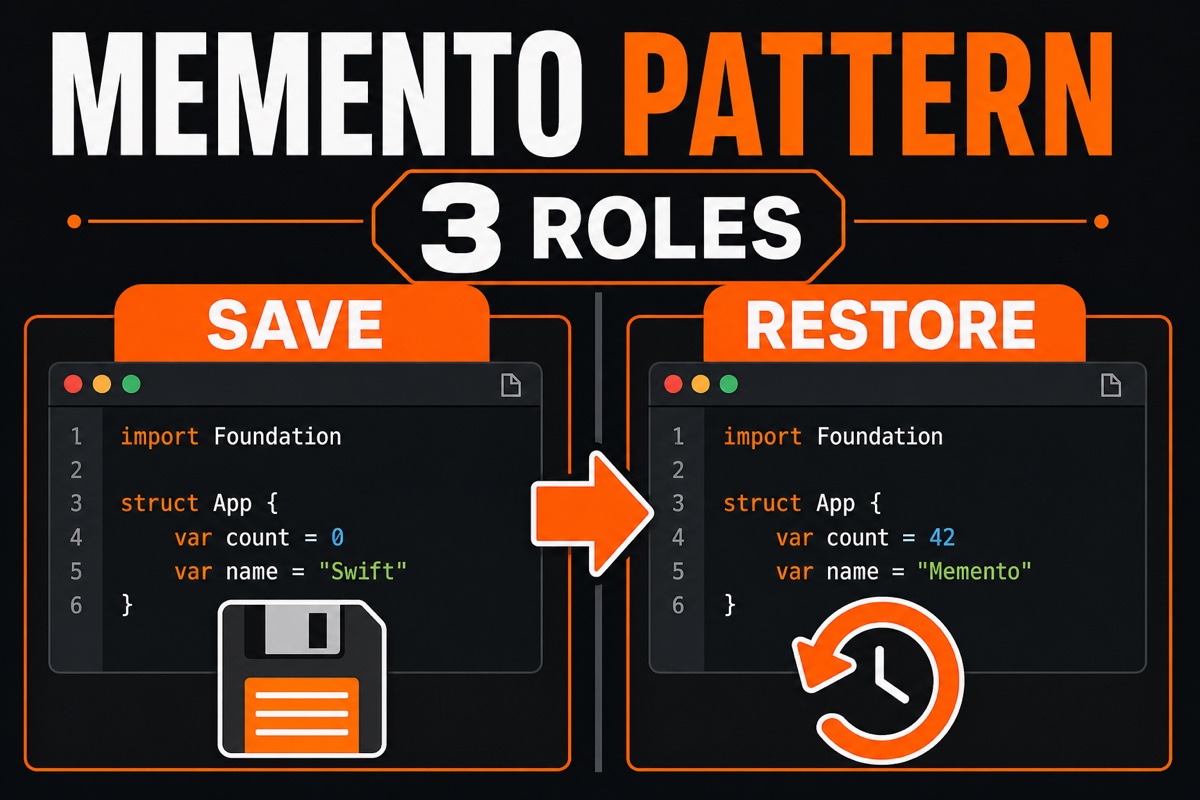
Have you ever hit a wall while adding an “Undo” button to an iOS app?
In a text editor, letting users undo their latest edit first raises the question of how to retain the previous state.
Backing up object properties in multiple places quickly makes the code messy.
The perfect fit here is Swift Memento Pattern. Today, I’ll show with code from my own experience how to save and restore object state elegantly with this pattern.
The Memento Pattern stores an object’s internal state externally without breaking encapsulation, then restores that state later.
In one line: “take a snapshot.” It underpins features such as Undo, game saves, and temporary form storage.
What Is the Memento Pattern? Start with Its Three Roles 🧩
The Memento Pattern has exactly three characters. Understand these, and you’re halfway there.
- Originator: The protagonist that owns the state. It saves its state as a memento and restores it from one.
- Memento: A snapshot containing the state at a specific point in time. Ideally, its contents never change after creation.
- Caretaker: The role that stores mementos. An undo stack usually serves this role.
The key is that the caretaker never looks inside the memento.
The caretaker simply receives snapshots, stores them, and hands them back when needed. Only the originator knows its internal structure.
That preserves encapsulation. It’s the Memento Pattern’s greatest appeal.
How Do You Implement the Memento Pattern in Swift?
Let’s use a simple text editor as an example. First, define the memento and the originator.
Below are the memento that holds the state and the originator that creates and restores it.
// State snapshot — keep it immutable after creation letwith
struct EditorMemento {
    let text: String
}

final class TextEditor {
    var text: String = ""
    func save() -> EditorMemento { EditorMemento(text: text) }   // Save
    func restore(_ memento: EditorMemento) { text = memento.text } // Restore
}save()takes a snapshot of the current state, while restore(_:)restores the received snapshot.
The key is making the property of EditorMemento``let, so the state at save time cannot be altered later.
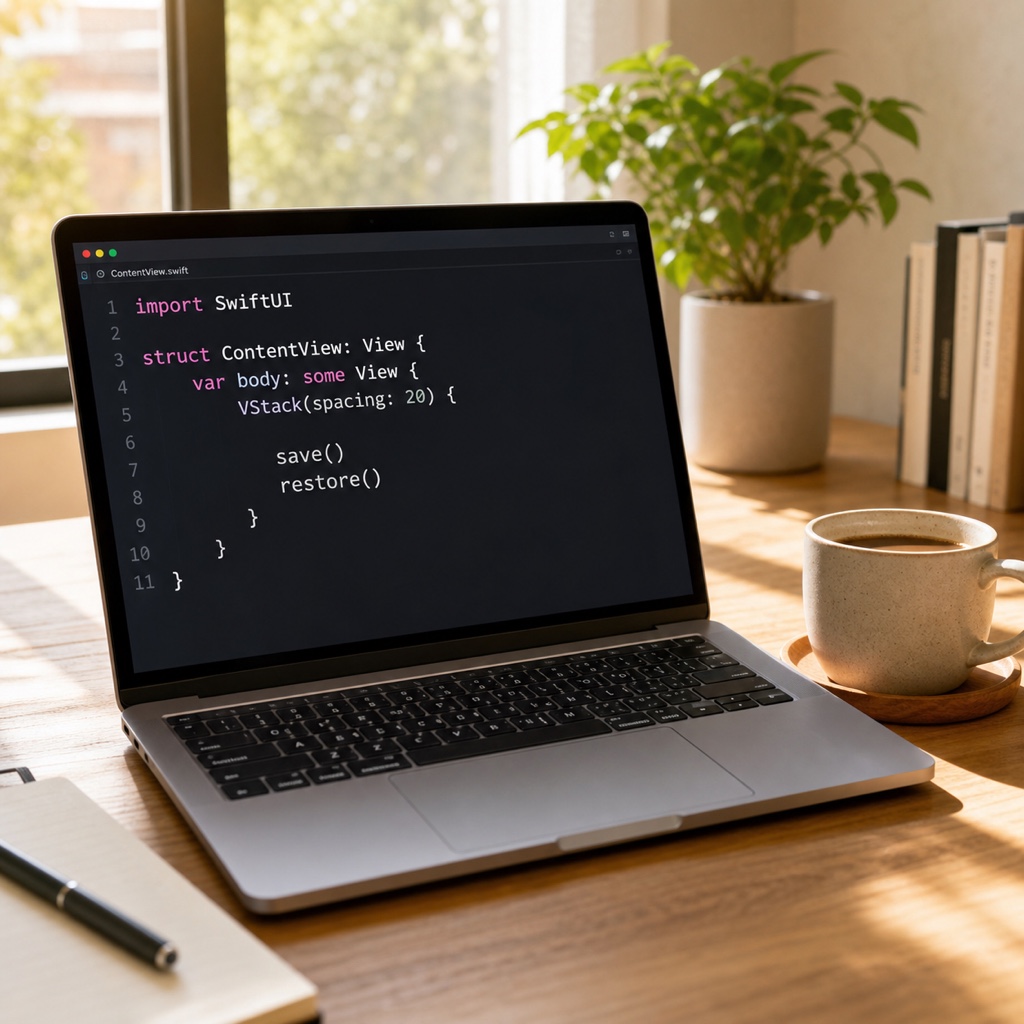
In Practice: Building an Undo Feature ⏪
Now let’s add the caretaker—the undo stack. Its job is to accumulate the mementos we created earlier.
final class UndoManager {
    private var history: [EditorMemento] = []
    func backup(_ memento: EditorMemento) { history.append(memento) }
    func undo() -> EditorMemento? { history.popLast() } // Pop the latest state
}
The actual flow looks like this.
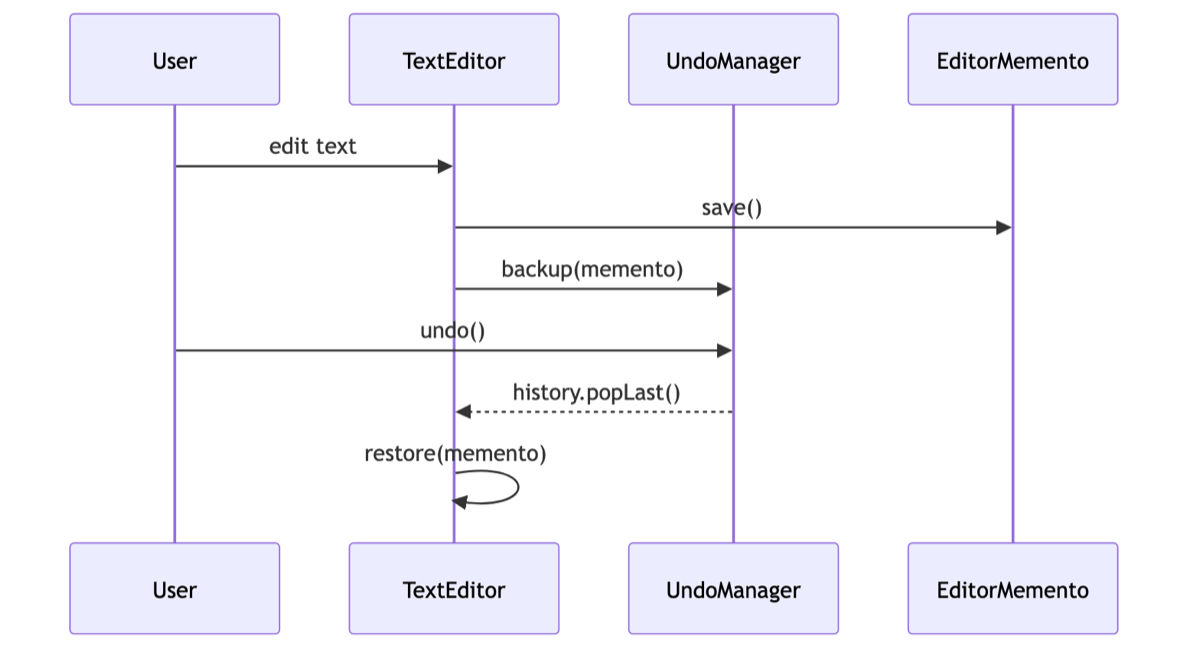
Just before the user edits the text, save the current state with backup.
When the user taps “Undo,” undoreturns the latest snapshot, and the originator restoreit.
After wiring it up, the editing and persistence logic were cleanly separated, making the code much easier to follow.
Even when several edit types—adding text, deleting it, and changing formatting—were mixed together, the saving mechanism stayed unified, which made maintenance easier.

Swift-Style Tips: Using Codable and struct
Many explanations of the Memento Pattern are based on languages such as Java. In Swift, leveraging the language’s features makes it much easier.
First, structfits mementos better than class. Because it is a value type, copying it creates an independent snapshot. That reduces the risk of the original changing through tangled references.
Second, adopting Codablefor the memento makes it easy to save state to a file or UserDefaults. You can extend it into a save feature that persists after relaunching the app.
Third, if you use UIKit, check out the existing system class UndoManagerfirst. Knowing the standard tools should come before implementing your own.
Frequently Asked Questions (Q&A)
Q. Can’t I just back it up in variables?
That works for simple cases. But when there are multiple states or the save/restore logic becomes complex, scattered backup code becomes a breeding ground for bugs. The Memento Pattern gathers it in one place.
Q. Won’t it use too much memory?
That’s true. Stacking snapshots indefinitely increases memory pressure. In practice, it’s common to limit history to around 20–50 entries or optimize by storing only changed portions.
The Memento Pattern may have an unfamiliar name, but it is simply the idea of “taking snapshots and reverting.”
If you’re considering Undo or temporary storage, try typing along with today’s example code. You’ll quickly get a feel for managing state while preserving encapsulation. You’ve got this! 😊