
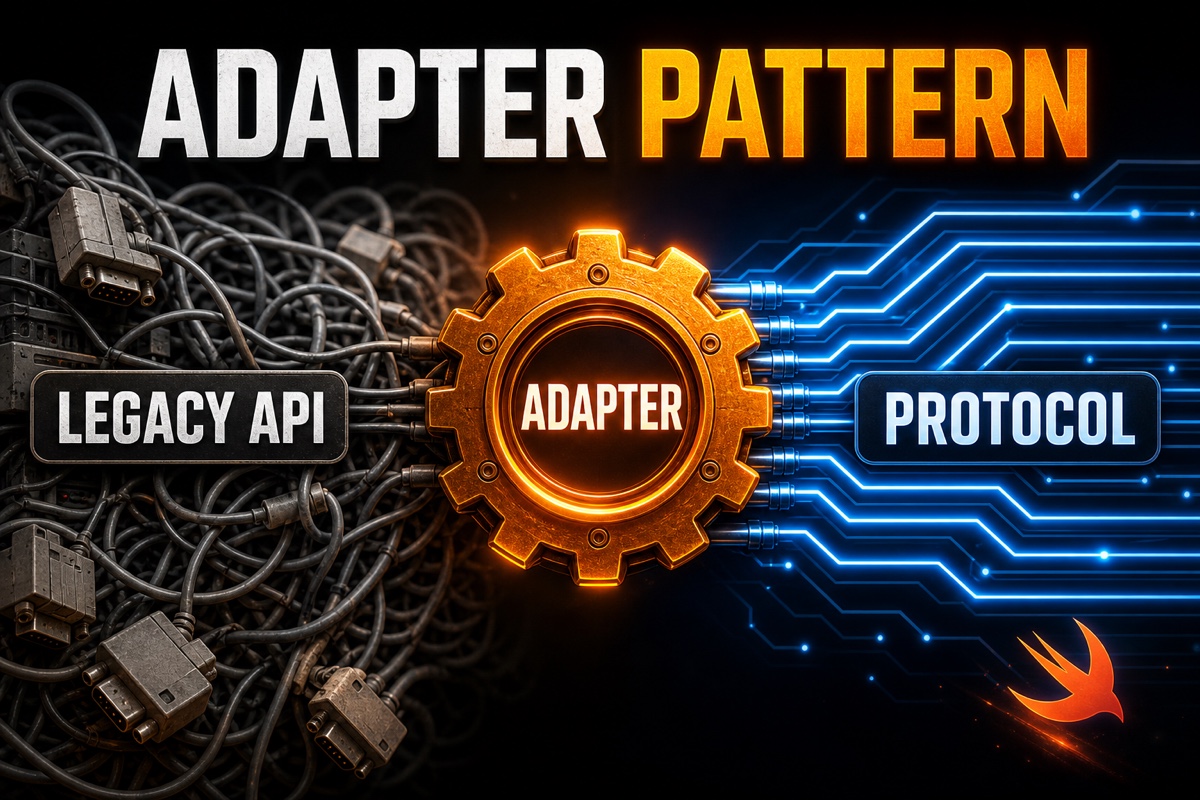
Have you ever been stuck with legacy API code you couldn’t delete but couldn’t comfortably keep using either?
It’s a common obstacle when connecting an old networking module to a new screen.
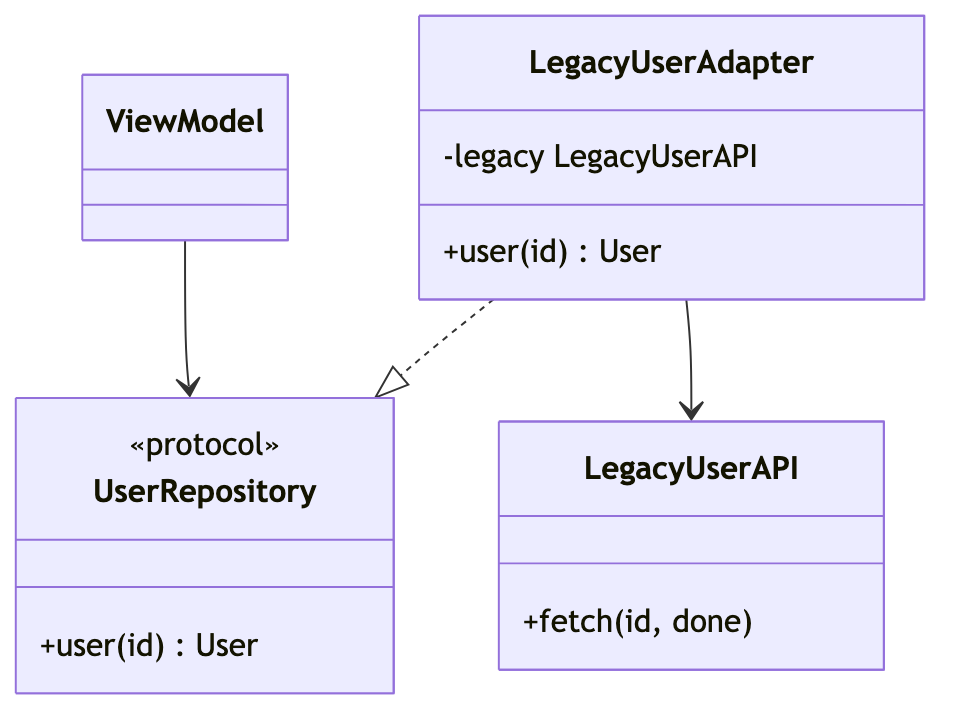
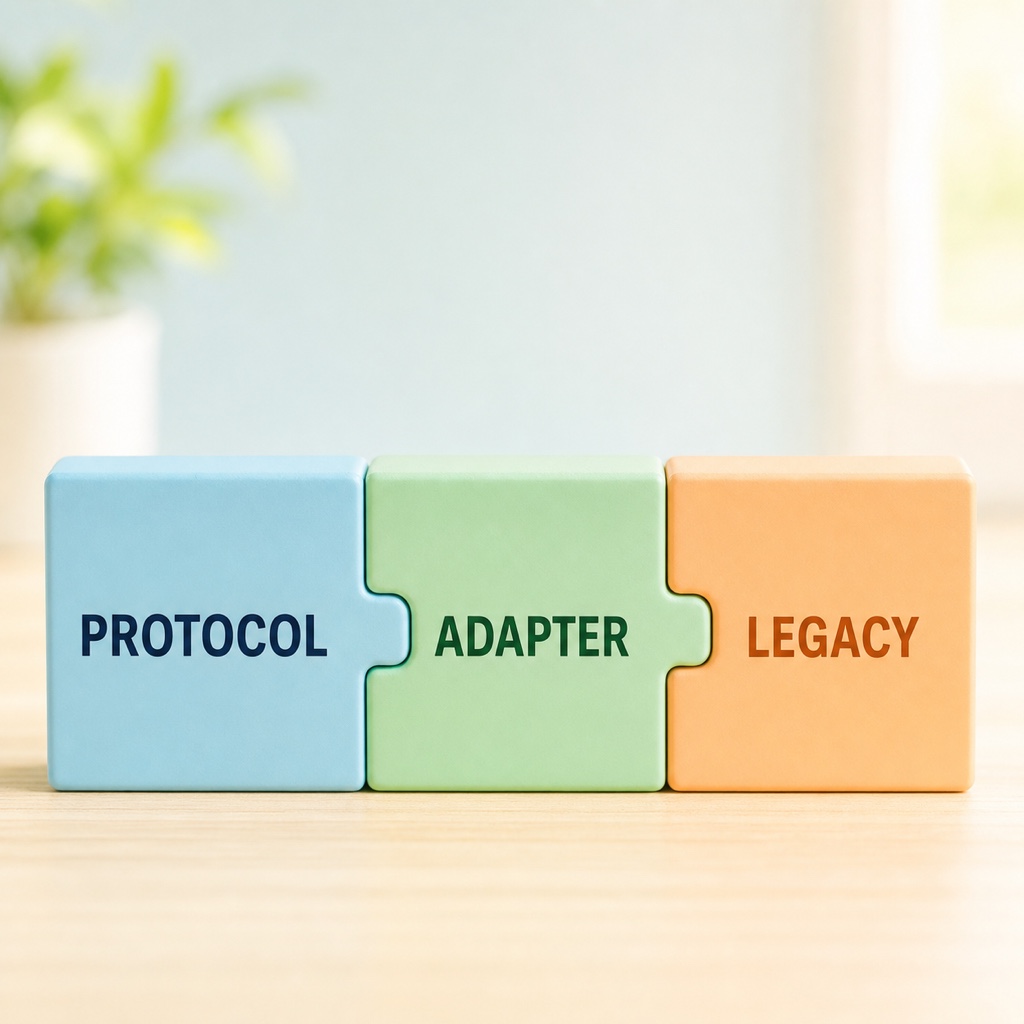
In short, the cleanest solution is to wrap the legacy API in a protocol (interface) and place an adapter between them.
The Adapter pattern inserts a “converter” between two incompatible interfaces.
If you confuse it with similar object-wrapping patterns such as Facade, Proxy, and Decorator, Comparing Four Wrapping Patterns helps you distinguish them by purpose.
Today, I’ll walk through how to apply this in Swift, following the process I experienced firsthand.
Three Things You’ll Learn
Here’s a quick summary for readers in a hurry.
- Define the shape new code wants as a protocol first
- Create an adapter type that converts the legacy API to that protocol
- Make screens and view models depend only on the protocol, not the legacy API
Following these three rules greatly reduces the scope of changes when you eventually replace the entire API.
After changing to this structure, I found writing tests much easier.
Why Do We Need the Swift Adapter Pattern?
Legacy APIs usually don’t have the shape we want.
They may be callback-based, have messy parameters, or return ambiguous types.
If new code bends around an outdated API, the entire codebase is shaken when that API finally disappears.
That’s why we place an adapter in between.
Suppose the old module looks something like this.
// A legacy API that's hard to touch API (Callback-based)
class LegacyUserAPI {
    func fetch(id: Int,
               done: @escaping (NSDictionary?) -> Void) {
        // An old network call...
    }
}
If you carry NSDictionary all the way into the screen, changing this API later means tearing apart the screen code too.
It’s clearly not something you want to attach directly.
How to Wrap a Legacy API in a Protocol (3 Steps)
The actual wrapping process is simpler than you might expect.
Step 1: Define the desired shape as a protocol.
First, write down the form that lets new code say, “This is how I want to call it.”
// The clean interface new code wants
protocol UserRepository {
    func user(id: Int) async throws -> User
}
I replaced callbacks with async/await and NSDictionary with a User type.
Step 2: Make the adapter conform the legacy API to this protocol.
Keep all messy conversions inside the adapter.
// An adapter that converts the legacy API to the new protocol
struct LegacyUserAdapter: UserRepository {
    let legacy = LegacyUserAPI()
    func user(id: Int) async throws -> User {
        try await withCheckedThrowingContinuation { cont in
            legacy.fetch(id: id) { dict in
                cont.resume(returning: User(dict))
            }
        }
    }
}
The withCheckedThrowingContinuation that changes callbacks into async plays the key role here.
Step 3: Make the screen depend only on the protocol.
The view model doesn’t need to know LegacyUserAPI. It only needs to know UserRepository.
This way, the legacy code appears in just one place: the adapter.

What Changes When You Use an Adapter? (Compared with Direct Calls)
Here’s a table comparing direct calls with the adapter approach.
| Item | Direct legacy call | Wrap with an adapter |
|---|---|---|
| Scope of changes when replacing the API | Entire screen | One adapter |
| Unit testing | Difficult | Easy with a mock |
| Readability of new code | Low | High |
| Initial effort | Low | Slightly higher |
It is true that the initial effort increases slightly.
But I didn’t consider this cost a waste at all.
When testing, you can inject a single fake object implementing UserRepository and verify screen logic without a network connection.
We were able to start development before the real API was even available.
Frequently Asked Questions (Q&A)
Q. Should the adapter be a struct or a class?
If it has no state, struct is sufficient.
If you need to retain the legacy object or share references, use class.
Q. How does the Adapter pattern differ from the Facade pattern?
The Adapter pattern aims to “make interfaces compatible.”
The Facade pattern aims to “present several complex things as one simple interface,” so the direction is somewhat different.
Q. How should I name the protocol?
Don’t follow the legacy name; name it for the role the new code needs.
For example, use UserRepository rather than LegacyUserAPI.
Don’t force yourself to delete the legacy code. Start by quietly isolating it with a protocol and an adapter.
Once the outdated code is confined to one place, the next refactoring becomes much easier. Try wrapping the messiest API in your project first.