
iOS developers encounter the delegate pattern constantly.
Whenever you work with UITableView or UITextField, you attach a delegate and may wonder: “Why a delegate? Why not just use a closure or notification?”
Learning the Observer pattern can make things even more confusing. Both notify you when something happens, so what exactly is the difference?
Let me give you the conclusion first.
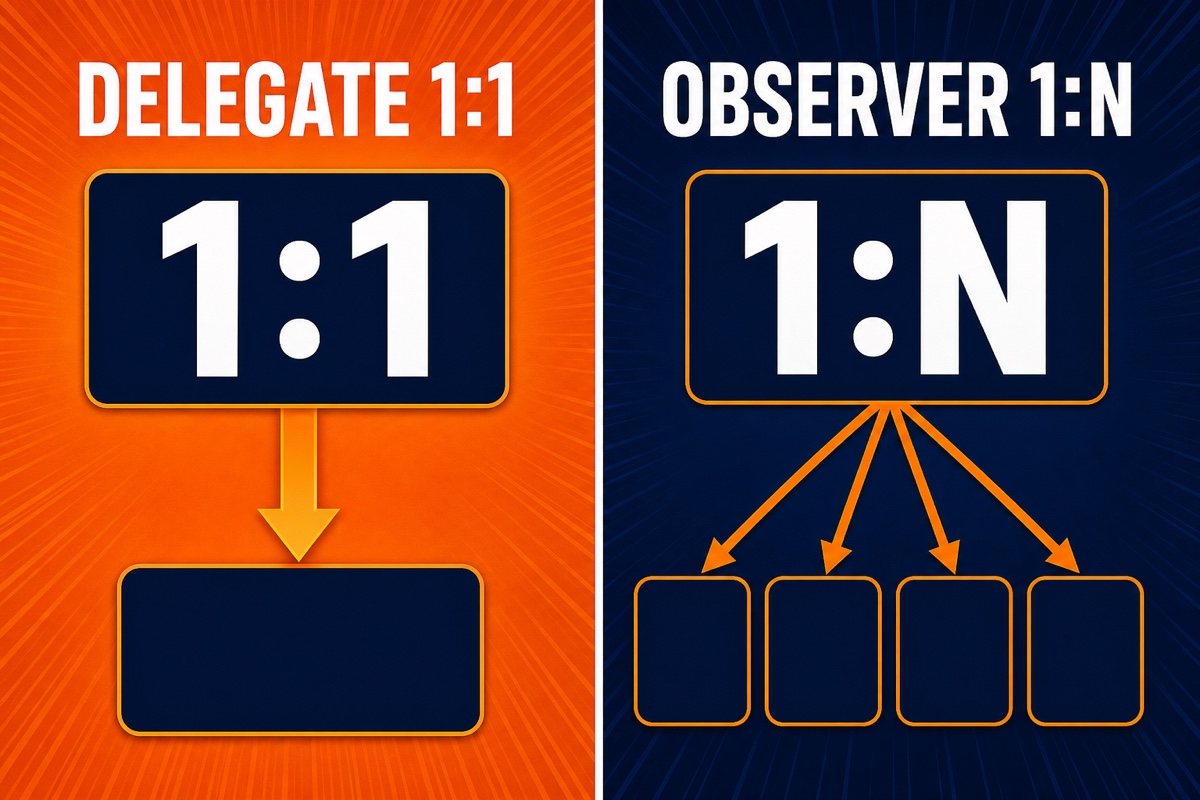
A delegate is 1:1 communication where one object delegates a task to exactly one recipient: “I’ll leave this to you.”
An observer is 1:N broadcasting, where multiple subscribers listen to a single event simultaneously.
Once you understand that one line, you’ve grasped half the topic. Today, we’ll clarify the difference with code.
What Is the Delegate Pattern?
Delegate means “delegation.”
You hand a task you would rather not handle yourself to one trusted object: “You decide this for me.”
Here’s a real-life analogy.
Suppose I want to reserve a restaurant but don’t want to call myself, so I ask an assistant: “Please make the reservation for me.”
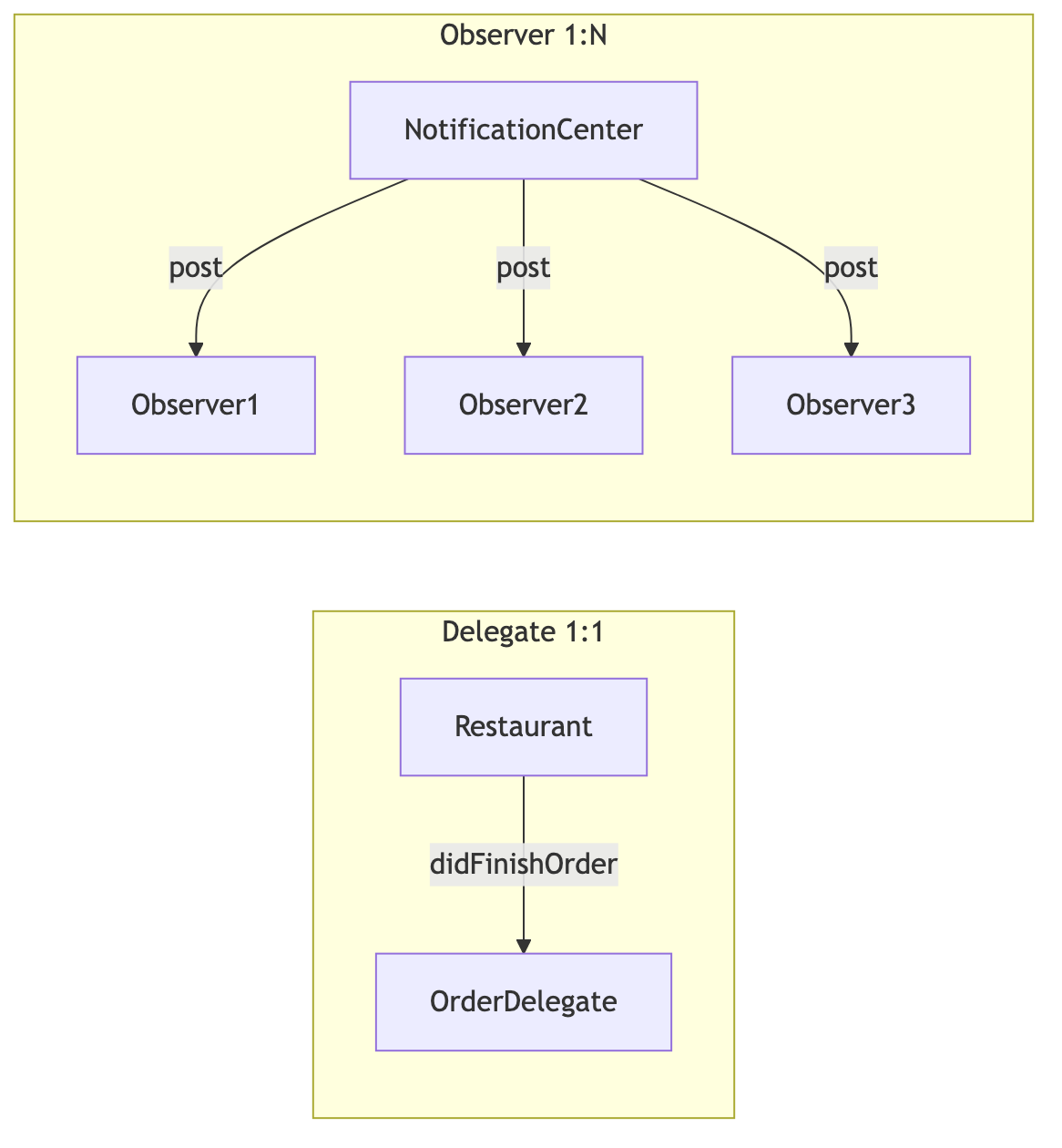
The assistant is the delegate. One person asks, and one person receives the request. Exactly 1:1.
In Swift, this relationship is defined with a protocol.
// Define delegated work in a protocol
protocol OrderDelegate: AnyObject {
    func didFinishOrder(_ menu: String)
}

class Restaurant {
    weak var delegate: OrderDelegate?  // Designate exactly one recipient
    func order(_ menu: String) {
        delegate?.didFinishOrder(menu)  // Notify only that recipient
    }
}
Notice that delegateis not an array but a single property.
Since the task is assigned to one object, it naturally holds only one. That’s why delegates are 1:1.
It also has weak. Because strong references can create a retain cycle and leak memory, delegates are conventionally weak references.
How Is It Different from the Observer Pattern?
An observer is exactly that: something that watches.
When an event occurs, a notification is sent all at once to multiple observers watching it.
Let’s continue the assistant analogy.
This time, I broadcast news of a restaurant opening to the neighborhood: “We’re opening this evening!”
There may be ten listeners or a hundred. I don’t care who is listening; I simply broadcast the message.
That’s 1:N broadcasting—the Observer pattern.
In iOS, NotificationCenteris the classic example.
// Event occurs → broadcast to everyone subscribed
NotificationCenter.default.post(name: .storeOpen, object: nil)

// Objects that care subscribe independently
NotificationCenter.default.addObserver(
    self, selector: #selector(handleOpen),
    name: .storeOpen, object: nil)
The sender doesn’t know who receives it. It simply attaches a name and sends it.
Recipients independently subscribe, possibly many of them.
They don’t need to know about each other, so coupling is low; the downside is that it’s hard to track who is currently listening.

Delegate vs Observer at a Glance
Words alone can be confusing, so I summarized it in a table.
| Category | Delegate | Observer |
|---|---|---|
| Communication | 1:1 (delegated to one) | 1:N (broadcast to many) |
| Know the other party? | They know each other clearly | They don’t need to know each other |
| Typical example | UITableViewDelegate | NotificationCenter |
| Response (return value) | Easy to receive | Hard to receive |
| Coupling | Relatively high | Low |
| Tracking/debugging | Easy | Relatively difficult |
The key question is: “Do you need a response back?”
With a delegate, ask “How tall should this cell be?” and the other side returns a value. It’s a two-way conversation.
An observer simply sends and finishes. The sender doesn’t care how anyone responds.
So When Should You Use Each?
These are the criteria I developed by using them in real projects.
When to use a delegate
- When you need to communicate with exactly one object
- When you need a value back (e.g., cell count or height)
- When the order and flow are clear, such as screen transitions
When to use an observer
- When multiple screens must react to one event simultaneously
- For app-wide events such as login-state changes or switching dark mode
- When the sender and recipients don’t need to know each other
For example, if the home screen, profile page, and top banner must all change after login succeeds, a delegate is insufficient.
Because delegation targets only one recipient, connecting it to all three makes the code messy.
In that case, broadcasting “You’re logged in!” once through an observer is much cleaner.
Conversely, a 1:1 event such as “The confirm button in the input field was tapped” calls for a delegate or closure.
Wrapping Up
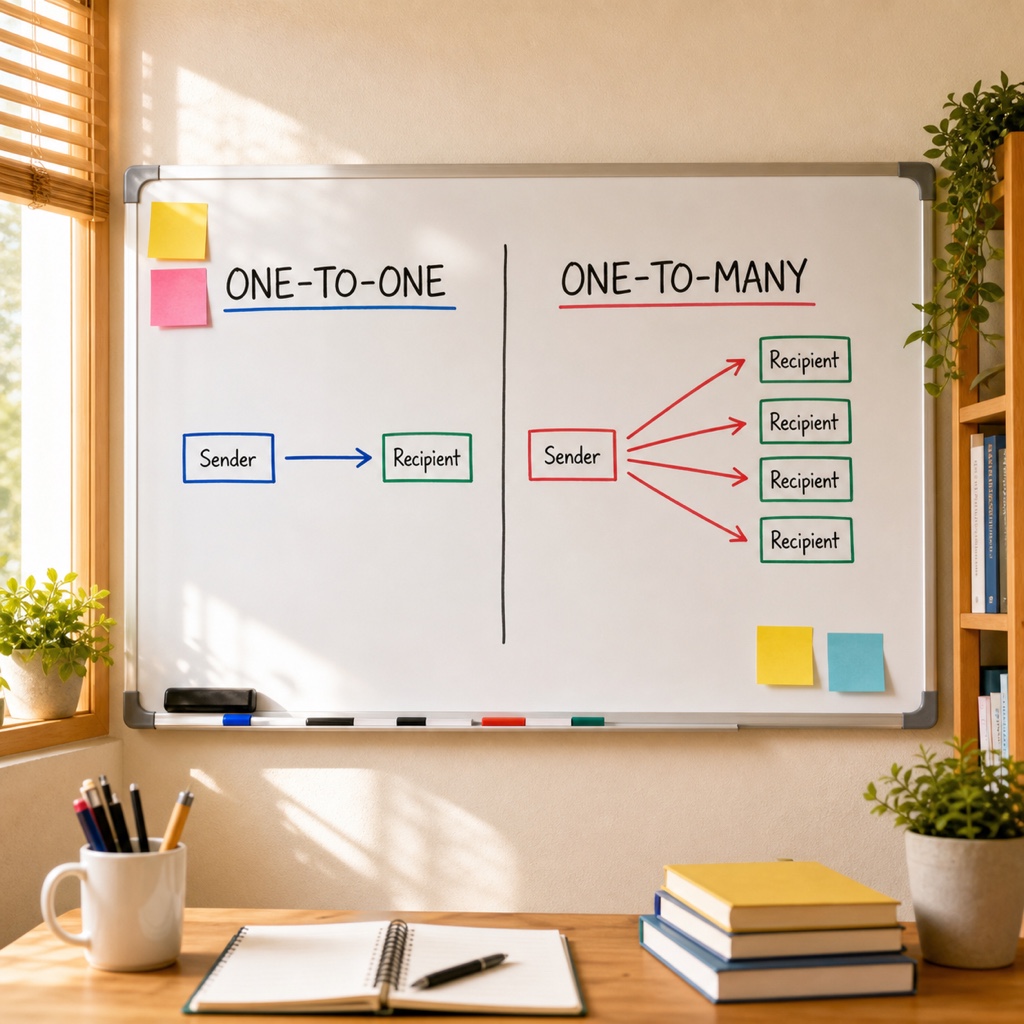
Even though they look similar, choosing becomes easy when you ask how many recipients need to be notified.
One recipient means delegate; multiple recipients mean observer. That single rule is enough to remember.
Try applying what you learned the next time you write code. Once something you knew only in theory becomes second nature, patterns become much easier. You’ve got this!