
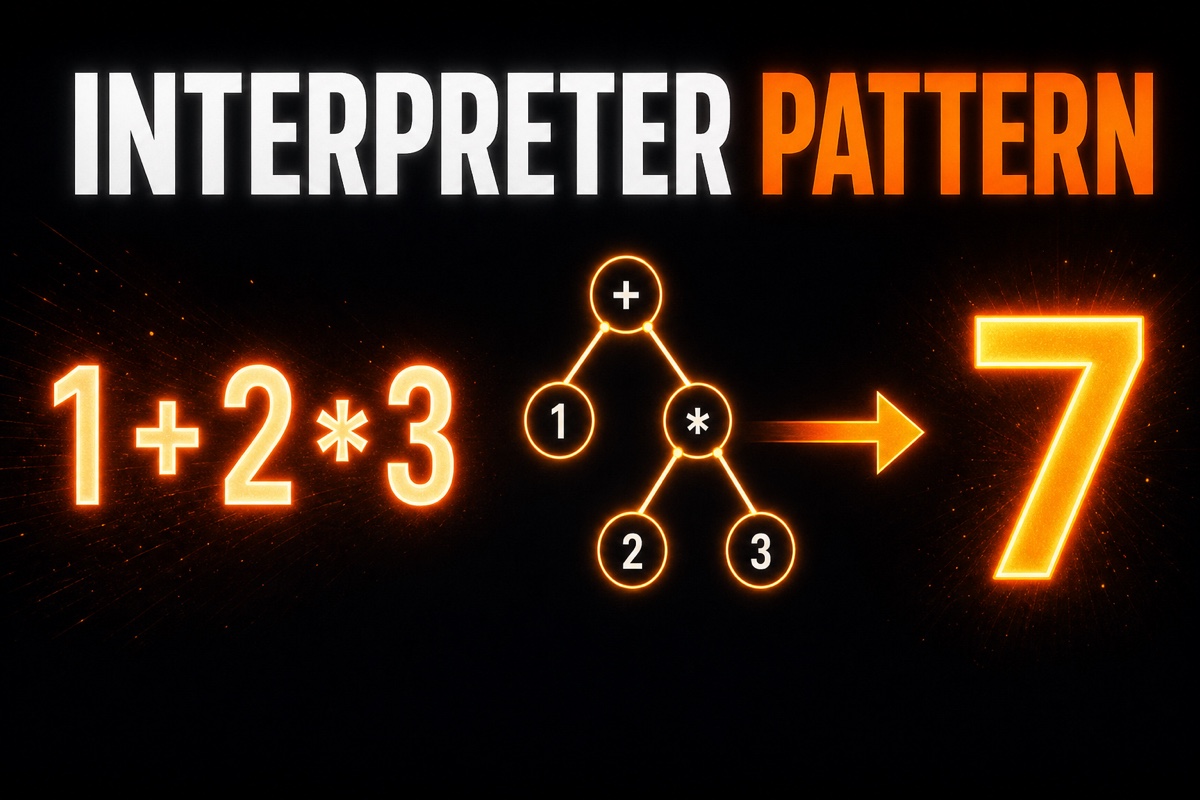
The Interpreter Pattern always appears near the end of design pattern books. It is easy to skip because you wonder, “When would I ever use this?”
While building a calculator app, I reached a point where I had to evaluate string expressions directly. That was exactly where the Interpreter Pattern fit.
In this article, we build a tiny language interpreter—a mini interpreter—in Swift. The goal is to read an expression such as 1 + 2 * 3 and produce the number 7.
Here is the conclusion first.
The Interpreter Pattern turns each grammar rule into a class (or enum), assembles them into a tree, then walks the tree recursively to obtain a result.
It sounds complicated, but the code is simpler than you might expect. Let’s build it together.
What Is the Interpreter Pattern?
The Interpreter Pattern is a way to create a “small language of your own” and express its interpretation rules in code.
The language here does not have to be elaborate. Any small expression with defined syntax qualifies, such as an equation, a search-filter condition, or a game-rule script.
There is just one core idea.
Turn each element of the grammar into an object, and give those objects an interpret() method that interprets themselves.
Consider the expression 1 + 2. It contains the numbers 1 and 2, plus the addition operator +.
A number interprets itself by saying, “I’ll just return my value,” while addition says, “I’ll interpret the left and right sides, then add them.”
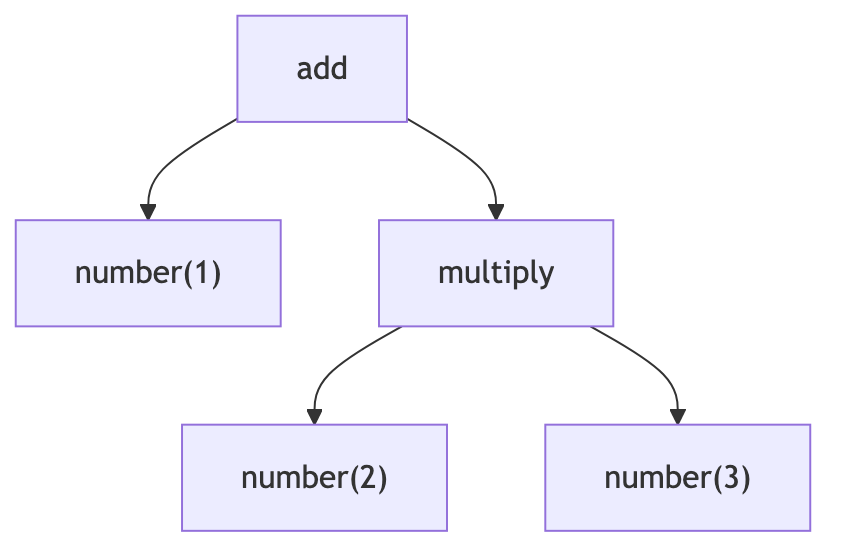
These small rules form a tree. Call the interpreter once at the root, and it traverses downward until the calculation is complete.
Designing an Expression Tree in Swift
In Swift, enums fit this pattern especially well. A recursive enum expresses a tree structure very cleanly.
I initially used protocols and classes, but switching to an enum cut the code in half.
First, define an enum representing expressions. We split it into a single number and cases that add or multiply two expressions.
Because this enum contains itself recursively, it needs the indirect keyword.
indirect enum Expr {
    case number(Double)        // Numeric literal
    case add(Expr, Expr)       // Addition
    case multiply(Expr, Expr)  // Multiplication
}
Now we create a function that interprets the tree. Recursively handling each case is the heart of the Interpreter Pattern.
The following function accepts an expression, calculates its actual numeric value, and returns it.
func interpret(_ expr: Expr) -> Double {
    switch expr {
    case .number(let value):
        return value
    case .add(let l, let r):
        return interpret(l) + interpret(r)
    case .multiply(let l, let r):
        return interpret(l) * interpret(r)
    }
}
At this point, we can assemble 1 + 2 * 3 into a tree and evaluate it.
If we manually build a tree like .add(.number(1), .multiply(.number(2), .number(3))) and pass it to interpret, the result is 7.
How Do You Turn a String Expression into a Tree?
One question may come up here: users enter a string such as "1 + 2 * 3", not a tree.
Converting this string into a tree is called parsing. The code that performs this task is a parser.
A parser is conventionally divided into two stages.
- Lexer: splits the string into tokens (for example,
1,+,2) - Parser: assembles tokens into a tree according to grammar rules
Implementing both stages properly would make this article too long, so we will focus only on the concepts here.
The key point is this: the Interpreter Pattern itself only handles interpreting the tree. Parsing the string into a tree is a separate task.
For learning, I recommend temporarily skipping the parser and completing the interpreter by building the tree manually. That makes the essence of the pattern much clearer.

Where Is It Actually Used?
Honestly, you rarely implement the Interpreter Pattern from scratch. For complex languages, using a well-established parser library is far better.
Still, understanding this pattern gives you a lot.
- You gain an intuition for how regex engines work internally
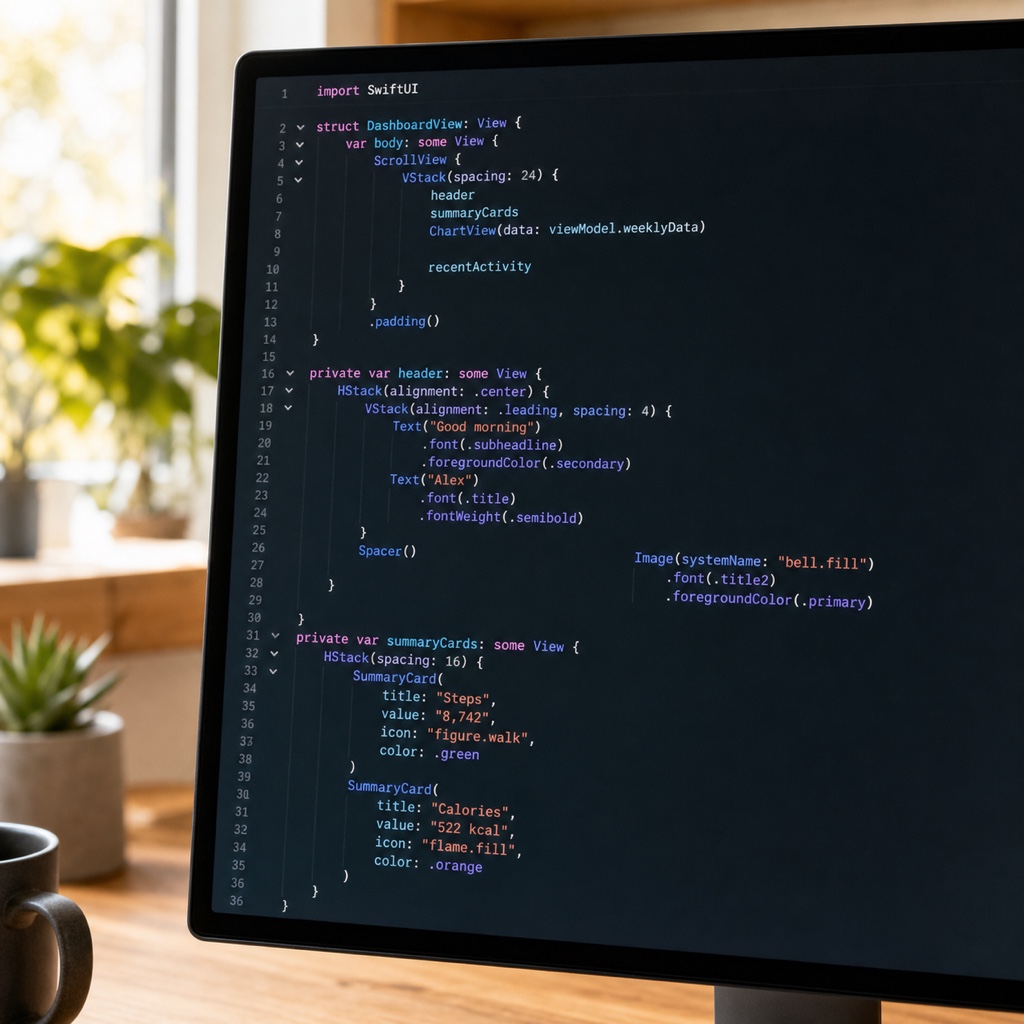
- You understand why SwiftUI’s declarative syntax has a tree structure
- You can apply it directly when building a small DSL (Domain-Specific Language), such as a search filter or expression evaluator
For simple, narrow grammars—such as calculators, condition filters, and game scripts—building one yourself can actually be cleaner.
After learning this pattern, I saw SwiftUI’s view structure completely differently. Each view was ultimately a node in a tree being interpreted.
Summary
Today, we explored the Interpreter Pattern by building a mini-language interpreter in Swift.
Build an expression tree with a recursive enum and interpret it recursively with the interpret function. That is all there is to it.
Even if it feels unfamiliar at first, calculating 1 + 2 * 3 yourself brings an “Ah, that’s it” moment. I encourage you to type out today’s code at least once.