
![Cover image for [Claude Code #14] claude -p headless: Piping AI into Unix workflows](/assets/images/posts/17e2516d-ee89-4bf8-a9c3-106a60196e91/claude-code-headless-pipeline.jpg)
If you use Claude Code only through its chat window, you are using only half of it. Add it to a terminal pipeline and it works like Unix tools such as grep or jq.
The key is the -p (or --print) flag. It processes one prompt without an interactive screen, prints only the result, and exits.
claude -p "auth Explain what this module does"If Claude Code Part 13 covered what happens inside a session, this time we will use it from outside the session.
Pipe input, receive output in a file
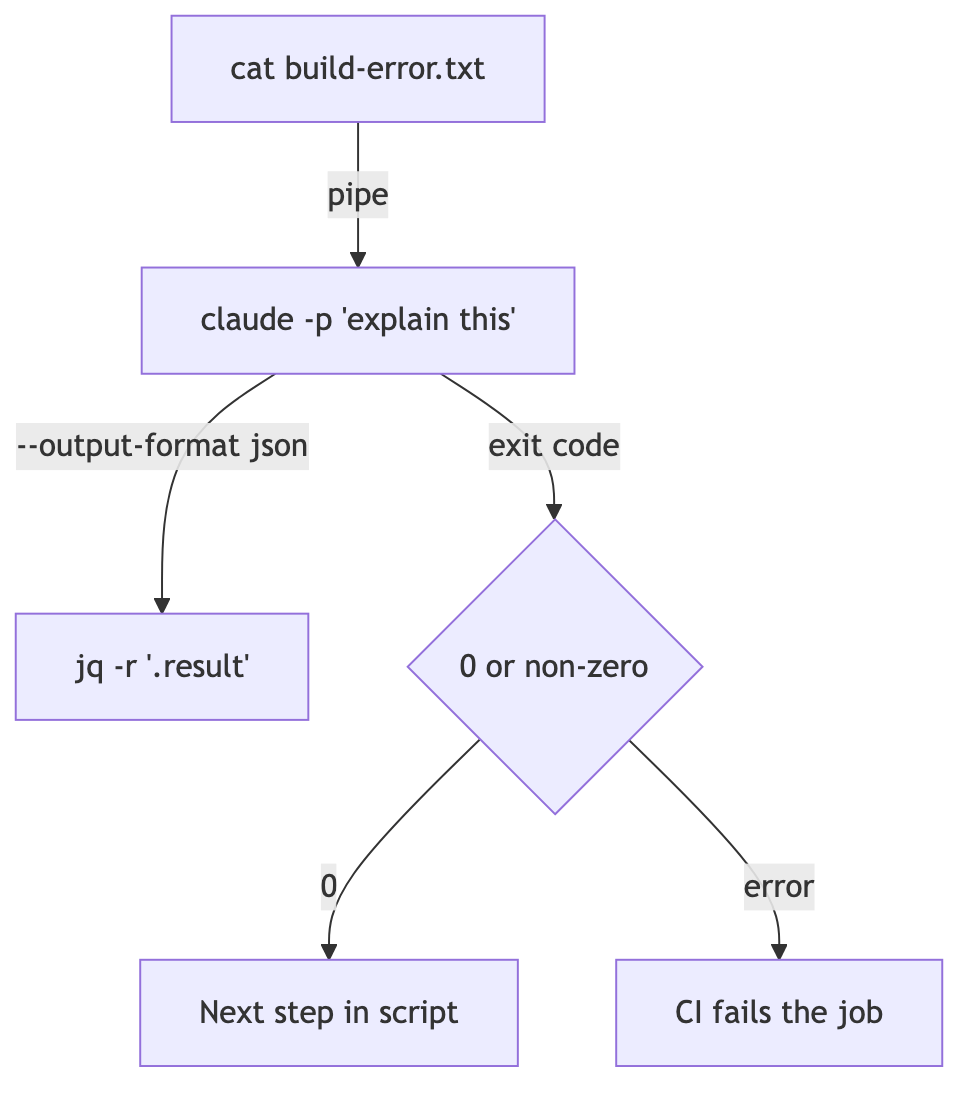
With Official documentation, the -p mode reads standard input. Pipe in data and redirect the result, just like any other CLI tool.
cat build-error.txt | claude -p 'Explain the root cause of this build error concisely' > output.txtWith Official documentation, success ends with exit code 0 and failure with a nonzero code, so scripts can branch accordingly. Piped input is limited to 10 MB; for larger input, put the file path in the prompt instead.
Adding it to package.json scripts lets you build a project-specific linter. For example, pipe in a diff and have it report only typos.
Receive JSON for programmatic consumption
Add --output-format json and the result is returned in a structured form with metadata such as the session ID and cost.
claude -p "Summarize this project" --output-format json | jq -r '.result'If you need output matching a specific schema, add --json-schema to --output-format json. The response arrives in the structured_output field as a validated structure.
For real-time streaming at token granularity, use the --output-format stream-json --verbose --include-partial-messages combination.
Permissions must be opened in advance
In -p mode, nobody is available to click an approval button. Allow the required tools in advance.
claude -p "Run the tests and fix any failures" --allowedTools "Bash,Read,Edit"--allowedTools uses the permission-rule syntax as is. You can narrow it down like Bash(git diff *). The space before the asterisk matters. Without it, the match extends through git diff-index.
Providing --permission-mode acceptEdits automatically approves file writes and common filesystem commands such as mkdir and mv. Other shell commands and network requests still require --allowedTools.
Continue a conversation
For work that does not finish in one call, continue the session.
claude -p "Review the performance problems in this codebase"
claude -p "Now DB focus on the query" --continue
When running several conversations in parallel, save the session_id from the JSON output and use --resume to resume a specific conversation.
In CI, –bare is the standard choice
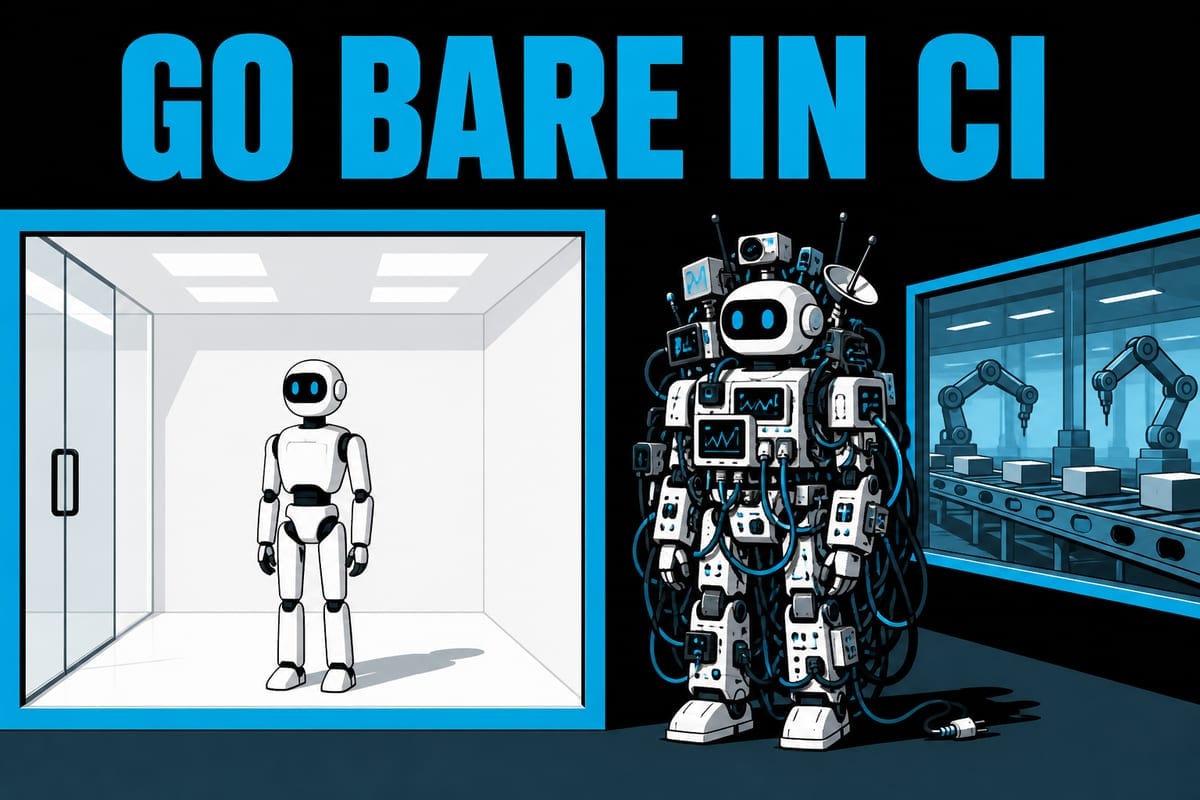
For scripts and CI, it is a good idea to use --bare as well. Skipping automatic loading of hooks, skills, plugins, MCP, and CLAUDE.md speeds startup and produces the same result on any machine.
There is also a security reason. An -p session cannot show the workspace trust prompt, so without --bare it will execute hooks and MCP servers from an unfamiliar repository as well. The official documentation explicitly recommends --bare for script calls. It also says that -p is planned to become the default in the future.
In --bare, remember that you must use the ANTHROPIC_API_KEY environment variable instead of subscription login.
Summary
claude -p turns Claude Code into a Unix tool. Pipe input in, receive JSON, and branch on the exit code.
Open permissions in advance with --allowedTools, and run deterministically and safely in CI with --bare.
In the next part, we will return to the interactive screen and cover ! shell mode and special inputs and shortcuts such as Ctrl+O.
Sources and verification criteria
- Official Claude Code documentation — Run Claude Code programmatically (Anthropic, checked 2026-08-14)
Continue reading
Claude Code series
- Previous part: [Claude Code #2] /plan planning mode: agree on the design before making changes
- Previous part: [Claude Code #1] /init: Get started with automatic CLAUDE.md generation