
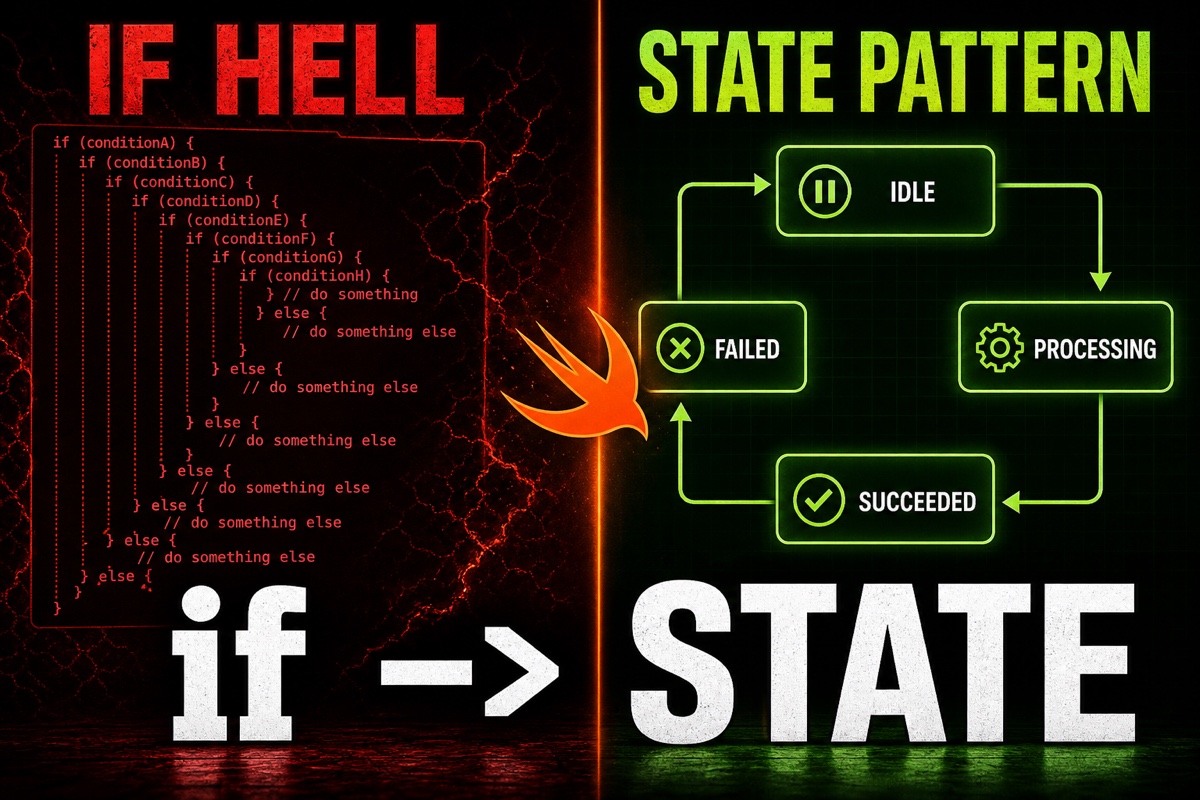
Have you ever opened if and changed ten if statements just to update one screen state?
When loading, success, and failure are all handled with if isLoading and else if hasError, the code quickly becomes unmanageable.
Today, I’ll walk through, based on real experience, how to organize if-statement hell into state objects with Swift’s State Pattern.
The core idea is simple: the State Pattern means separating each state into its own object (or enum) and putting transition logic inside that object. Conditional branches then stay in one place instead of spreading across the codebase.
The difference from the nearly identical Strategy Pattern is who drives the change. Strategy Pattern vs. State Pattern helps distinguish external selection from internal state transitions first.
What you’ll learn
- Why if-statement hell happens
- Two ways to split states into objects in Swift
- When to use enums versus protocols
- A practical refactoring sequence
Why does if-statement hell happen?
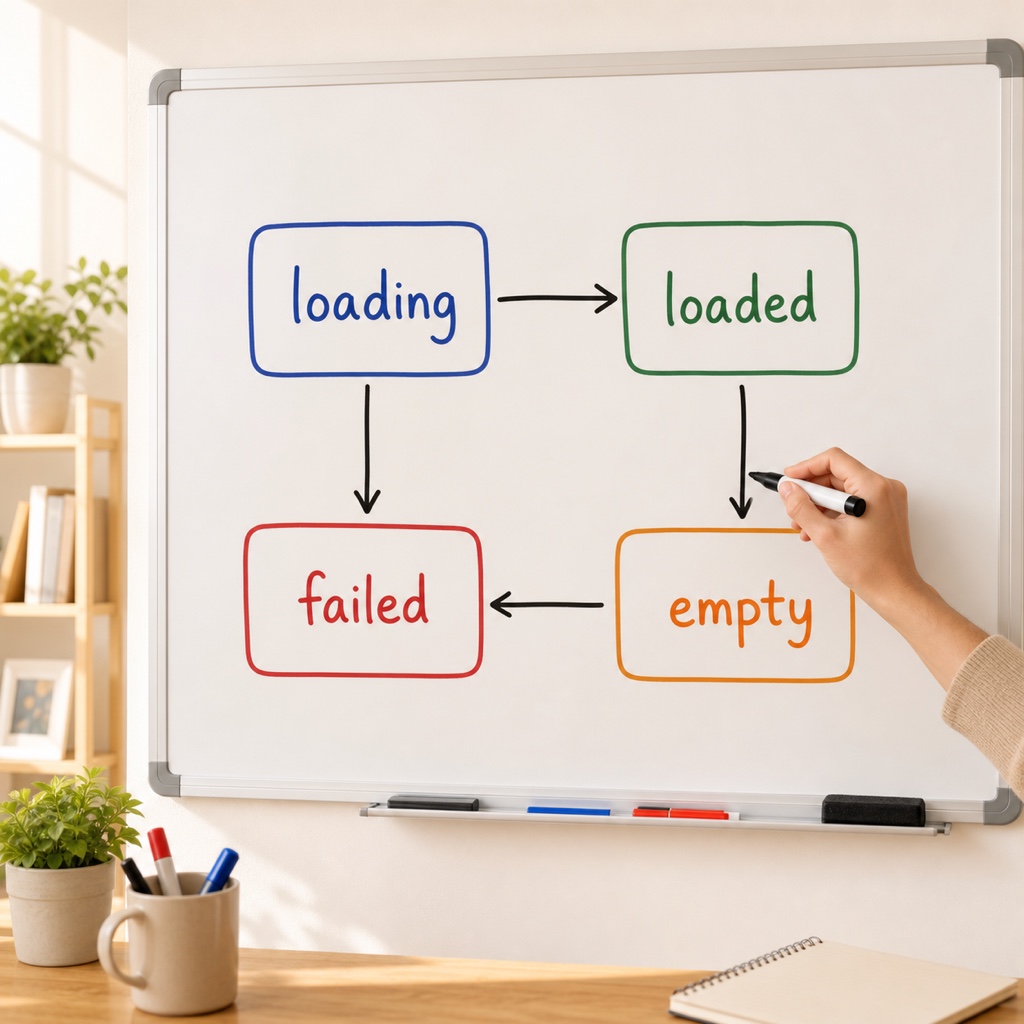
At first, with only a couple of states, if seems sufficient. But as requirements grow, the list expands to five or six: loading, success, failure, empty, retrying, and so on.
The problem is that these state combinations are scattered across multiple methods. They repeat in button-enablement logic as if, screen updates as if, and network callbacks as if. Adding one state means finding and updating every if block; miss one and it immediately becomes a bug.
When states are scattered, bugs hide. When states are consolidated, bugs surface.
The State Pattern is designed to prevent exactly this kind of scattering.
How to split states into objects in Swift (enum approach)
The lightest way to start is enum. You define states as values and can store required data with associated values. Here is an example representing screen states with an enum.
enum ViewState {
    case loading
    case loaded(items: [String]) // Include data on success
    case failed(message: String) // Include the failure reason
    case empty
}
Now screen updates are handled with switch once. Associated values prevent ambiguous states such as “success with nil data” from existing in the first place.
switch state {
case .loading:      showSpinner()
case .loaded(let items): render(items)
case .failed(let msg):   showError(msg)
case .empty:        showEmptyView()
}
For most screen states, I find the enum approach sufficient. switch catches missing cases at compile time, making state additions much safer.

enum vs. protocol: when should you use each?
When each state has substantially different behavior and transitions are complex, the protocol approach is better. Each state becomes a type that returns the next state itself. The differences are summarized below.
| Category | enum approach | protocol approach |
|---|---|---|
| Best suited for | States are data-centered | Each state behaves differently |
| Adding a state | Add a case | Add a type |
| Transition logic | switch externally | Encapsulated inside state objects |
| Learning curve | Low | Somewhat higher |
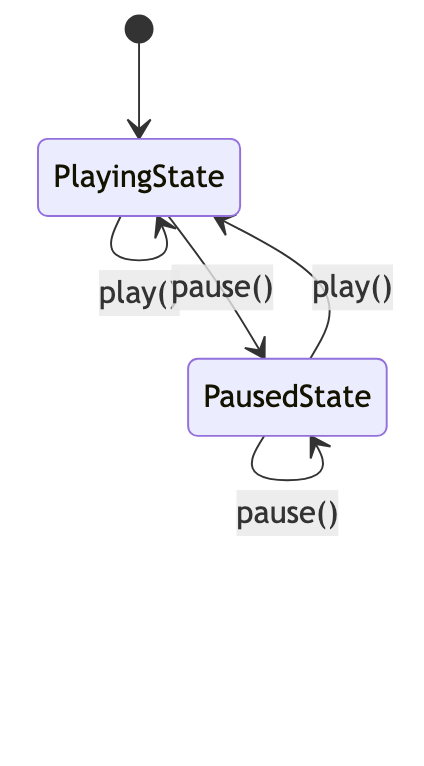
The key to the protocol approach is that each object owns its state transitions.
protocol PlayerState {
    func play() -> PlayerState  // Return the next state
    func pause() -> PlayerState
}

struct PlayingState: PlayerState {
    func play() -> PlayerState { self }        // Stay unchanged if already playing
    func pause() -> PlayerState { PausedState() } // Transition to paused
}
Rules such as “What happens if pause is pressed while playing?” exist only inside that state. Branches disappear, and each state only needs to know its own rules.
Try this order for practical refactoring
Trying to change everything at once can feel overwhelming. I migrated gradually in the following order.
- Write down the list of states actually represented by the scattered
if - Define those states in a single enum
- Replace the screen-update code with
switchfirst - Eliminate impossible state combinations, such as loading and error occurring simultaneously, with the enum
- Promote only the parts with complex transition rules to protocols
The point is to start with an enum and promote it to a protocol only when needed. Overdesigning with protocols from the beginning can make the code heavier.
Frequently asked questions (Q&A)
Q. Should I use the pattern even if there are only three states?
Not necessarily. However, if states are scattered across multiple methods, consolidating them in an enum is worthwhile regardless of the count.
Q. Can I use this with SwiftUI?
Yes. It works very well when you keep the state as @Published var state: ViewState and branch in the view with switch.
Q. Doesn’t an enum become messy when it has too many associated values?
Once there are more than three associated values, I recommend grouping them in a separate struct and storing them like case loaded(Result).
It may feel unfamiliar at first, but once you learn how to consolidate states into objects, you won’t want to return to the old code. Start by organizing one small screen with an enum. You’ll escape if-statement hell sooner than expected. You’ve got this!