
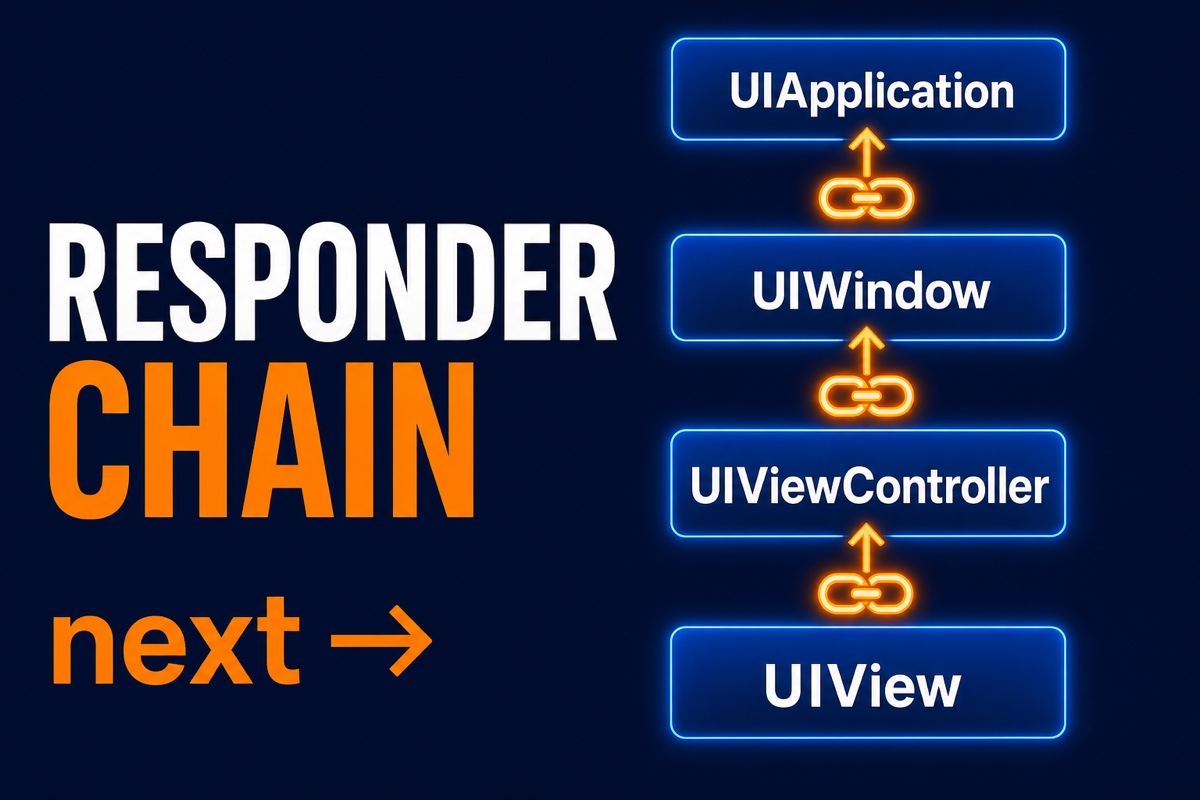
When building an iOS app with Swift, you may have wondered why this view controller receives an event after you tap a button.
When you trace where and how touch events travel through the screen, you find the Chain of Responsibility Pattern underneath.
In short, the UIResponder chain is a representative example of Apple implementing the Chain of Responsibility, one of the GoF design patterns, at the framework level. Responders pass responsibility to the next responder until they find an object that can handle the event.
This article examines the code to explain what the Chain of Responsibility is, how the UIResponder chain actually works, and how understanding it helps in day-to-day development.
Key takeaways first
- The Chain of Responsibility is a design pattern in which multiple objects pass a request along like a chain until they find one that can handle it.
- iOS’s UIResponder chain is this pattern implemented at the framework level.
- A touch event travels from the UIView to its superviews, view controller, window, and application.
- The next property points to the next link in the chain; if nobody handles the event, it is simply discarded.
What is the Chain of Responsibility Pattern?
The Chain of Responsibility is a behavioral pattern that loosely decouples the sender of a request from its handler.
A simple analogy is submitting an approval request at a company. If an assistant manager can handle it, it stops there; otherwise it moves to a manager, then to a senior manager if necessary.
The sender does not need to know who gives the final approval. It just passes the request to the first link, and the chain carries it forward.
The key is that each handler only needs to know two things: whether it can handle the request and who the next object is if it cannot.
A very simple Swift version looks like this.
class Handler {
    var next: Handler?  // Next link in the chain
    func handle(_ request: Int) {
        // Pass responsibility to the next object if unable to handle it
        next?.handle(request)
    }
}
This structure, where one next property links the chain and an unhandled request is passed to next, is built directly into UIResponder.
How does the UIResponder chain work?
In iOS, every object that can receive events such as touch, motion, or remote-control events inherits from UIResponder. UIView, UIViewController, UIWindow, and UIApplication are all UIResponder subclasses.
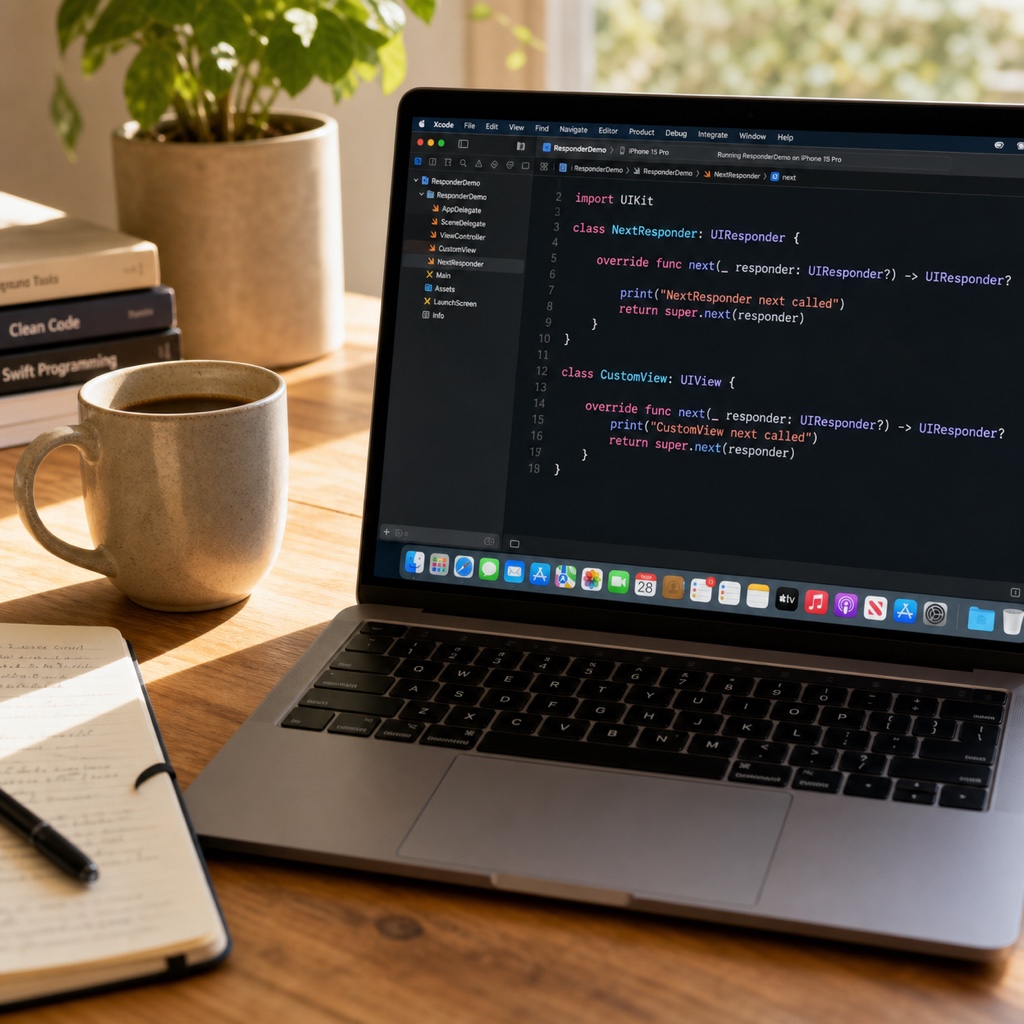
That is why each of these objects has one property whose exact name is next. It is defined on UIResponder.
// UIResponderProperty defined on
var next: UIResponder? { get }
When the user touches the screen, the system first finds the innermost view that was touched. This is called hit-testing, and it determines the first responder candidate.
If that view does not handle the event, the system follows next upward. The order is roughly as follows.
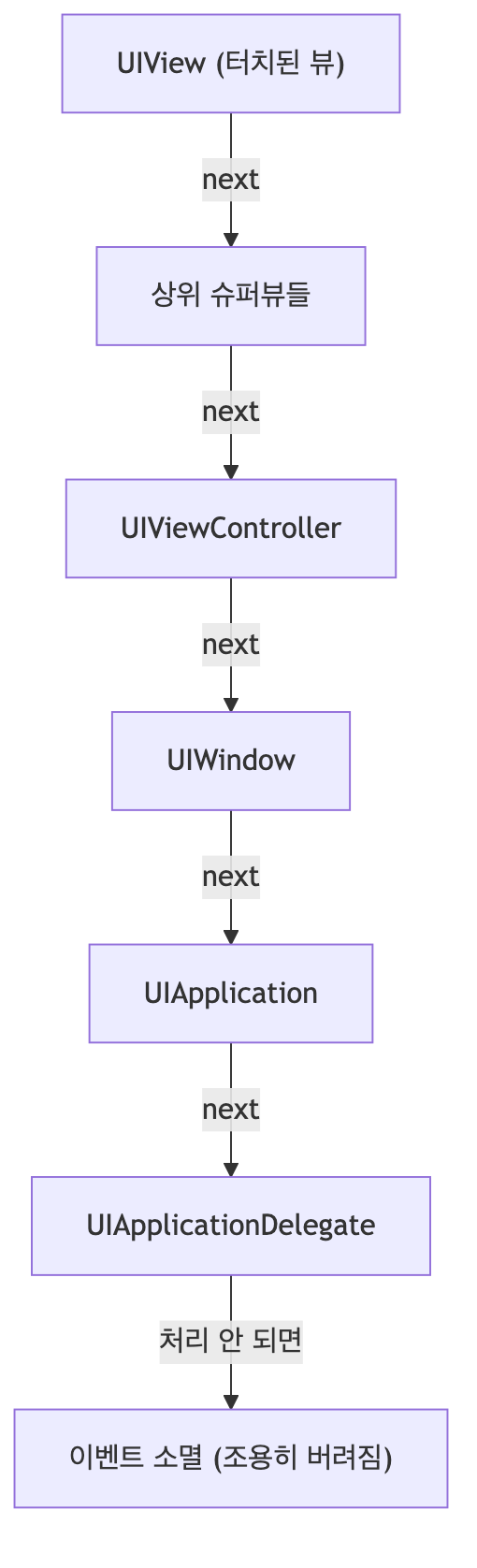
- UIView (the touched view)
- Its superviews
- The UIViewController managing the view
- UIWindow
- UIApplication
- UIApplicationDelegate
If nobody handles the event after the chain is traversed, it is quietly discarded. The app does not crash or report an error; the event is simply ignored.
An interesting detail is that a view’s next is not always its superview.
If the view is a view controller’s root view, next is the view controller rather than a superview.
How does this help in practice?
Honestly, your app runs fine without knowing this internal structure at first. But debugging becomes noticeably different once you understand it.
Here is one issue I encountered: a tap gesture was not working in a custom view.
By tracing the responders in order, I quickly found that the chain stopped because isUserInteractionEnabled was false on a superview.
Custom event propagation is another useful application. You can define messages that travel up the UIResponder chain and deliver an action from a deeply nested view to an ancestor view controller without delegates.
The endEditing(true) method commonly used to dismiss the keyboard also uses this chain. It finds the first responder and calls resignFirstResponder.
In summary, understanding the UIResponder chain lets you logically trace where an event stopped and design upward event propagation without overusing delegates.
Frequently asked questions
Q. Are the first responder and the responder chain different? A. The first responder is one object eligible to receive an event first, while the responder chain is the entire chain extending upward from that first responder.
Q. Does next always point to a superview? A. No. A regular view points to its superview, but a view controller’s root view has the view controller as its next.
The name Chain of Responsibility may sound difficult, but it comes down to one simple rule: if you cannot handle it, pass it to the next object. I hope this article helped you understand the hidden framework of iOS known as the UIResponder chain. When you encounter an event bug, follow this chain one link at a time.