
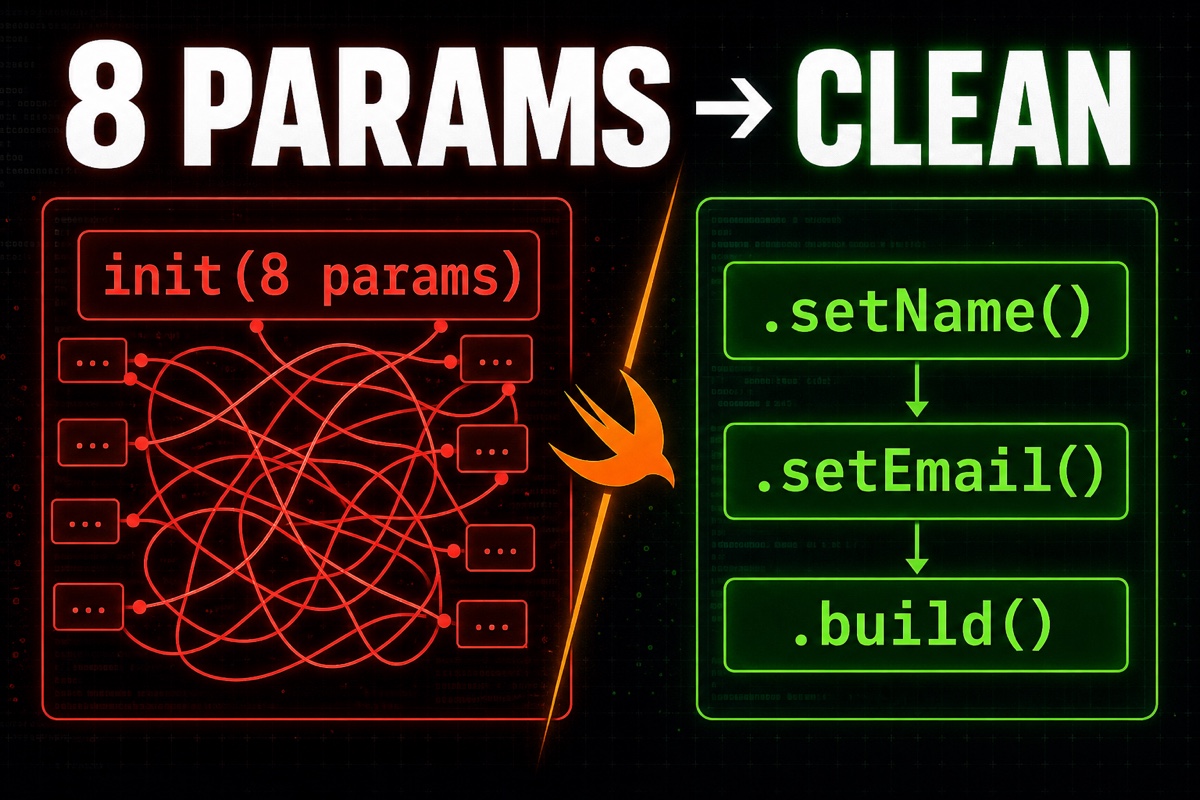
When building an app with Swift, your initialization code eventually starts looking like this.
User(name:age:email:phone:address:isVerified:profileURL:createdAt:)
Eight parameters inside the parentheses.
Looking at the call site, you end up counting each value to figure out which one is email and which is phone.
It is common even in side projects, but the Swift Builder Pattern solves it cleanly.
In short, initialization with many parameters becomes much easier to read when the Builder Pattern lets you set them one per line. You no longer need to memorize the order or awkwardly fill unused values with nil.
Here is a quick summary of what you will take away from this article.
- Why an init with 8 parameters invites mistakes
- How the Builder Pattern solves this
- What the code looks like in Swift
- When to use this pattern and when to avoid it
Why Is an init with 8 Parameters Hell?
There is usually no real problem when you have three or four parameters.
The trouble starts as the number grows.
First, you can get the order wrong. If you pass phone where email belongs and both are String, the compiler will not catch it.
Second, optional values become messy. You have to fill even values you are not using right now with nil, nil, nil.
Third, the call site gets so long that it is hard to see at a glance what object you are creating.
The more parameters there are, the more init becomes a test sheet full of blanks to fill in—and the more blanks there are, the more mistakes follow.
A bug caused by swapping phone and profileURL can consume more than a day. When the types match, these mistakes are extremely hard to notice.
What Is the Builder Pattern?
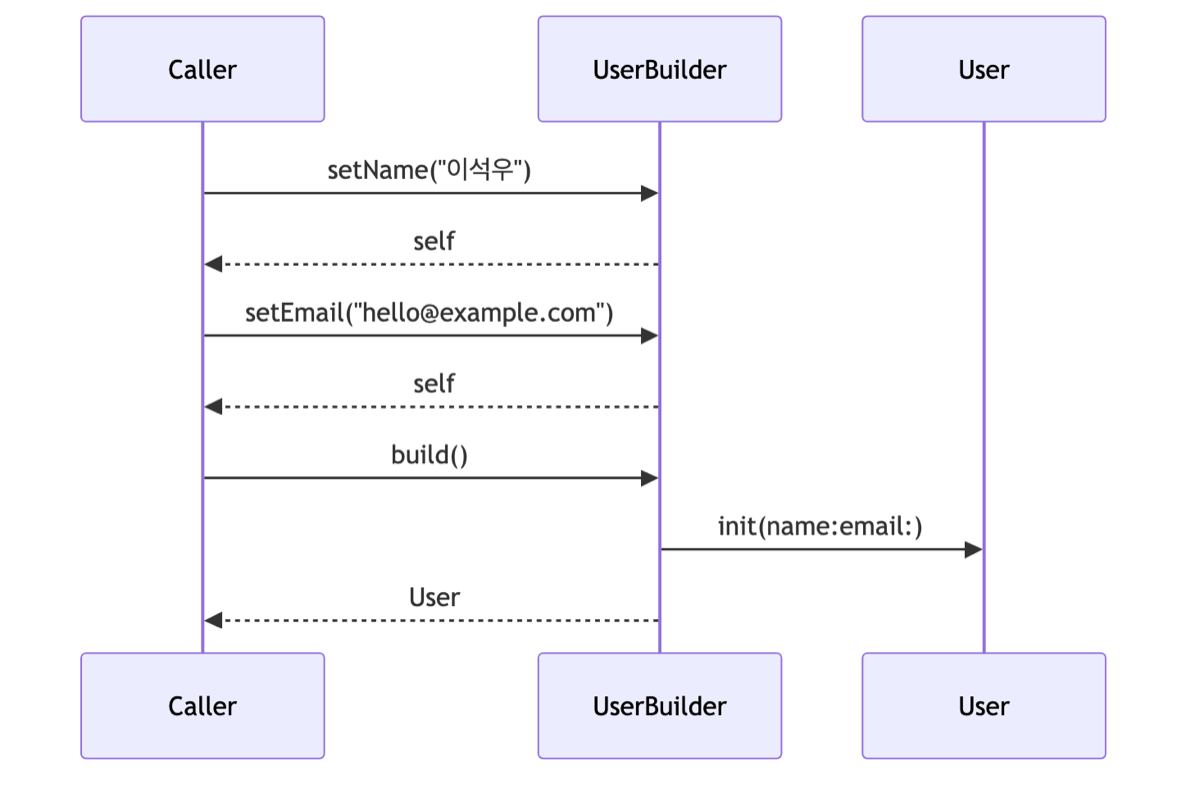
The Builder Pattern creates a complex object by filling in values one at a time and finishing it at the end, instead of creating everything at once.
Rather than passing every value during initialization, you select and set only what you need, then receive the final object through a method such as build().
Think of ordering at a restaurant. Instead of calling out all the ingredients at once, you say, “Whole-wheat bread, extra cheese, no sauce,” item by item.
If a method that sets a key value returns itself, you can chain calls together with dots. The following is the simplest form of a builder.
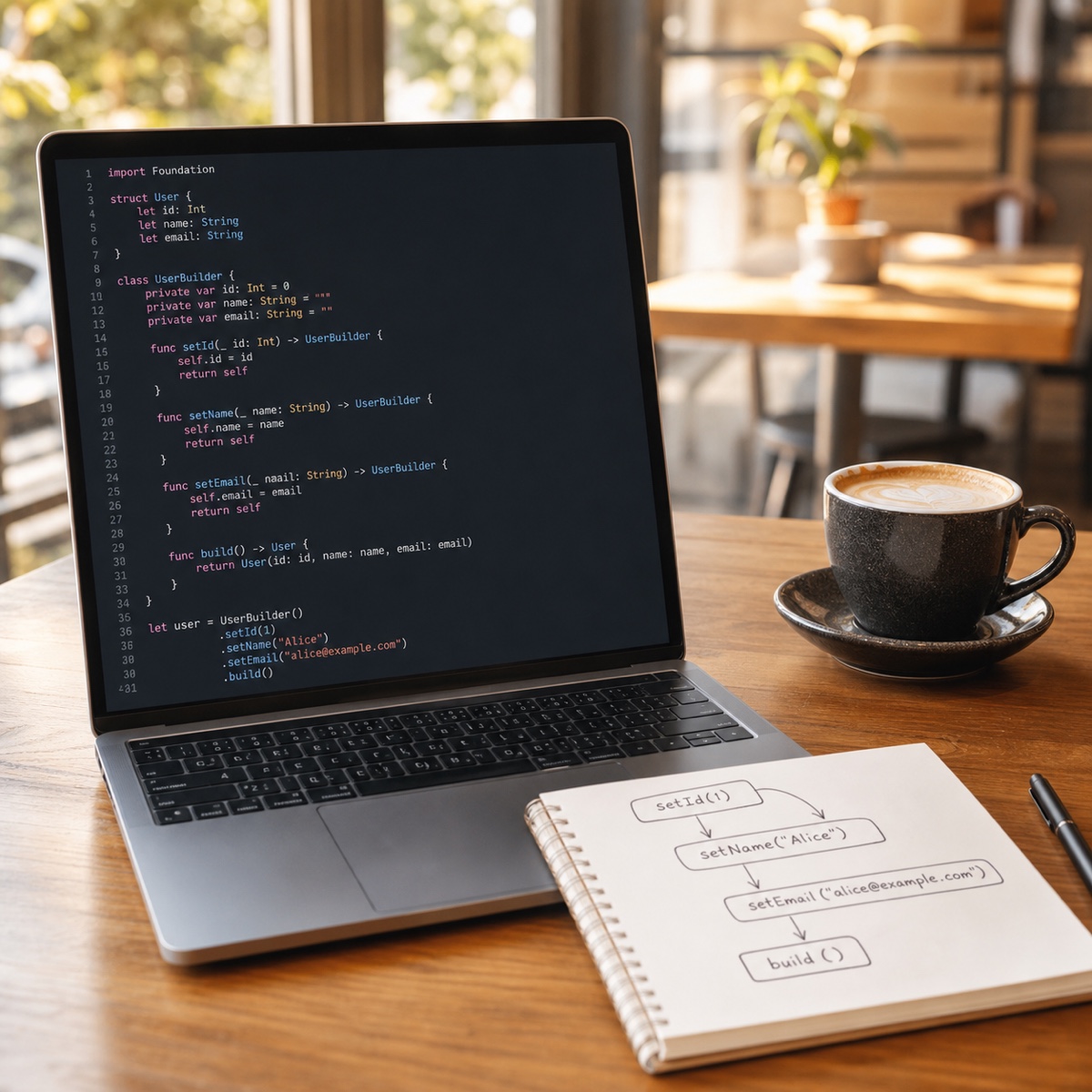
final class UserBuilder {
    private var name = ""
    private var email: String?
    // Set a value and selfreturn it to enable chaining
    func setName(_ v: String) -> Self { name = v; return self }
    func setEmail(_ v: String) -> Self { email = v; return self }
    func build() -> User { User(name: name, email: email) }
}
Because the setter returns Self, you can chain calls like .setName(...).setEmail(...).
How Do You Use the Builder Pattern in Swift?
You are probably most curious about how the actual call site changes.
Using the builder we created above, the object creation code changes like this.
// Set only the values you need, with labels and no concern about order
let user = UserBuilder()
    .setName("Seokwoo Lee")
    .setEmail("[email protected]")
    .build()
// No need to fill unused values with nil
As you can see, there is no need to worry about order. The method name acts as a label, structurally preventing mistakes such as passing phone where email belongs.
For unused values, you simply do not call the method.
In Swift, builders are often implemented with a struct instead of a class, or configured inside one block by passing a closure. Choose the approach that fits your project style.
When to Use the Builder Pattern—and When to Avoid It
Adding it everywhere just because it looks useful only makes the code longer.
I summarized my criteria in a table (based on my personal project experience as of 2026).
| Situation | Recommendation |
|---|---|
| 5 or more parameters, many optional values | Builder Pattern |
| Several parameters with the same type | Builder Pattern |
| 2–3 parameters, all required | Regular init |
| Simple, fixed values | Regular init |
In summary, if there are few parameters and all are required, there is no real reason to create a builder.
Conversely, for a large object with optional values mixed in, a builder is definitely more convenient.
Q. Does creating a builder add even more code?
That is true. The builder class itself adds code. But if the object is created in several places, cleaner call sites provide a greater benefit.
Q. Swift has default parameters. Can’t I just use those?
For three or four parameters, default parameters alone are enough. The Builder Pattern shines when there are many parameters and many possible combinations.
If an init with 8 parameters has been stressing you out, try applying the Builder Pattern right there. You do not need to rewrite everything; starting with the most complex object keeps the effort manageable. Happy coding!