
Mastering Swift resultBuilder: How the Builder Pattern Evolved into Language Syntax
Did you have this thought when you first saw SwiftUI?
“Wait, how can simply listing multiple views inside VStack { Text("A"); Text("B") } work?”
It looks like magic at first. There are no semicolons, commas, or return, yet everything is assembled automatically.
That magic is Swift resultBuilder, which we’ll explore today.
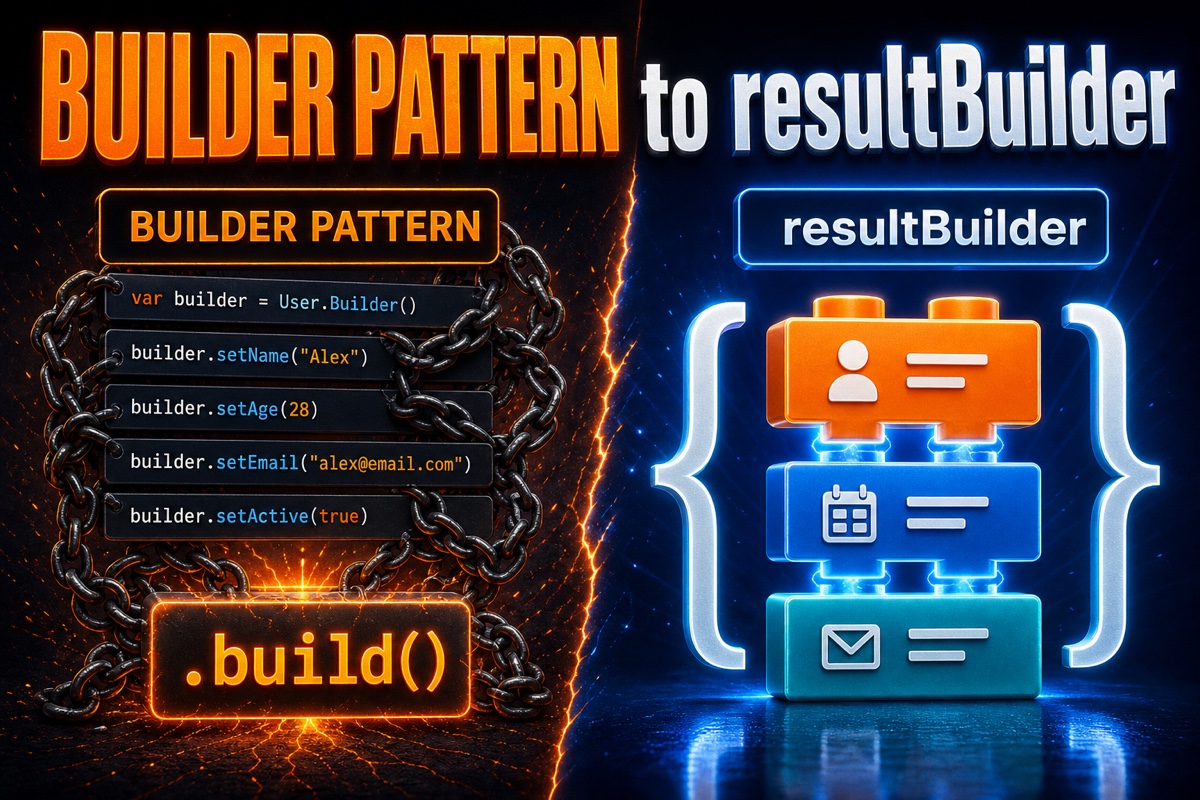
In short, resultBuilder brings the Builder Pattern we used to implement manually as a language feature, so the compiler writes it for us. It replaces repetitive step-by-step object assembly with a single brace-block syntax.
What Was the Builder Pattern Again?
Let’s briefly recall the traditional Builder Pattern.
The Builder Pattern creates a complex object by attaching components one at a time instead of constructing everything at once.
let request = URLRequestBuilder()
    .setURL("https://naver.com")
    .setMethod("GET")
    .addHeader("Accept", "application/json")
    .build()
You assemble it by chaining methods like this.
It’s easy to read, but there are drawbacks. You must manually create the Builder class every time, and forgetting build() leaves the object incomplete.
In other words, the developer had to manage the assembly logic directly.
resultBuilder hands this exact responsibility to the compiler.
How Does resultBuilder Work?
The core idea is simple.
The compiler passes the values listed inside a brace block into predefined rule functions one by one, combining them into a single final result.
Those rule functions are static methods such as buildBlock.
For example, let’s build a very simple builder that collects strings.
@resultBuilder
struct StringBuilder {
    static func buildBlock(_ parts: String...) -> String {
        parts.joined(separator: " ")
    }
}

@StringBuilder
func greeting() -> String {
    "Hello"
    "resultBuilder"
    "this is"
}
// Result: "Hello resultBuilder this is"
Inside the greeting() function, we simply listed three strings on separate lines, right?
The compiler replaced those three lines with a buildBlock("안녕하세요", "resultBuilder", "입니다") call.

The syntax effectively wrote the assembly code we used to write by hand.
How Are Conditionals and Loops Handled?
Sometimes you want to use if or for inside a block, as you often do in SwiftUI.
For this, resultBuilder provides additional rule methods.
Here are the main methods in a table.
| Method | When is it called? |
|---|---|
buildBlock |
When combining multiple values in a block into one |
buildOptional |
When only if exists and else does not |
buildEither(first:) / buildEither(second:) |
When handling the if-else branch |
buildArray |
When collecting repeated for results |
buildExpression |
When transforming each line’s expression first |
The methods you implement determine which syntax the builder allows.
Without implementing buildOptional, you cannot use if inside the block.
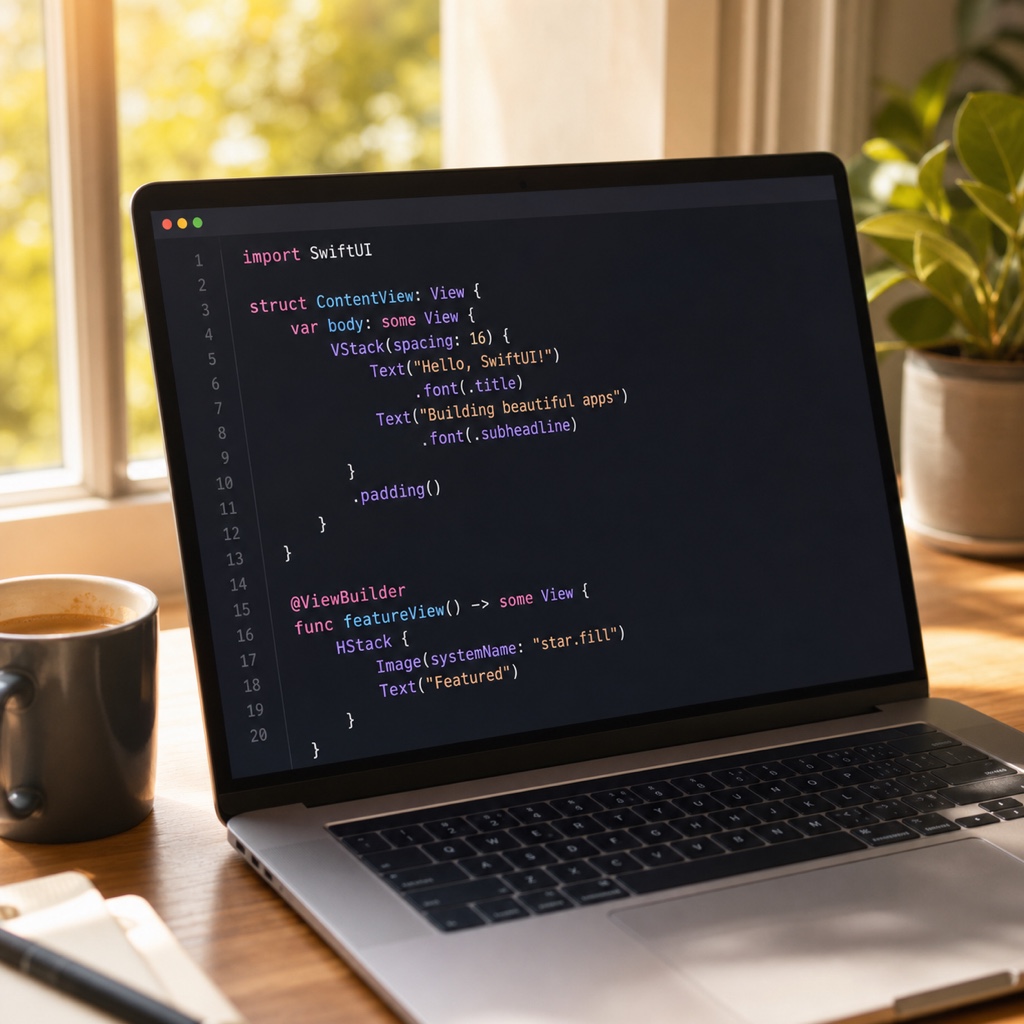
That’s why SwiftUI’s @ViewBuilder implements nearly all of these methods. As a result, both conditionals and loops work naturally inside view blocks.
What I Liked and What to Watch Out for in Practice
I’ve used resultBuilder for small HTML generators and test-data construction.
What I liked most was that the call site becomes declarative and clean. Since the assembly process is hidden, readers can focus on “what to build.”
However, there are clear caveats.
- Compiler error messages are often unhelpful. If types don’t match inside a block, the error may point to a completely unrelated location.
- Overuse can make things worse. If you only need to create a simple array, an array literal is better.
- During debugging, it can be difficult to determine which
build...method was actually called.
So I recommend using it only for structures assembled repeatedly, such as a DSL (Domain-Specific Language). SwiftUI, server routing definitions, and query builders are good examples.
One practical tip: in iOS development, it’s usually more important to understand and use @ViewBuilder well than to create @resultBuilder yourself.

Wrapping Up
To summarize, resultBuilder is an evolved form of the Builder Pattern that the language has absorbed from the code we used to write by hand.
Once you understand that the compiler assembles whatever you list inside braces, SwiftUI’s design will start to make sense naturally.
Try typing today’s example code yourself. It sticks much faster than simply reading it.