
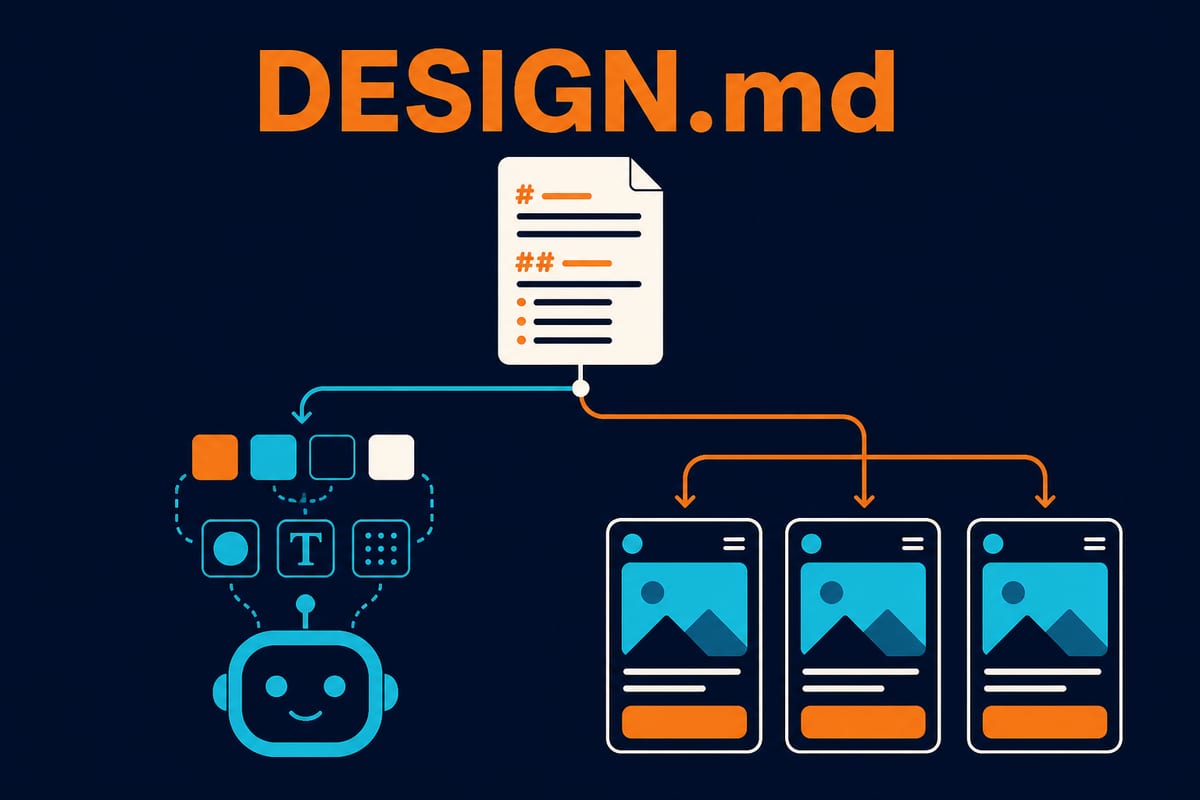
If you have used an AI agent to build a UI, you have probably seen this. Yesterday’s screen had blue buttons with rounded corners; today’s screen, created in a new session, has a purple gradient and angular buttons. It is the same project, yet each screen is turning into a different brand. So you keep copying into every prompt: “Our brand color is #2563EB, the corner radius is 8px, and…”
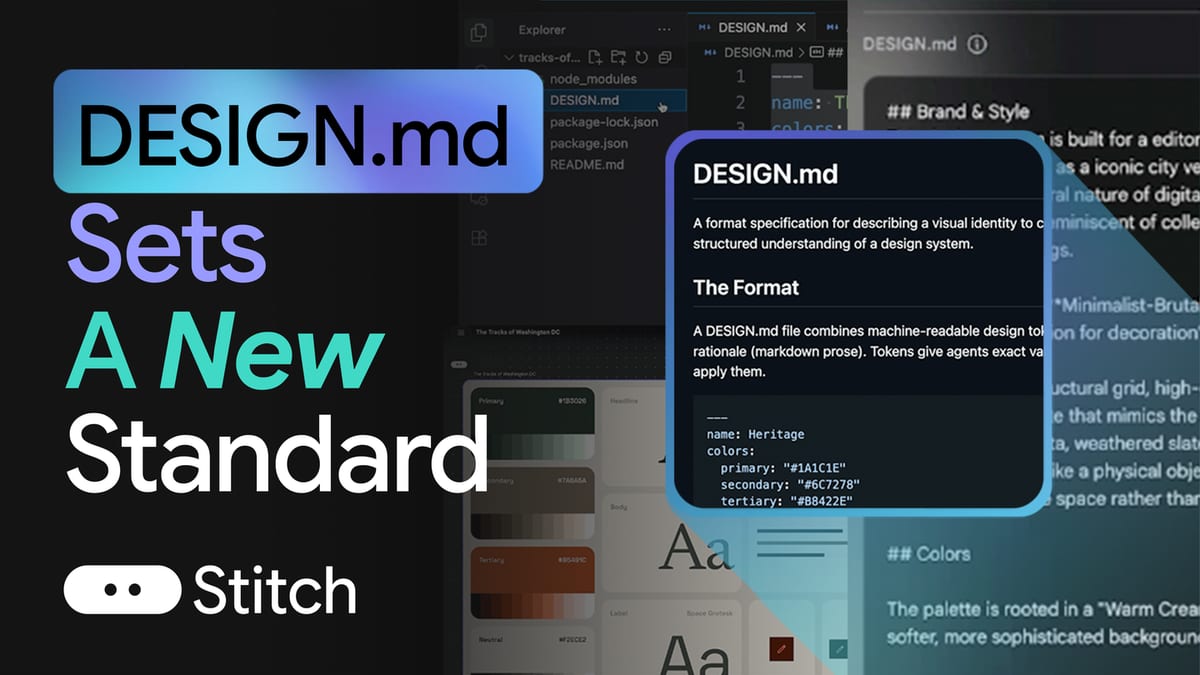
DESIGN.md is a file convention aimed at this problem. Google Labs open-sourced the format used by its AI UI design tool Stitch on April 21, 2026 (Google’s official announcement). In one sentence, it is “a format specification for explaining visual identity to coding agents”. Put one Markdown file in the project repository and have the agent read it whenever it builds UI.
Why a file instead of a prompt
The weakness of putting brand rules in prompts is their volatility. They disappear when a session ends, and each teammate ends up carrying a different version of the rules. A file committed to the repository is different.
- It is version-controlled. Changes to design rules remain in Git history and become subject to PR review.
- It lives alongside the code. The design rules are right where the agent reads the code, so they enter its context without another tool or link.
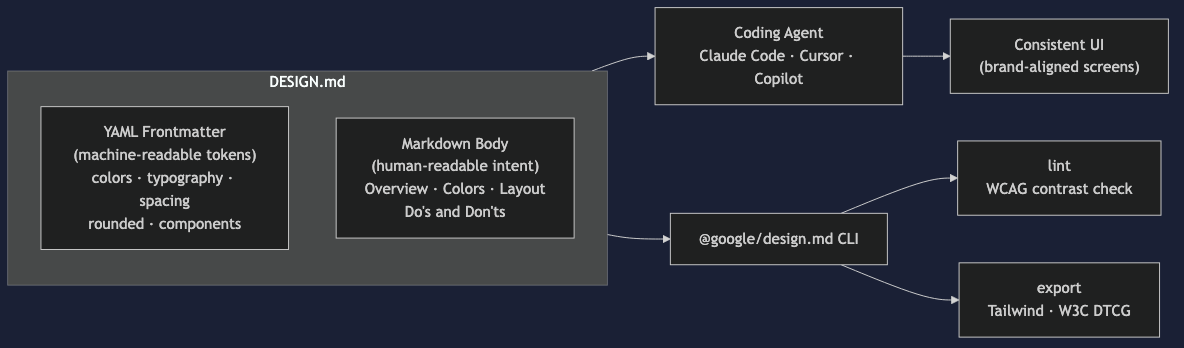
- It is tool-agnostic. Because it is plain text, any agent—including Claude Code, Cursor, and Copilot—can read it.
The idea itself is familiar. CLAUDE.md and AGENTS.md already work on the same principle by giving agents behavioral rules. DESIGN.md extends that convention to design systems. CLAUDE.md says “how to work in this project,” while DESIGN.md says “how this product should look.” Why should CLAUDE.md be short? covers designing always-loaded context in detail.
One point is easy to confuse. In a spec-driven development workflow, the technical design document named design.md is created in the order requirements.md → design.md → tasks.md. It only shares a name with the DESIGN.md discussed here, which is a design-system file, not an architecture document.
File structure: machine-readable tokens + human-readable prose
According to Official specification, DESIGN.md has two parts: machine-readable design tokens in YAML front matter at the top, and human-readable design intent in the Markdown body below.
---
name: My Product
version: alpha
colors:
  primary: "#2563EB"
  surface: "#FFFFFF"
  onSurface: "#0F172A"
typography:
  headline:
    fontFamily: Pretendard
    fontSize: 28px
    fontWeight: 700
spacing:
  sm: 8px
  md: 16px
rounded:
  card: 12px
components:
  button:
    backgroundColor: "{colors.primary}"
    rounded: 8px
---

## Overview
A calm, trustworthy financial service. Prioritize clarity of information over flashy decoration.

## Colors
primaryshould be used sparingly and only for calls to action. Keep the screen’s 80%in the surface family.
...
This reveals the core design. Tokens are the rules; prose provides the context. A value such as colors.primary: "#2563EB" is the answer the agent must follow as-is. The prose “Use primary sparingly and only for calls to action” gives it grounds for deciding when and where to use that value. Give it only color codes and it paints them everywhere; give it only an atmosphere and it chooses colors arbitrarily. That is why both are combined in one file.
Here are a few rules defined by the specification.
- In the front matter,
nameis required, and colors must define at leastprimary. - Tokens are connected with path references such as
{colors.primary}. If a button background references primary, changing primary once propagates throughout. - The body defines eight sections: Overview, Colors, Typography, Layout, Elevation & Depth, Shapes, Components, and Do’s and Don’ts. All are optional, but included sections must follow this order.
- Areas intentionally left out can be listed in the
omittedfield with a reason. This lets the agent distinguish “not documented” from “deliberately omitted.”
Why include validation tools?
The format specification was released together with Official CLI tool (@google/design.md, under the Apache-2.0 license). There are four commands.
| Command | What it does |
|---|---|
lint |
Validate file structure + token references + WCAG contrast ratios |
diff |
Compare two versions and report token-level changes |
export |
Convert tokens to a Tailwind configuration or W3C DTCG format |
spec |
Output the full specification—for injecting into an agent prompt |
lint is the interesting part. It converts color values to sRGB internally and checks WCAG (Web Content Accessibility Guidelines) contrast ratios. Even if an agent creates a color combination that “looks plausible,” the tool mechanically rejects it when it fails accessibility criteria. In other words, design-rule compliance can be verified in CI instead of relying on the agent’s diligence—a point Google also emphasizes in its public documentation. Using the wording of Official announcement, the goal is to let agents “know exactly what colors are for and validate their choices against WCAG accessibility rules” instead of guessing.
Being able to generate a Tailwind configuration with export also matters in practice. It enables DESIGN.md to serve as the single source of truth, with the actual CSS configuration derived from it.
How to use it in practice
There are two ways to get started.
Generate it in Stitch. Create a design in Stitch and export it as a DESIGN.md file. Design a few screens, extract their visual language into a file, then hand it to your coding agent.
Write it by hand. Because it is ordinary Markdown, you can write it directly in an editor. If your team already has organized design tokens, move the existing tokens into the front matter and move the “why” from the design guide into the body sections.
Once the file exists, place it at the repository root and make the agent reference it. One caution: unlike CLAUDE.md, DESIGN.md is not a file that the agent automaticallyloads into the session. Since this is a new convention still in alpha, it is safer to add a line to CLAUDE.md or AGENTS.md such as “Read DESIGN.md first and follow its tokens when working on UI.” There is no need for the entire design system to consume context in sessions without UI work, so reading it only when needed is also better for context costs.
Limitations and outlook
There are also points to assess realistically.
It is still in alpha. The version value of Specification itself is “alpha,” and the field structure is still a draft that may change. If you adopt it now, be prepared to follow specification changes.
Agent compliance is still probabilistic. No matter how precisely you write the tokens, you cannot guarantee that the agent will follow them exactly. Ultimately, this is an LLM following instructions—the same reason CLAUDE.md instructions are sometimes ignored. That is why deterministic validation tools such as lint were released alongside it. In practice, treat “instruct with a file + validate in CI” as one package.
Its coverage is still narrow. The current specification focuses on color, typography, spacing, corners, and components. Areas such as motion, icon sets, and responsive breakpoints can be described in prose, but have no token schema.
Still, the direction is clear. The movement of agent context from prompts to version-controlled files in the repository has now reached design, following CLAUDE.md and AGENTS.md. Because the file remains even when tools change, it is also an investment independent of any particular agent. If you have been copying brand rules into prompts to solve UI consistency problems, start by moving that content into one DESIGN.md file.
Continue reading
Sources and verification
- Stitch's DESIGN.md format is now open-sourceGoogle (2026-04-21) · Official announcement · Checked August 8, 2026Supports: DESIGN.md open-source release, its purpose (agents understand color usage and can run WCAG checks), and Stitch generation support
- google-labs-code/design.mdGoogle Labs · Official documentation · Checked August 8, 2026Supports: Apache-2.0 license, alpha status, and the lint·diff·export·spec commands and features of the @google/design.md CLI
- DESIGN.md SpecificationGoogle Labs · Standard or specification · Checked August 8, 2026Supports: Front matter fields (name required, primary color required), eight body sections, token reference syntax, omitted fields, and WCAG contrast-ratio checks