
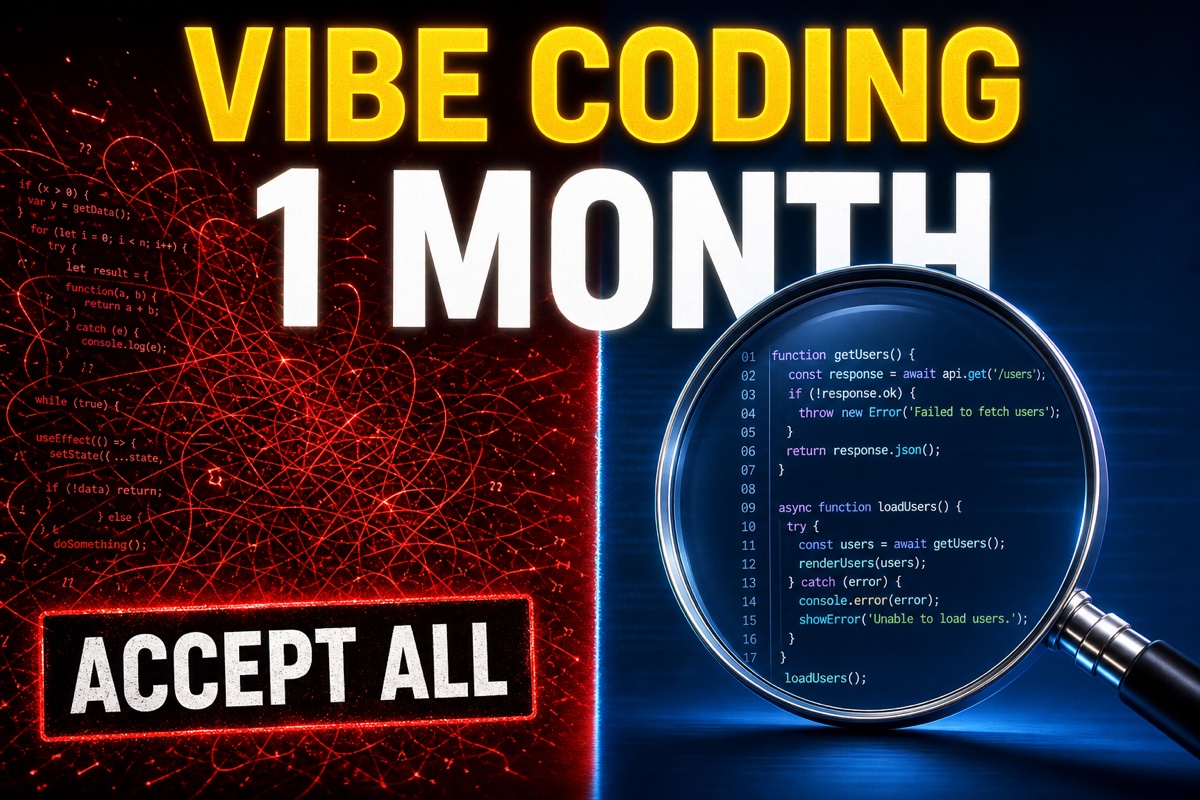
Developing by pressing Accept All without reading AI-generated code is what we now call “vibe coding.” It gets you started astonishingly fast, and many say it is hard to go back once you try it. Still, know in advance where and how the cost of not reading code will come due.
This article defines vibe coding precisely, covers its benefits, three problems that actually arise when you do not read the code, and three ways to reduce incidents without reading everything.
Let’s start with the conclusion.
Vibe coding makes you ten times faster at the start, but if you do not read the code, that speed comes back as maintenance cost.
It is well worth trying for a prototype or a tool you use alone. But if you are serving it to others or maintaining the code for a long time, the story changes. Let’s unpack why.
What exactly is vibe coding?
Let’s start with the term. “Vibe coding” originated in a post Andrey Karpathy made on Twitter in February 2025.
The key idea is simple: tell AI what you want in natural language, let it write the code, and do not inspect that code carefully.
Karpathy himself said, “I always hit Accept All and no longer read the diff.” When an error occurs, he copies the message as-is and sends it back to AI.
For context, the Collins Dictionary also chose this term as its Word of the Year for 2025.
The essence of vibe coding is closer to “not reading the code” than to “AI coding.” If you use AI but read the entire diff, that is simply AI-assisted development, not vibe coding.
The benefits are clear
There is a reason vibe coding is popular.
First, startup speed. Project setup that used to take days can be reduced to tens of minutes. The time until something appears on screen becomes dramatically shorter.
Second, filling skill gaps. The barrier to entering unfamiliar areas drops sharply—for example, a backend developer can describe a CSS layout in words and have it produced.
Third, the psychological hurdle. The urge to “just build it first” grows, so you finally act on ideas you had been postponing.
The problem is that this satisfaction usually lasts only through the early stages, while the codebase is still small.
What really happens if you do not read the code
Once the codebase reaches a certain size, three common problems appear.
1. You can no longer fix bugs. If you simply hand every error to AI, you get stuck when AI cannot fix it. Since you have never read the code, you cannot even tell where the problem might be.
2. The same feature appears in multiple places. AI often forgets code it wrote earlier and keeps creating similar functions. Later, fixing one leaves the others unchanged.
3. Quiet security holes appear. A classic example is an API key embedded directly in client code. AI follows instructions, and the person does not check.
The third is the scariest. Here is an example.
// AICode written by AI — key exposed in the client
let apiKey = "sk-live-abc123"  // Included directly in the app binary
let url = URL(string: "https://api.example.com?key=\(apiKey)")!
URLSession.shared.dataTask(with: url).resume()
Anyone can see a key like this the moment the app is released. You miss things like this when you do not read the diff.
So what should you do? Three solutions
Fortunately, you can greatly reduce incidents without going back to “read absolutely everything.”
Solution 1. Read the three critical areas yourself. You may not read everything, but define and inspect the parts where an incident would be difficult to undo.
// At minimum, check these three things yourself
// 1) Authentication and key-related code
// 2) Payment and money-related logic
// 3) Parts that delete or change user data
Focusing on just these three sharply lowers the chance of a critical incident.
Solution 2. Read AI’s summary instead of the code. If you do not want to read the code, at least ask once more, “Summarize only the security, money, and data-deletion risks in the code you just wrote,” and read that summary instead. Ask for a review in a new session, preferably by another AI rather than the coding session; this also reduces the bias of defending its own code.
Solution 3. If people will not read it, make machines read it. Add a secret scanner such as gitleaks to a pre-commit hook, and the API-key exposure seen above will be caught automatically at commit time. Adding linters and tests to CI follows the same principle.
The three solutions share one principle: reduce the cost of reading, but do not reduce verification to zero.
So, should you use vibe coding or not?
The answer is “it depends.”
| Situation | Recommendation | Reason |
|---|---|---|
| Prototype/demo | Highly recommended | Build it quickly and discard it if needed |
| Tool for personal use | Recommended | If it breaks, only I have a problem |
| Side project | Conditional | Read the core logic |
| Production service/team collaboration | Not recommended | Maintenance costs consume the speed gains |
The key distinction is whether you read no code at all or only the important parts.
Q. Can beginners learn development through vibe coding? A. It is great for experiencing the fun of building. But if you never read the code, your skills will not improve much. After building something, ask AI, “Why did you write this code this way?” and make reading part of your routine.
Q. How much can I trust AI-generated code? A. Working and being safe are different things. You may trust AI to make something run, but a person or a separate verification mechanism must check whether it is safe and maintainable.
In summary: “Let AI handle speed; let me handle judgment.” You do not need to read everything, but if you read nothing, you will eventually pay the price. Putting even one of the three solutions above into today’s project can greatly reduce that cost.
Taking this one step further, there is also a methodology called spec-driven development (SDD), which first finalizes requirements in a document before asking AI to write code at all. It takes the opposite approach from vibe coding, and I will cover it in detail in the next article.
References
- Vibe coding - Wikipedia
- Not all AI-assisted programming is vibe coding (but vibe coding rocks) - Simon Willison