
When building an iOS app, you inevitably hit situations like this: something changes on screen A, and a distant screen B also needs to update.
Force-connect screens with delegates, and the code can quickly become tangled like spaghetti.
That’s where the Observer pattern comes in. In Swift, the most natural progression is to start with NotificationCenter and move to Combine.
This article covers what the Observer pattern is, how to use NotificationCenter, and the widely used Combine, with practical code examples.
What is the Observer pattern?
The Observer pattern is a structure that automatically notifies objects watching a subject when its state changes.
Think of YouTube subscriptions. When a channel (publisher) uploads a video, subscribers (observers) receive a notification.
The key point is that the publisher and observers do not need to know each other directly.
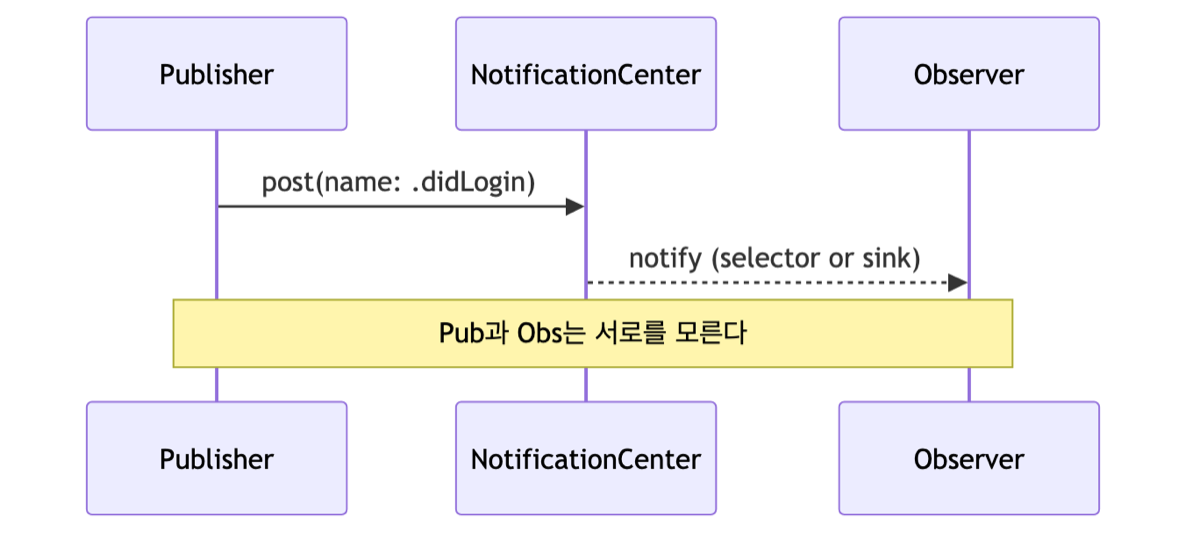
The channel does not care how many subscribers there are or who they are. It just announces, “A video is up.”
This loose coupling keeps code from getting tangled and makes later changes much easier.
How do you use NotificationCenter?
NotificationCenter is Apple’s built-in tool for the Observer pattern. You can use it immediately without an additional library.
First, define the notification name and write the publishing-side code.
// Define notification name
extension Notification.Name {
    static let didLogin = Notification.Name("didLogin")
}

// Publish notification when login succeeds
NotificationCenter.default.post(name: .didLogin, object: nil)
On the receiving side, register an observer like this.
// Subscribe to notification
NotificationCenter.default.addObserver(
    self, selector: #selector(handleLogin),
    name: .didLogin, object: nil
)
One thing to watch out for: the old approach (addObserver + selector) can cause problems if you do not call removeObserver when a screen disappears.
Since iOS 9, much of this cleanup happens automatically, but with block-based APIs, you still need to manage the returned token.
What do you gain by moving to Combine?
Combine is a reactive programming framework Apple introduced in 2019. It is available from iOS 13 onward.
NotificationCenter can also be converted into a Combine Publisher, so it integrates naturally with existing code.
// NotificationCenterto the  Combine approach
let token = NotificationCenter.default
    .publisher(for: .didLogin)
    .sink { _ in
        print("Detect login!")
    }
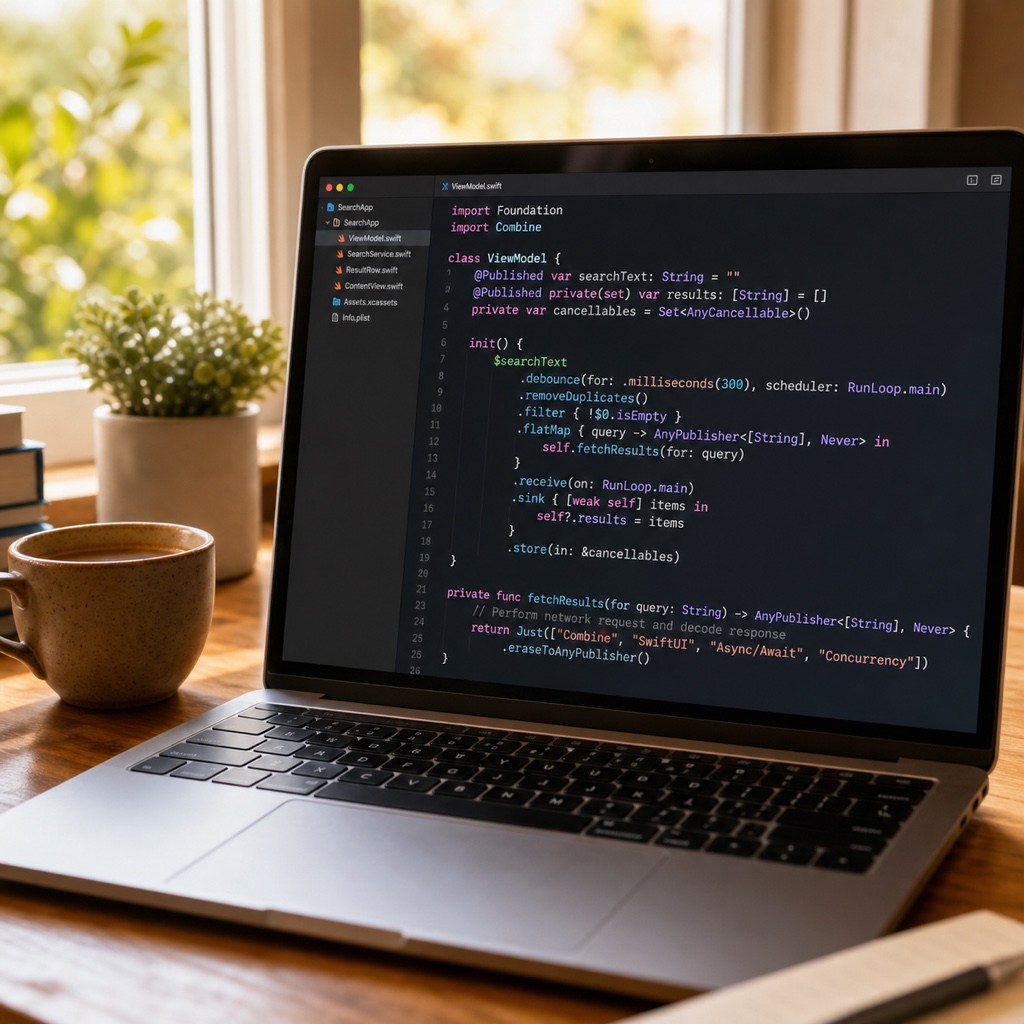
Combine’s real strength is that you can chain data flows together.
You can transform values with operators such as map and filter, and combine multiple events.
If you store the subscription returned by sink (AnyCancellable) in a variable, the subscription is automatically canceled when that variable disappears. Memory management becomes much easier.
So which one should you use?
It depends on the situation. Here is a summary table.
| Item | NotificationCenter | Combine |
|---|---|---|
| Introduced | Older built-in API | iOS 13+ |
| Learning curve | Low | Medium or higher |
| Value transformation | Difficult | Flexible with map/filter |
| Memory management | Handle manually | Automatic when subscription is stored |
For one or two simple notifications, NotificationCenter is enough.
If the data flow is complex or you need to combine multiple events, Combine is much cleaner.
If you are just starting, learn the concept with NotificationCenter and move to Combine when you are comfortable.
Of course, SwiftUI and async/await are dominant today, so consider them as well for new projects.
Summary
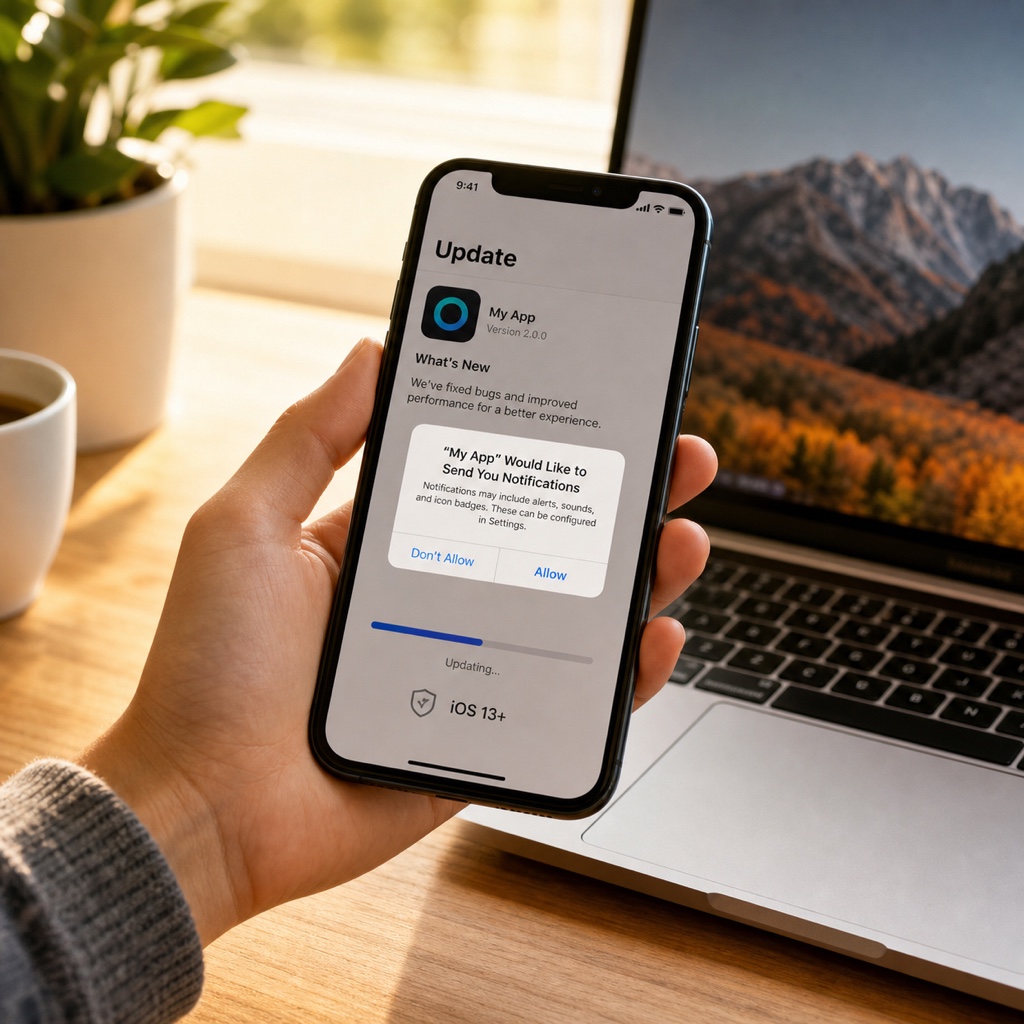
Today we explored the Swift Observer pattern, from NotificationCenter to Combine.
Do not try to understand everything perfectly from the start. Begin by creating one small notification yourself. Writing it by hand makes the idea click much faster. You’ve got this!