
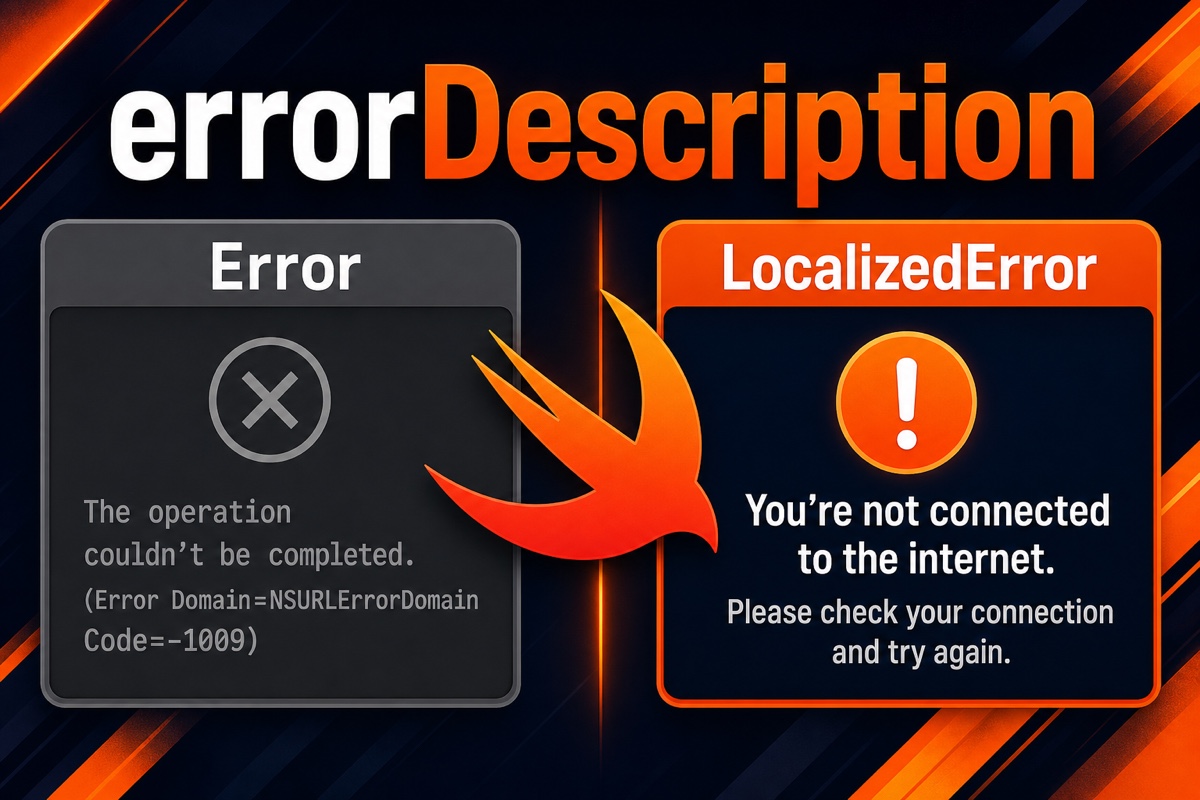
When building an app with Swift, you may have caught an error with do-catch, only to find that the message displayed on screen was less than helpful.
If you use error.localizedDescription as-is, cryptic text such as “The operation couldn’t be completed…” is likely to be shown directly to users.
Let me give you the conclusion first.
To define a custom error message for users in Swift, adopt the
LocalizedErrorprotocol instead ofErrorand implement theerrorDescriptionproperty.
Today, we’ll walk through this approach step by step with examples.
Why isn’t Error alone enough?
Many developers define errors like this.
enum LoginError: Error {
    case invalidPassword
    case userNotFound
}
If you only do this and print error.localizedDescription, you get the system’s bland default message instead of the expected “The password is incorrect.”
That’s because the Error protocol itself has no place to define a human-readable message.
That is exactly where LocalizedError comes in.
How do you define custom Swift error messages?
The process is simple: adopt LocalizedError and implement errorDescription.
Here is an example that adds user-facing messages to login errors.
extension LoginError: LocalizedError {
    var errorDescription: String? {
        switch self {
        case .invalidPassword:
            return "The password is incorrect."
        case .userNotFound:
            return "The user does not exist."
        }
    }
}
Now, when you call error.localizedDescription, the message we defined appears as-is.
The key point is that the return type of errorDescription is String?, meaning it is optional.
If you return nil here, it falls back to the system’s default message. That’s why it is important to provide a value for every case.

Is there anything besides errorDescription? (failureReason · recoverySuggestion)
Yes. LocalizedError also includes additional properties that you can implement optionally.
Here is a summary of their roles in a table.
| Property | Role | Example message |
|---|---|---|
errorDescription |
What went wrong | “The login failed.” |
failureReason |
Why it happened | “The password was entered incorrectly five times.” |
recoverySuggestion |
How to resolve it | “Please try again later.” |
In particular, recoverySuggestion is useful for guiding users toward their next action.
In SwiftUI’s Alert and in AppKit environments, these values may even be read automatically and placed on screen.
For user-facing errors, I usually make sure to provide at least errorDescription and recoverySuggestion.
Don’t confuse development logs with user messages
Let me add one more thing.
For developer-oriented explanations you want to record in debugging logs, use CustomStringConvertible (that is, description),
and separate translated messages shown to users into LocalizedError.
Their purposes are different: one is for me, and the other is for the user.
Separating these roles makes it much easier to add NSLocalizedString later when supporting multiple languages.
In one sentence: “For errors shown to users, start by filling in errorDescription of LocalizedError.”
A small habit can make a huge difference to the user experience, so give it a try in your next project. You’ve got this! 🙌
References
- Create A Custom Swift Error [and override localizedDescription]
- Defining Custom Errors With Advanced Descriptions In Swift – SerialCoder.dev
- Alert and LocalizedError in SwiftUI – Augmented Code