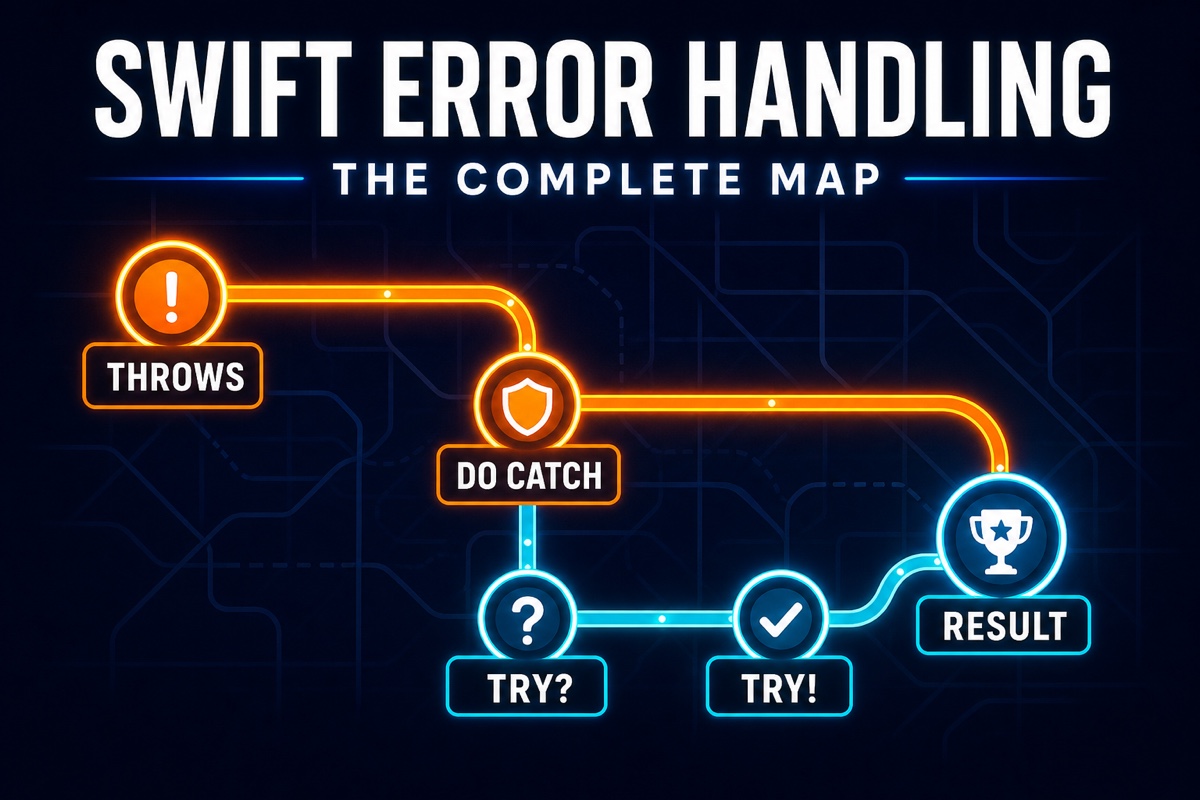
When learning Swift error handling, you may feel there are too many tools: throws, do-catch, question marks and exclamation points attached to try, and the Result type. Some APIs throw errors, others return Result, and some code simply swallows everything with try?. Which approach is standard?
These tools are not competitors; they divide the work. throws is the default, try’s variants express how much you care about errors, and Result is the complement when an error must travel as a value. In part 5 of the Swift Basics series, this article maps it out.
The structure that closes failure paths first during input validation connects to How to choose Swift guard and early exits.
Fundamentals — Errors Are Types, Throwing Is a Contract
Swift error handling starts with two declarations. Define errors as types conforming to the Error protocol, and mark functions that can fail with throws in their signatures.
enum PaymentError: Error {
case insufficientBalance(needed: Int)
case cardExpired
case network(underlying: Error)
}
func pay(amount: Int) throws -> Receipt {
guard balance >= amount else {
throw PaymentError.insufficientBalance(needed: amount - balance)
}
// ...
}
It is no coincidence that enum is popular for error types. As discussed in the optionals article, enum represents a set of cases—and failure reasons are cases. Associated values can carry context such as a shortfall amount.
More importantly, throws appears in the signature. The fact that a function can fail is registered in the type system. Callers must therefore use try; omitting it is a compile error. Unlike languages where exceptions can arise anywhere, Swift marks every possible failure point with try. Just as optionals promote “no value” into a type, throws promotes “may fail” into the signature. The safety-first principle from part 1 appears again here.
The basic form on the receiving side is do-catch.
do {
let receipt = try pay(amount: 50_000)
show(receipt)
} catch PaymentError.insufficientBalance(let needed) {
showTopUp(needed: needed)
} catch {
showError(error) // all remaining cases, error automatically provided variable
}
catch uses pattern matching. You can catch only certain cases, extract associated values, and handle the rest with a final catch, much like switch. It is designed around the fact that errors are enums.
The Three Faces of try — A Spectrum of Concern for Errors
try has three forms, each declaring how errors should be treated.
try — handle it or propagate it. This is the default. Catch it with do-catch, or declare your own function throws and let the error bubble upward. Error propagation happens automatically without explicit plumbing, which is a hidden strength of Swift error handling. Intermediate-layer functions only need throws to provide the plumbing for free; handling can happen once in an outer layer closer to the UI.
try? — failure is acceptable; only the value matters. It converts an error into an optional: a value on success and nil on failure, while discarding error information. It suits “try it; if it fails, move on” scenarios such as reading a cache. The danger is habitual try?. If the failure reason matters, try? silently removes a debugging clue. Use it only when you can answer yes to “Does anyone care why this failed?”
try! — failure means a programmer bug. A failure causes an immediate crash. By exactly the same logic as forced unwrapping !, it is permitted only where failure means the code is wrong, such as loading a resource bundled with the app. The standard from the optionals article applies unchanged: never use it when nil—here, an error—is a normal scenario.
Result — Carrying Errors as Values
If throws is the default, when should you use Result? Result is an enum that contains either success or failure.
enum Result<Success, Failure: Error> {
case success(Success)
case failure(Failure)
}
The decisive difference from throws is when and where handling occurs. throws forces handling—or propagation—immediately at the call site, while Result is an ordinary value that can be stored, put in an array, and processed later. That makes Result appropriate in roughly three situations.
First, completion-handler-based asynchronous APIs. The completion handlers discussed in the closures article run after the function returns, so errors cannot be delivered with throws. completion: (Result<Data, NetworkError>) -> Void was the standard there. Second, when results must be collected. To run 10 tasks and tally 7 successes and 3 failures, errors must be values. Third, when you want to specify the failure type. Result’s Failure is a concrete type, so the possible error is visible in the signature.
The direction of travel still matters. Since async/await became standard, async throws handles asynchronous error delivery, reducing Result’s first use in new code. Its third use is also being absorbed by typed throws in Swift 6 (throws(PaymentError), SE-0413). The current practical rule is therefore: throws by default; Result for special cases where an error must be stored, aggregated, or passed around as a value.
Converting between them takes one line. Wrap with Result { try pay(amount: 100) } and unwrap with try result.get(). Since they can interoperate freely at boundaries, there is no reason to insist on one.
Design Sense — Good Errors Consider Their Consumers
Let us step outside the syntax for a moment. The quality of error-handling code is largely determined by the design on the throwing side.
Split errors into units that let callers behave differently. The criterion for creating separate cases is: “Would the consumer handle these differently?” Insufficient balance and an expired card deserve separate cases because the user guidance differs. TCP timeout and DNS failure can be grouped as network if the app retries them identically. Splitting errors with identical handling into ten cases only increases the number of catches.
The same criterion decides whether to throw or return an optional. If “not found” is an expected everyday outcome, such as a dictionary lookup, use an optional; if something is wrong and the reason matters, use throws. When there is only one obvious reason, an optional is often enough.
Design user-facing messages together with the error type. By conforming to LocalizedError, the error itself can carry its display message. This is covered in detail in a separate article.
Results Confirmed by Direct Execution
I ran a throwing function that converts a string to an integer in Apple Swift 6.3.3. Receiving failure with try? left only nil, while capturing success with Result allowed me to reconnect it later to a throwing flow with get().
error=try?-nil:true,result:42
Because of this difference, I avoid try? whenever the failure reason could affect logging, retries, or user guidance. At boundaries such as cache lookup, where failure and absence are treated identically, converting to nil communicates intent better. Choose Result only to store results that need not be handled immediately or to collect results from multiple tasks.
Summary
- The backbone of Swift error handling is the Error protocol—usually an enum—plus a throws signature and do-catch pattern matching. Failure potential is registered in the type system, and every failure point is marked with try.
- The three forms of try declare your attitude toward errors: try to handle or propagate, try? when the reason does not matter, and try! when failure means a bug.
- Error propagation is automatic. Intermediate layers only add throws; handling happens once at the boundary.
- Result is for storing and aggregating errors as values. Asynchronous delivery is shifting to async throws, and explicit error types to typed throws.
- The core design principle is to split error cases into units where the caller behaves differently.
This completes the Basics series trilogy on control flow: optionals, guard, and error handling. Next is a different kind of Swift fundamental: why String is unusually difficult compared with other languages, starting with why “How many characters are in this Korean text?” is not a simple question.
Recommended Reading
- Swift bridging patterns: separating abstractions to prevent subclass explosion (complete examples)
- [Swift Basics #3] A complete guide to Swift properties: four choices among stored, computed, lazy, and didSet
- [Swift Basics #6] Why doesn’t Swift String support text[0]? A complete guide to grapheme clusters
Sources and verification
- The Swift Programming Language: Error HandlingSwift.org · Official documentation · Checked August 26, 2026Supports: Error, throw, throws, do-catch, and try, try?, try! handling
- Swift ResultApple Developer Documentation · Official documentation · Checked August 26, 2026Supports: Converting Result success/failure representations and throwing expressions

![Cover image for [Swift Basics #5] Choosing among throws, try, and Result](/assets/images/posts/79164702-137a-40ab-b9c5-28127ec6c2df/1.jpg)