
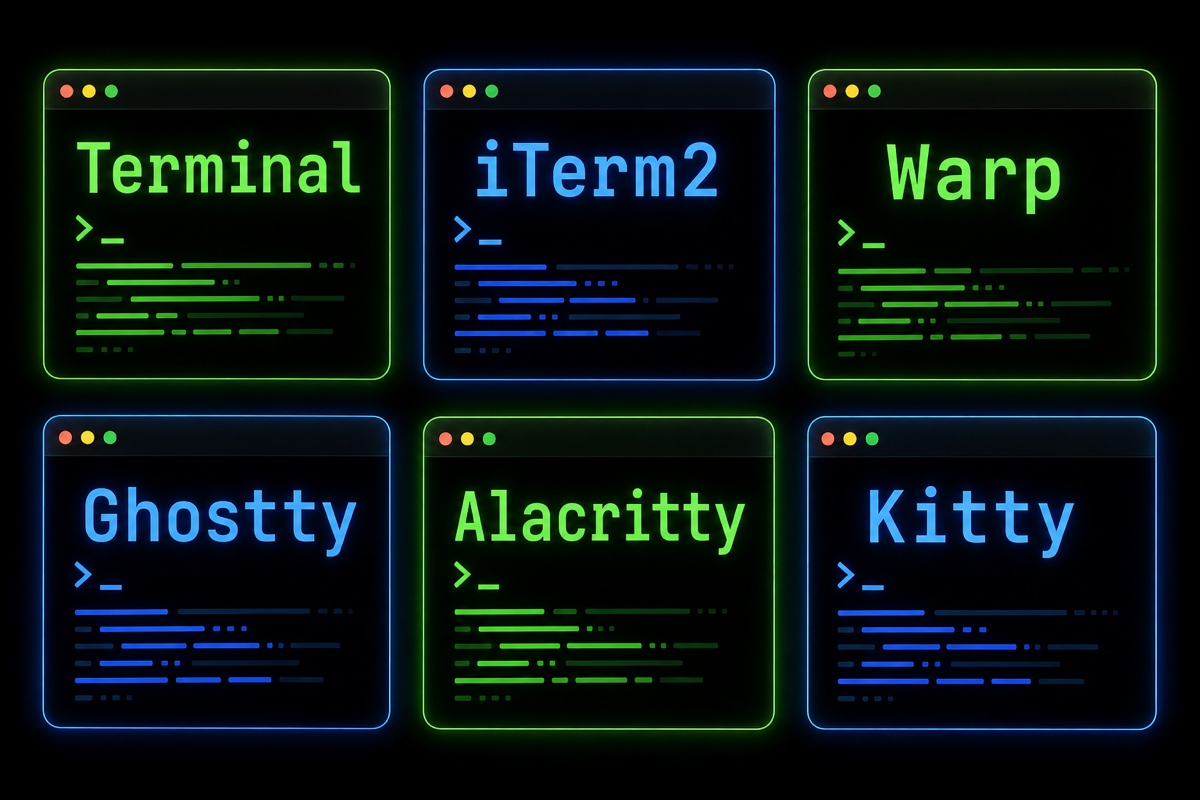
For developers using a Mac, the terminal is probably the app they keep open the longest each day. Yet surprisingly, many people keep using the default Terminal for years.
I moved from the default Terminal.app to iTerm2, and these days I’ve settled on Ghostty. Along the way, I also tried Warp, Alacritty, and Kitty.
Let me start with the conclusion.
For most developers, iTerm2 or Ghostty is enough. If you’re curious about AI features, choose Warp; if you want a minimalist setup centered on tmux, Alacritty is the answer.
This article summarizes the differences in character among six major macOS terminals and which one to choose, based on hands-on use.
Six terminals, six distinct personalities
You might think all terminals are basically the same, but their goals differ quite a bit once you use them.
Terminal.app is the terminal that comes preinstalled with macOS.
It requires no installation and is lightweight and stable. In exchange, it offers only the features you need.
iTerm2 is a longtime powerhouse among Mac terminals.
It has an impressive range of features, including split panes, powerful search, tmux integration, and triggers. It’s free and open source, yet polished enough to rival commercial apps.
Warp is a new-generation terminal built with Rust.
Commands and output are grouped into blocks, and you can ask its AI for commands in natural language. It feels less like a terminal and more like a productivity app shaped like one.
Ghostty was created by HashiCorp founder Mitchell Hashimoto and released as version 1.0 in late 2024.
It’s written in Zig and uses a native UI (SwiftUI/AppKit) on macOS, making it fast while still feeling like a Mac app.
Alacritty is a minimalist that aims to be “the fastest terminal.”
It goes all in on GPU acceleration, so it has neither tabs nor splits. The philosophy is to use it together with tmux.
Kitty is GPU-accelerated like Alacritty, but offers far more features.
It created its own protocol for displaying images in the terminal and also provides an extension system called kittens.
Comparison at a glance
| Terminal | Price | GPU acceleration | Tabs/splits | Highlights |
|---|---|---|---|---|
| Terminal.app | Built in | Limited | Tabs only | No installation, lightest |
| iTerm2 | Free | Supported | Both supported | Most features, tmux integration |
| Warp | Free + paid | Supported | Both supported | Built-in AI, block UI |
| Ghostty | Free | Metal | Both supported | Native UI, fast |
| Alacritty | Free | Supported | None | Extreme minimalism |
| Kitty | Free | Supported | Both supported | Image display, extensibility |
They look similar in a table, but feel quite different in practice.
Can you actually feel the speed difference?
Honestly, it’s difficult to notice a speed difference in ordinary use.
For running ls and checking git status, Terminal.app doesn’t feel sluggish at all.
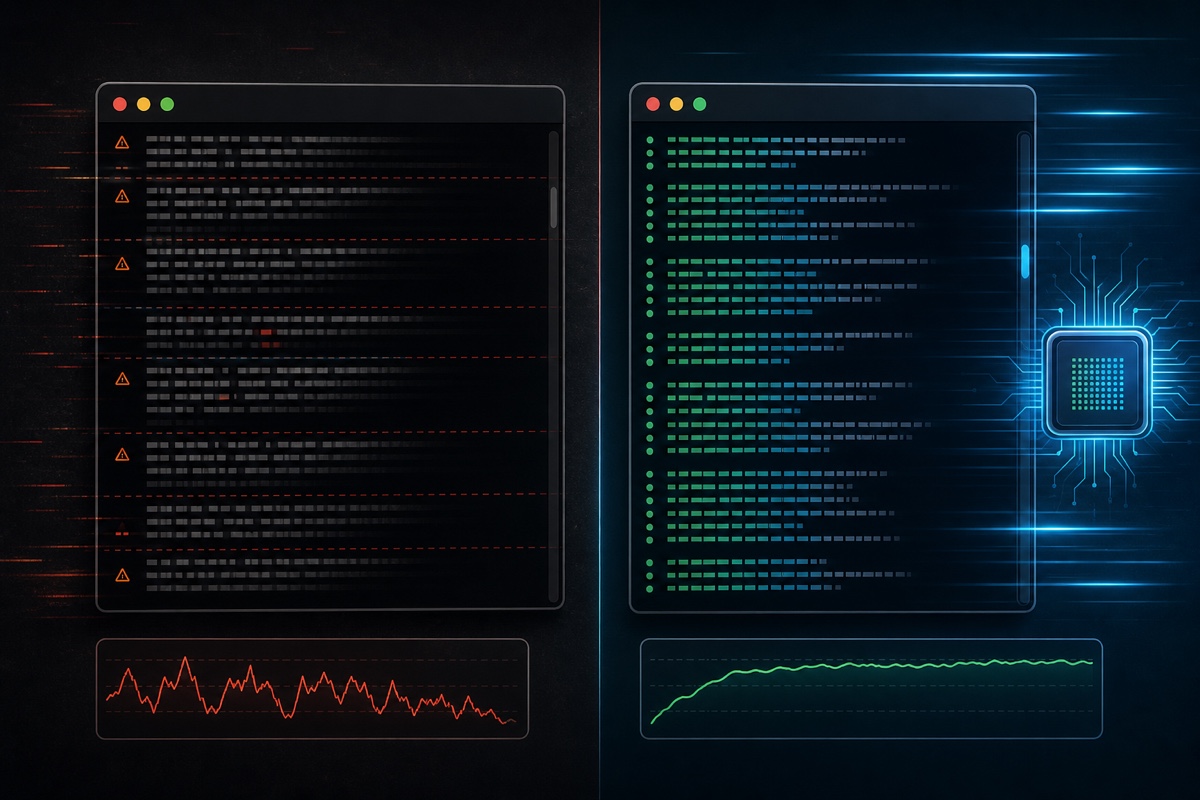
The difference appears with heavy output. When tens of thousands of log lines pour out or build output streams like a waterfall, GPU-accelerated terminals (Ghostty, Alacritty, Kitty) keep up smoothly without the display falling behind.
Warp, on the other hand, uses a fair amount of memory because it has so many features. Keep this in mind if you have a lower-spec Mac.
Is Warp’s AI actually useful?
Warp’s biggest selling point is AI.
Even if you type “kill the process using port 3000” in Korean, it turns it into a command and analyzes the cause when an error occurs. It’s definitely convenient when a command slips your mind.
There are two points I want to make, though.
First, AI requests are limited, so you need a paid plan for heavy use.
Second, people increasingly run AI coding tools such as Claude Code inside the terminal, so the terminal’s own AI is less decisive than it used to be. In the end, I came back to the view that a terminal should be fast and quiet.
So which one should you use?
Here’s a situation-by-situation summary.
If you use the terminal only occasionally → Terminal.app
There’s no real reason to switch. The default app is enough.
If you want lots of features and a proven option → iTerm2
Its stability and feature set, refined for over 10 years, remain hard to beat. It’s the safest choice for first-time switchers.
If you want AI assistance while learning the terminal → Warp
It’s especially useful for juniors who aren’t familiar with commands yet.
If you want a fast, clean, modern terminal → Ghostty
That’s why I settled on it: its simplicity, which takes only a few lines of configuration, and its native polish are appealing.
If you prefer a minimalist, tmux-centered workflow → Alacritty or Kitty
If your philosophy is that the terminal is only a renderer and tmux handles everything else, this is the right direction.
Wrapping up
Since the terminal is a tool developers look at all day, it’s worth taking some time to choose one.
Fortunately, aside from Warp’s paid plan, they’re all free, so you can install them one by one and choose the one that feels right.
One preview: a new generation of terminals specialized for running multiple AI agents such as Claude Code in parallel—including cmux and Orca—is growing rapidly. They have a distinctly different character, so I plan to cover them separately in another article.
Which terminal do you use? Share your reason for recommending it in the comments.