
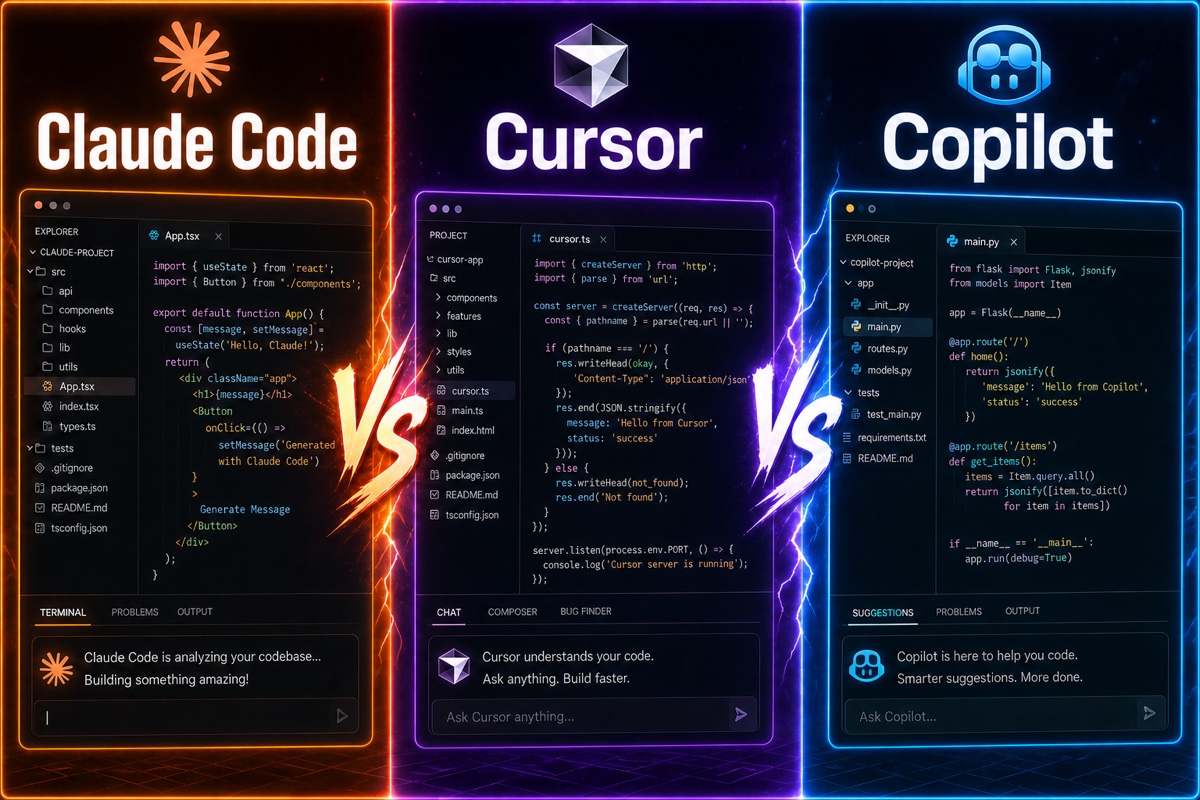
This is probably the question that comes up most often in developer communities these days: “Which one should I actually use—Claude Code, Cursor, or Copilot?”
I subscribed to all three and used them in real projects for several months. They may look like similar coding AI tools by name, but in practice, they have completely different personalities.
Let me start with the conclusion.
They are less competitors than tools with different roles. Copilot helps you type, Cursor helps you edit, and Claude Code handles the work itself.
In this article, I’ll compare the three tools based on actual use, including their prices, differences in character, and “which one should I choose?” (All prices are as of July 2026.)
The Three Tools Have Completely Different Personalities
The first thing to understand is that the three tools occupy different places.
GitHub Copilot is an extension that integrates with editors such as VS Code.
It is the oldest and most familiar approach: automatically suggesting the next line as you type.
Cursor is an IDE built around AI from the ground up.
It feels like VS Code was rebuilt entirely for AI, so you can ask it in chat to modify multiple files at once. Its low barrier to entry has made Cursor popular enough that even non-developers are building apps with it.
Claude Code is an agent that runs in the terminal.
Rather than working in an editor, you tell it from the command line, “Build this feature,” and it analyzes the codebase, creates files, and even runs commands on its own.
In short: Copilot is an assistant that lets me drive while helping from the passenger seat, Cursor is semi-autonomous driving, and Claude Code is closer to autonomous driving—you enter the destination and it takes you there.
How Different Are the Prices?
This is probably what you’re most curious about. I’ve organized the individual plans as of 2026 into a table.
| Tool | Free | Basic paid | Higher-tier plan |
|---|---|---|---|
| GitHub Copilot | Yes (limited) | Pro $10/month | Pro+ $39 · Max $100/month |
| Cursor | Hobby free | Pro $20/month | Pro+ $60 · Ultra $200/month |
| Claude Code | Limited | Pro $20/month | Max $100 · $200/month |
Looking only at the table, Copilot seems much cheaper. In terms of value for the price alone, Copilot Pro is the easiest on the budget.
There is one thing worth clarifying, though.
GitHub Copilot switched to usage-based billing on June 1, 2026. Since the Pro plan includes $15 worth of monthly credits, remember that the listed price is not necessarily the final cost if you use it heavily.
Claude Code is included with a Claude subscription rather than being a separate app. The Pro $20 plan includes Claude Code, while heavier use requires upgrading to Max ($100 provides 5× the usage and $200 provides 20×).
What About Performance and Autonomy?
The key question is, “Which one ultimately writes the best code?”
Claude Code is widely considered the leader in autonomy and codebase understanding.
The Claude model behind Claude Code scored 80.8% on SWE-bench Verified, a coding ability benchmark (Opus 4.6, announced in February 2026), and newer models released since then score even higher. Its context window also supports up to 1 million tokens. Put simply, it excels at understanding an entire project at once and working across multiple files.
For example, you can give it instructions like these in the terminal.
# Delegate a large-scale refactoring project in its entirety
claude "Migrate the payment module Stripefrom Tossto"
You can hand off a large task like this and work on something else while it finds and edits the relevant files and carries out verification on its own.
Cursor, on the other hand, is optimized for work where you refine things hands-on.
The workflow is smooth: you inspect the code, ask for changes in chat, and immediately undo them if you don’t like the result.
Copilot is about speed rather than autonomy.
Its strength is making quick suggestions alongside you without interrupting your typing flow.
To be honest, though, as agent-style tools have become mainstream, I’m seeing fewer developers around me who use only Copilot.
So This Is How I Use Them
After using all three for several months, the setup I’ve settled on is an agent-based workflow with Claude Code as my primary tool and OpenAI’s Codex alongside it. Since development is my main job, delegating entire tasks saves much more time than relying on autocomplete.

The broader trend is similar. Developers are moving to terminal agents such as Claude Code, Cursor has become popular enough for non-developers to build apps, and Copilot is being discussed less than it used to be.
Based on my experience, here’s what I recommend.
- Non-developers · beginners → Cursor Pro ($20). The experience of building through chat while watching the screen is the easiest.
- Development is your main job → Claude Code (Pro $20~). The agent approach of delegating entire tasks ultimately gives you back time. Like me, you could also use Codex alongside it.
- Cost-conscious · primarily in the GitHub ecosystem → GitHub Copilot Pro ($10). It is the cheapest of the three, but keep in mind that fewer people have been choosing it recently.
All three tools offer free or inexpensive plans, so rather than agonizing over it in writing, I recommend trying each one yourself for a week. You only learn which tool fits your hands by using it. I hope you find the right match for your development workflow 😊