
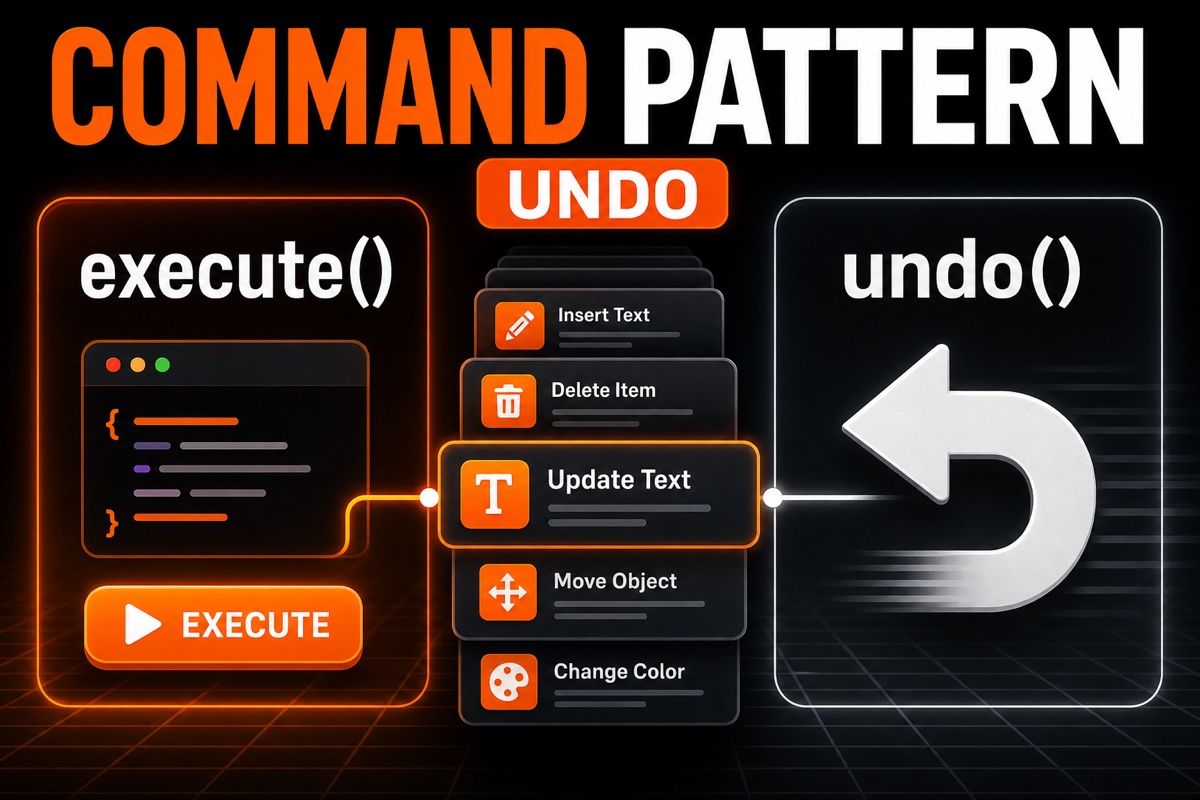
When building an app, requests to “just add an undo button” come up more often than you might expect.
Once you try to add undo, the code can easily turn into spaghetti. A single button scatters reversal logic across deletion, movement, and editing code.
The Swift Command Pattern is what cleans this up.
This article explains why the Command Pattern provides the foundation for undo, along with the minimum code structure you can use in practice. The focus is on something you can add to a project right away, rather than complex theory.
What Is the Command Pattern? A One-Line Summary
Let’s start with a one-line definition.
The Command Pattern wraps an action—“do something”—in an object, grouping execution and cancellation into one unit.
Instead of running logic immediately when a button is pressed, create a command object that says, “Perform this action.”
That command contains both how to execute the action and how to undo it.
In short:
- Turn actions into objects—deletion, movement, and input each become a command
- Each command pairs execute() with undo()
- Push executed commands onto a stack
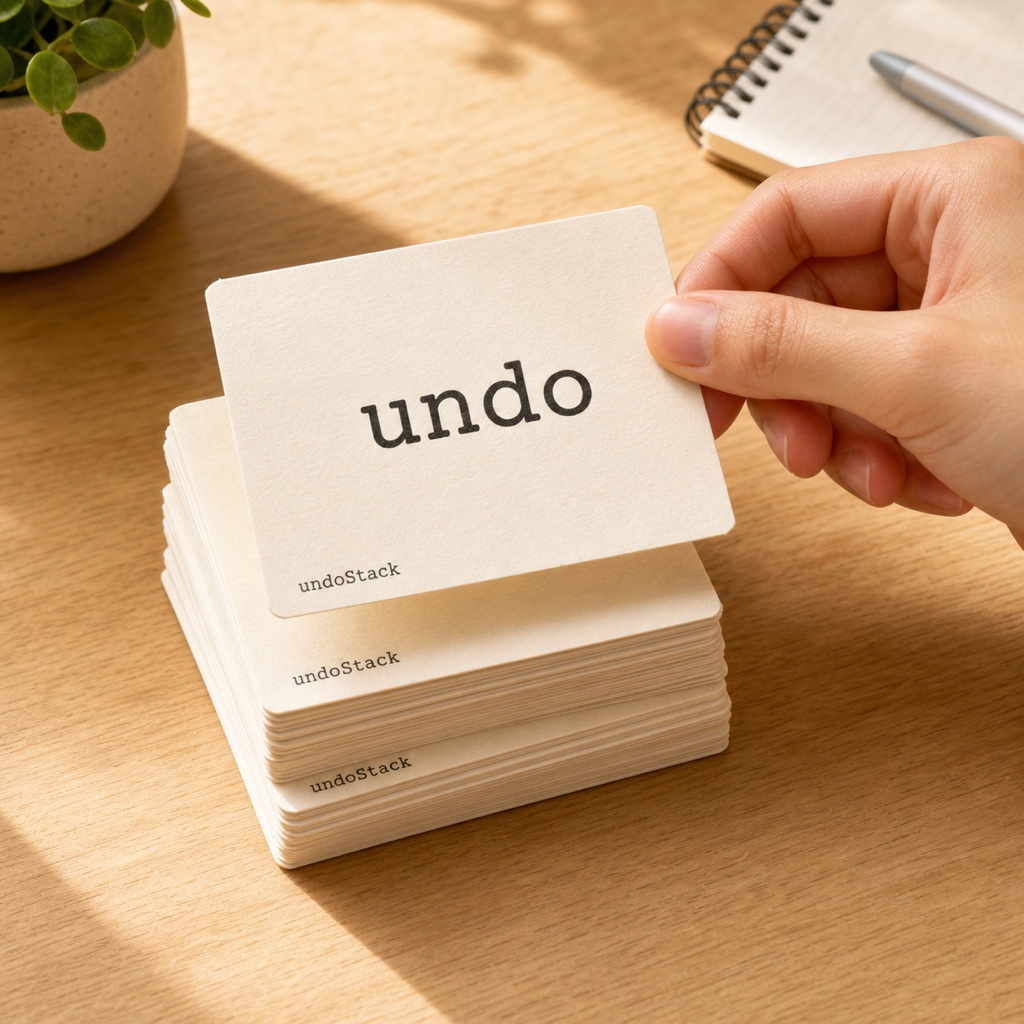
- Undo by popping one command from the stack and calling undo()
This keeps reversal logic inside each command instead of scattering it throughout the codebase.
Let’s Build the Command Protocol in Swift
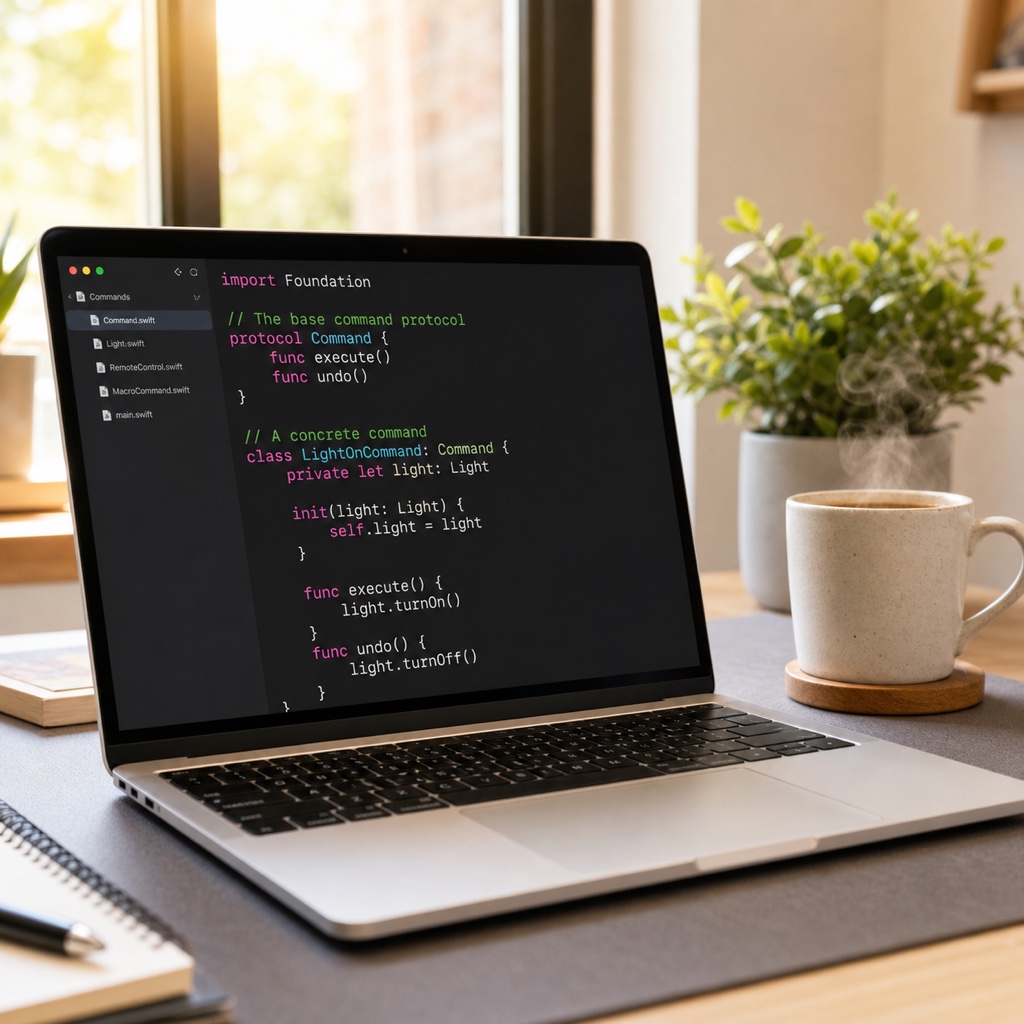
First, define the protocol—the contract every command must follow.
Here is the minimal structure that requires execution and undo.
protocol Command {
    func execute()   // Execute action
    func undo()      // Undo action
}
These two methods are all you need.
Now let’s create a concrete command that contains a real action—for example, a command that appends text.
The code below appends text, then removes it again when undone.
final class AddTextCommand: Command {
    private let document: Document
    private let text: String

    init(document: Document, text: String) {
        self.document = document
        self.text = text
    }

    func execute() { document.content += text }
    func undo()    { document.content.removeLast(text.count) }
}
execute appends the text, while undo removes exactly what was appended. That execution and undo live in one object is the entire pattern.
The Key to Undo Is the Stack
Once you have commands, you need a manager for them. This role is commonly called the Invoker.
The manager adds executed commands to a stack one by one.
When undo is pressed, pop the most recently added command and call undo(). Reversing the latest action first is the natural order for undo.
Here is the manager skeleton.
final class CommandManager {
    private var undoStack: [Command] = []

    func run(_ command: Command) {
        command.execute()
        undoStack.append(command)   // Store in the stack after execution
    }

    func undo() {
        guard let last = undoStack.popLast() else { return }
        last.undo()                 // Undo from the latest item
    }
}
Usage now becomes very simple.
Call manager.run(command) from buttonTapped, and call only manager.undo() from the undo button.
CommandManager handles the undo order and stack management, keeping the view code clean.
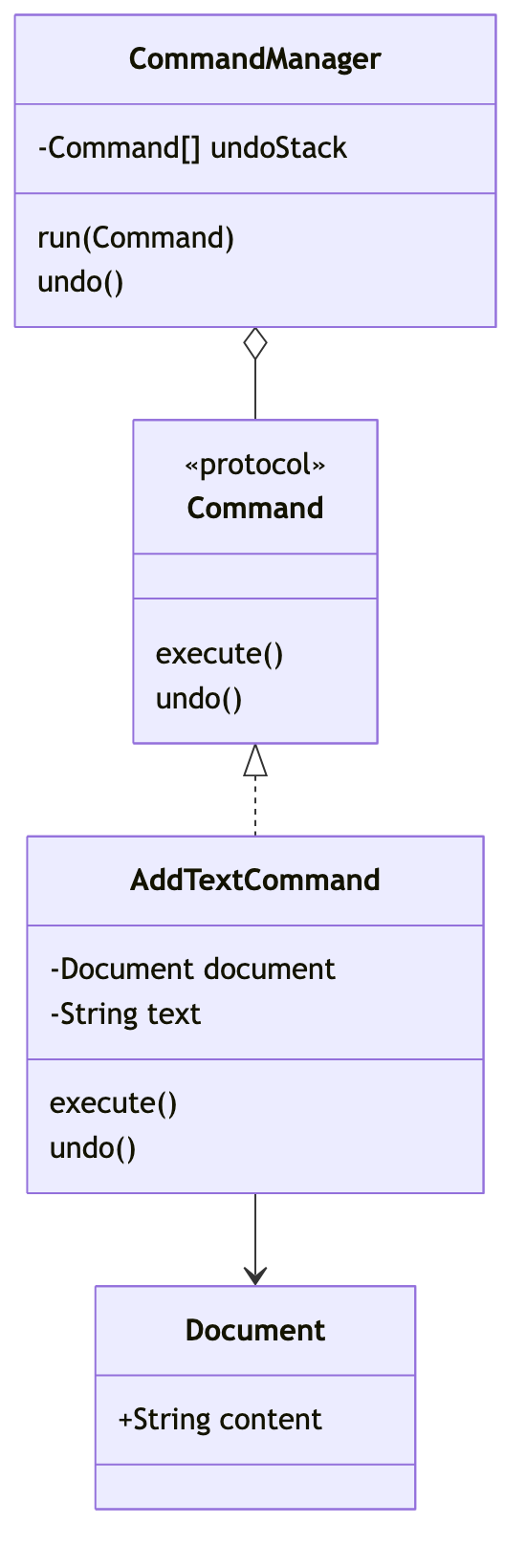
If you also need redo, store undone commands separately in redoStack. Because the structure is symmetric, extending it is straightforward.
When Should You Use or Avoid the Command Pattern?
The Command Pattern is not a universal solution. Here is where it fits and where it may be overkill.
| Situation | Command Pattern |
|---|---|
| Undo and redo required | Excellent fit |
| Operation history must be retained | Good fit |
| Queue actions for later execution | Good fit |
| A simple button with nothing to undo | Overkill; use a function |
The Command Pattern shines when you need undo or history. Drawing apps, text editors, payment cancellations, and undo in games are typical examples.
Conversely, applying it to a button that simply navigates between screens only adds code.
Turning every button into a command can quickly create a pile of files, so apply it only to actions that need to be undone.
Summary
Undo can feel daunting to add, but once you establish the Command Pattern as its foundation, it runs more cleanly than expected.
Start by applying the three pieces covered today—the protocol, concrete commands, and manager—to a small screen. Once the structure feels familiar, redo and history extensions will follow naturally. Add an undo button to your app with confidence.