
![Cover image for [iOS Architecture #1] iOS MVC and Why Massive View Controllers Exist](/assets/images/posts/a3101292-21b1-4a89-b770-3e844f1a23c6/1.jpg)
There’s a joke almost every iOS developer hears at least once.
“MVC stands for Massive View Controller, not Model-View-Controller.”
It’s a joke, but there’s truth behind it. Apple officially recommends this architecture, so why does following it turn view controllers into thousand-line monsters?
In this first part of our iOS architecture series, we’ll review what MVC originally looked like and why iOS doesn’t follow that model.
In short, the problem isn’t MVC itself, but the structure of UIViewController straddling the boundary between View and Controller.
What Did MVC Originally Look Like?
MVC is a decades-old pattern that originated in Smalltalk in 1979. In its original form, the three roles are clearly separated.
- Model: Data and business logic
- View: Screen presentation
- Controller: Receives user input and passes it to the Model
In original MVC, the View observes the Model directly. When the Model changes, the View updates itself.
Apple’s MVC is slightly different. View and Model know nothing about each other, while the Controller handles all mediation in the middle. It was a reasonable choice for reusability, but it also opened the door to overloading the Controller.
UIViewController Breaks the Rules by Name Alone
Apple MVC’s Controller is implemented as UIViewController on iOS. But look at the class name again: View + Controller. The name itself combines two roles.
In practice, UIViewController handles all of these responsibilities.
- Managing
viewDidLoad,viewWillAppearsuch as the view lifecycle - Handling view-centric events such as rotation and layout updates
- Implementing
UITableViewDataSource,UITableViewDelegatesuch as view protocols
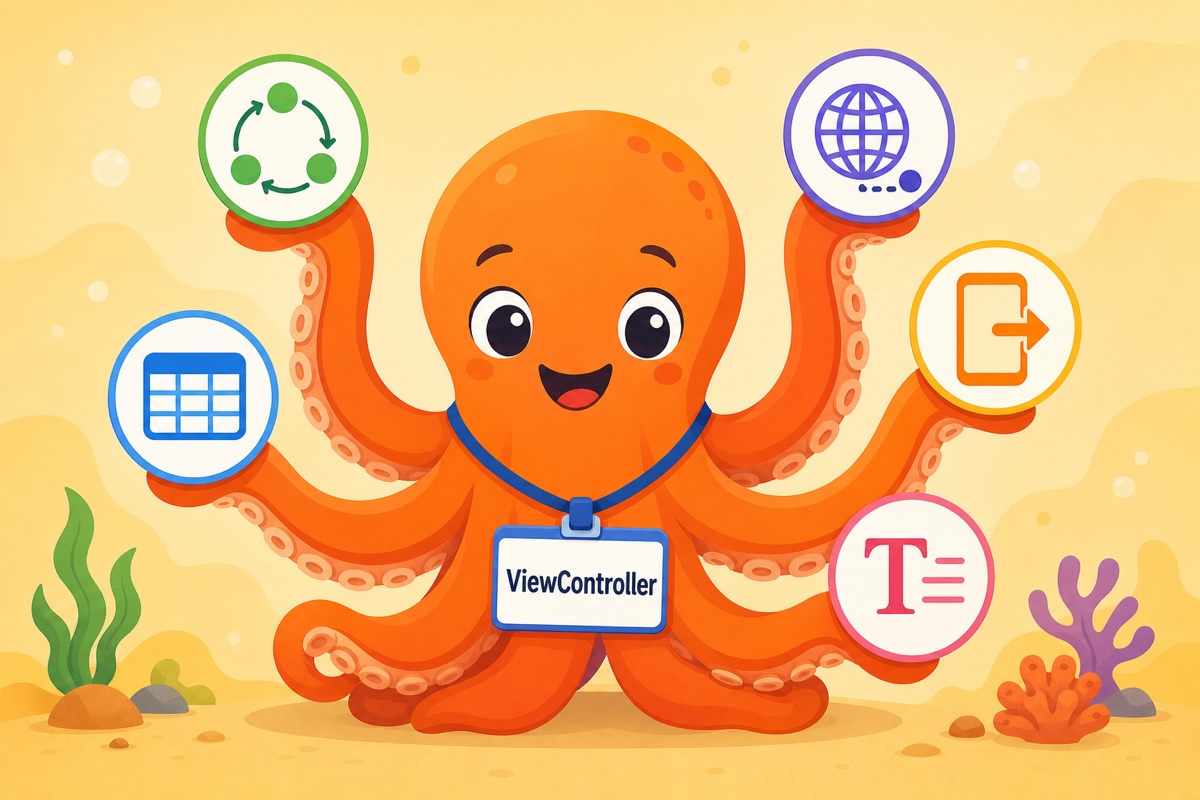
So far, these are still view-related tasks. The problem is that there’s no obvious answer to questions like “Where should network requests go?”, “What about navigation?”, or “Data formatting?” Since they’re neither Model nor View, they all end up in the view controller.
The Typical Shape of a Bloated View Controller
A typical view controller can be summarized in code like this.
final class ProfileViewController: UIViewController {
    // 1. View properties
    private let tableView = UITableView()

    // 2. State (effectively a  Model cache)
    private var user: User?
    private var posts: [Post] = []

    override func viewDidLoad() {
        super.viewDidLoad()
        setupLayout()          // 3. Layout code
        fetchProfile()         // 4. Network requests
    }

    private func fetchProfile() {
        URLSession.shared.dataTask(...) { ... }  // 5. Parsing and error handling
    }

    @objc private func editTapped() {
        // 6. Even navigation directly
        navigationController?.pushViewController(EditViewController(), animated: true)
    }
}
Layout, state management, networking, parsing, and navigation all live in one file. Add delegate implementations and it can quickly exceed a thousand lines.
The real cost isn’t the line count, but the fact that testing becomes impossible. Even verifying simple logic like “the Edit button is hidden when user is nil” requires launching UIViewController and simulating its lifecycle.
Should We Abandon MVC, Then?
Not necessarily. For small screens, MVC is still the fastest and simplest choice. Apple’s frameworks are designed around MVC, so forcing another structure on top can create more friction.
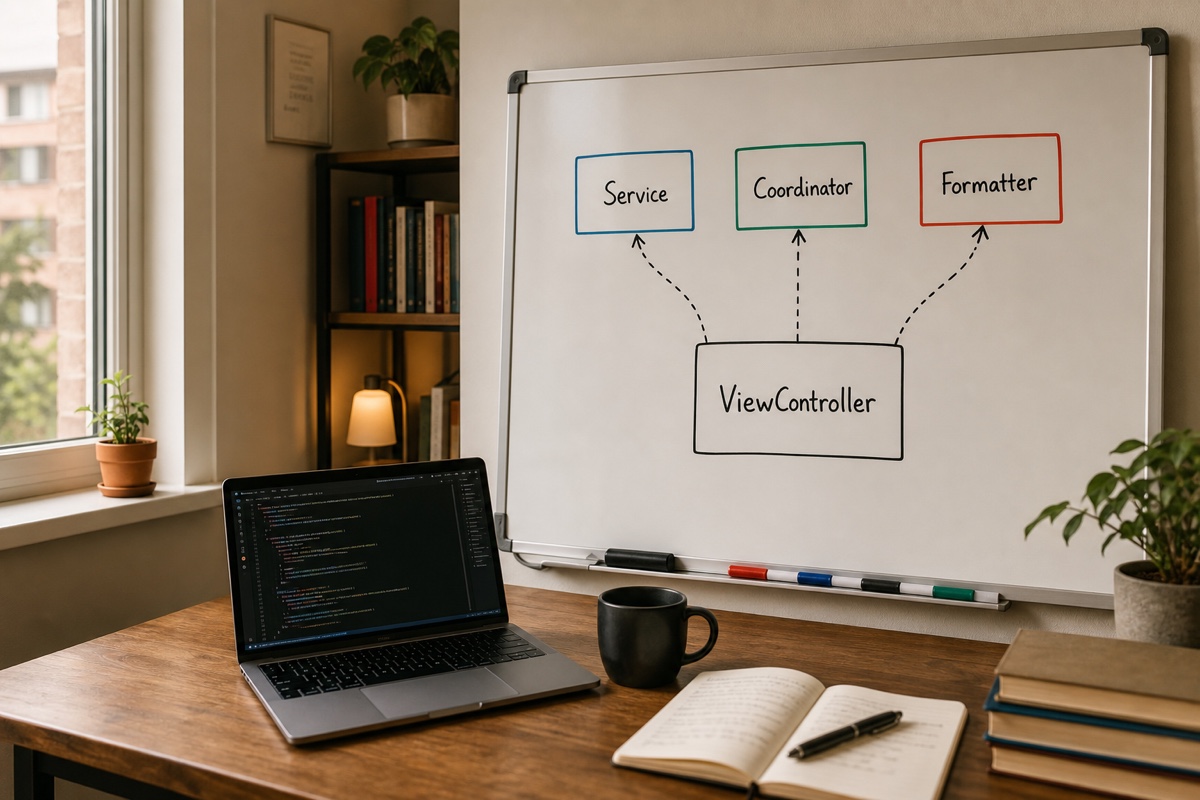
The key is to consciously extract responsibilities that can be removed from the view controller even when using MVC.
- Networking and data logic → Separate service objects
- Navigation → Dedicated objects such as Coordinators
- Cell configuration and formatting → Dedicated types
Eventually, you may want to separate even the logic that creates “the state to display on screen.” The answer is MVVM, covered in the next part. We’ll also look at why a ViewModel is needed and why it’s only half a solution without binding.
Summary
- MVC itself is not at fault. The issue is iOS’s structural characteristic of having UIViewController serve as both View and Controller.
- Massive View Controller is what happens when code that is neither Model nor View has nowhere else to go and accumulates in the view controller.
- MVC remains valid for small screens. However, networking, navigation, and formatting should be separated deliberately.
- MVVM is needed to separate the logic that creates view state. We’ll cover it in the next part.