
In iOS development, you may keep putting off writing test code. Once you open XCTest, it can be hard to know where to start.
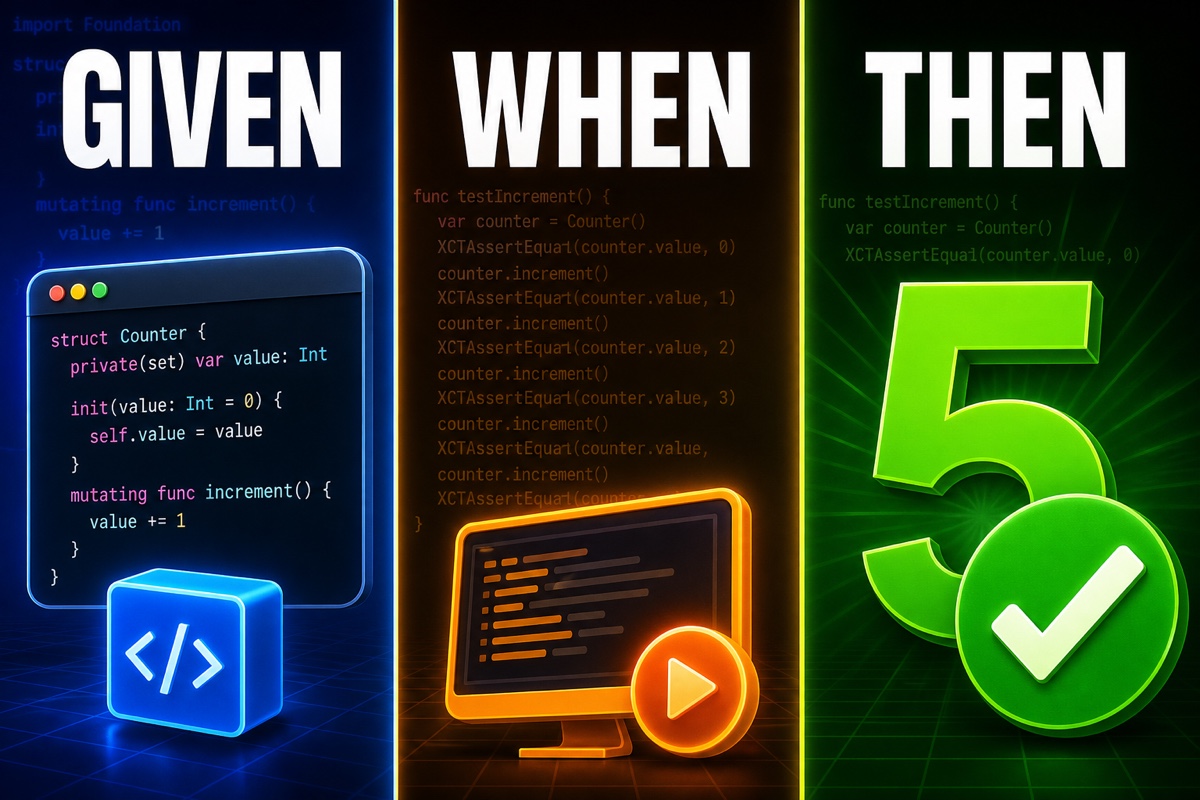
Here’s the conclusion first: start your first test with three Given-When-Then lines. Prepare, execute, and verify. Once this order becomes familiar, the rest follows naturally.
Today, we’ll cover XCTest basics and write a real first test together using this pattern.
What exactly is XCTest?
XCTest is the testing framework Apple includes by default in Xcode. There’s nothing to install; you can use it right away.
When creating a project, just check “Include Tests” and a test target is created automatically.
Let’s cover the essentials.
- XCTestCase: The class that holds your tests. Start by subclassing it.
- Methods beginning with test: When a function name starts with test, Xcode automatically recognizes it as a test.
- XCTAssert family: Functions for verifying that results are correct.
Knowing just these three is enough to get started.
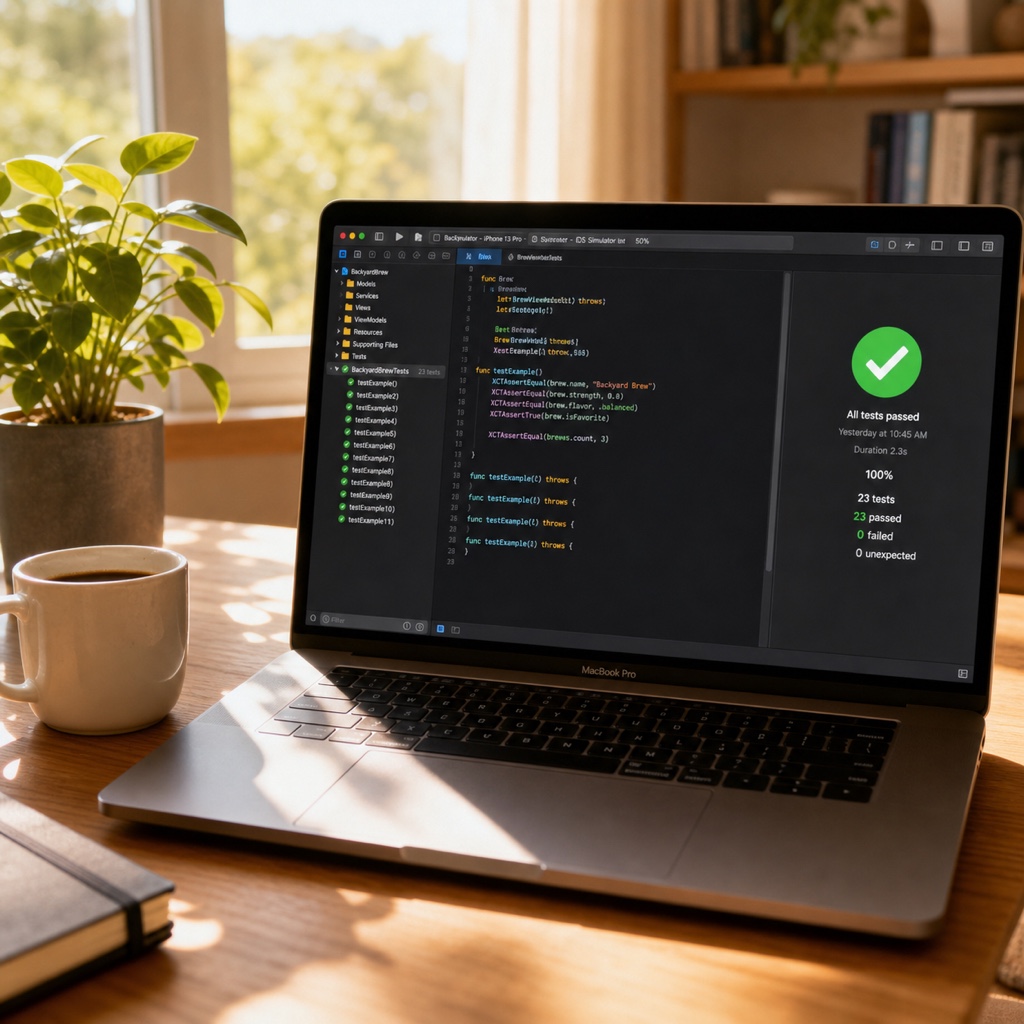
Running tests is simple. Click the diamond button to the left of a test method, or press Command + U to run the entire test suite.
What is Given-When-Then?
The point where testing beginners struggle most is: “So, in what order should I write the code?”
Given-When-Then is a pattern that defines exactly that order. Think of it as three parts.
- Given (setup): Create the values and state required for the test
- When (execution): Run the single behavior you want to verify
- Then (verification): Check whether the result matches the expectation
In everyday language: “When two apples are in the cart (Given), calculate the payment amount (When), and it should be 2,000 won (Then).”
Prepare, execute, and verify. Those three beats are the entirety of Given-When-Then.
Writing tests this way makes it immediately clear which stage is the problem when a test fails later. You can quickly tell whether setup was wrong or the execution result was incorrect.
Let’s Write the First Test for Real
Let’s use a simple calculator as an example. Assume there is an add function that adds two numbers.
Here’s the code we’ll test first.
struct Calculator {
    func add(_ a: Int, _ b: Int) -> Int {
        return a + b
    }
}
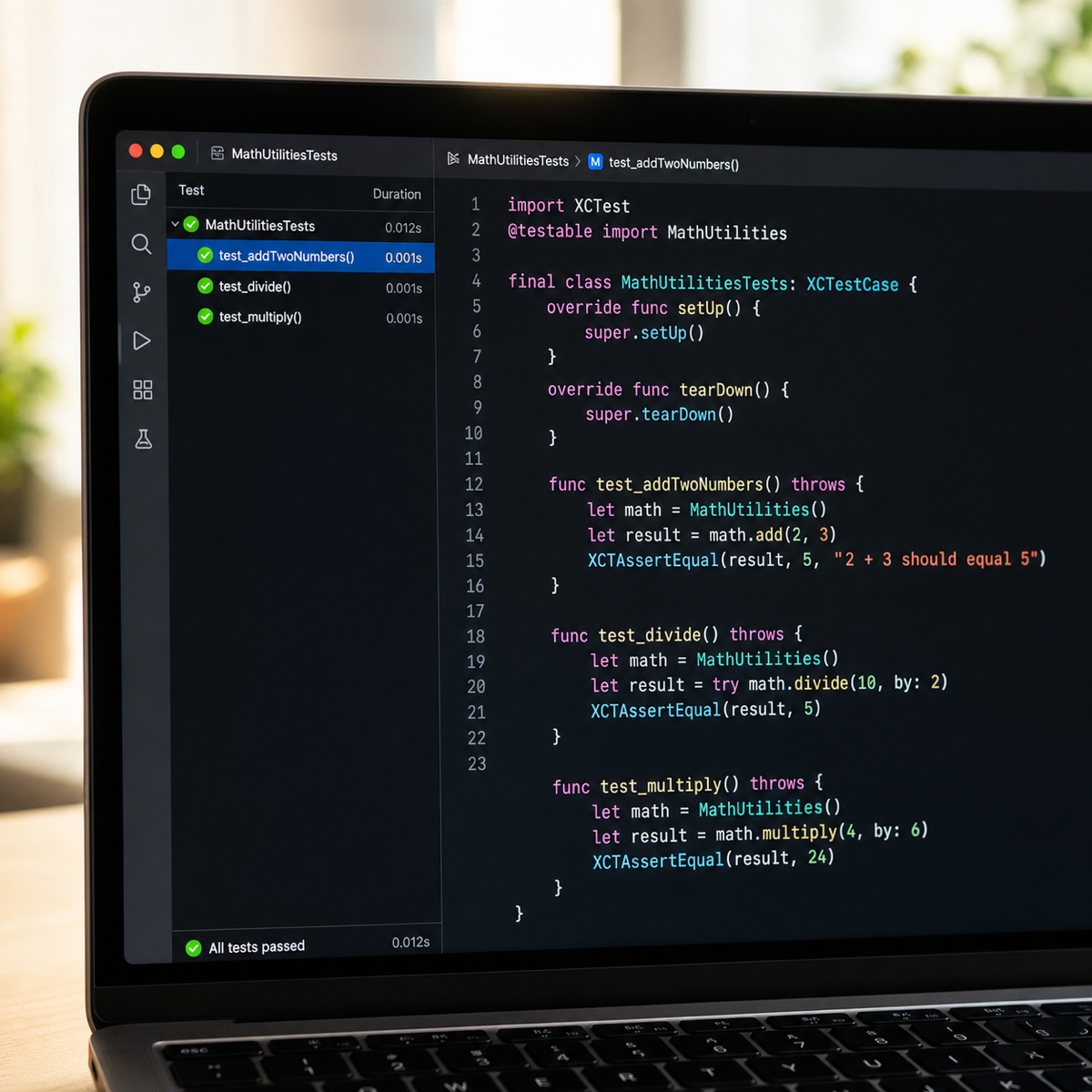
Now let’s write the test in Given-When-Then order. Marking the three stages with comments makes it much easier to read.
func testAddTwoNumbers() {
    // Given: Prepare the calculator and input values
    let calculator = Calculator()
    // When: Execute the addition
    let result = calculator.add(2, 3)
    // Then: Verify the result
    XCTAssertEqual(result, 5)
}
XCTAssertEqual compares whether two values are equal. If result is not 5, the test fails in red; if it is 5, the test passes in green.
I still remember how it felt when the first green light appeared. It was nothing extraordinary, but it made me strangely proud.
Commonly Used XCTAssert Functions
Knowing only XCTAssertEqual is enough to begin, but choosing assertions by situation makes your code much cleaner. Here are the ones I use most often in a table.
| Function | When to use it |
|---|---|
| XCTAssertEqual(a, b) | Whether two values are equal |
| XCTAssertTrue(condition) | Whether the condition is true |
| XCTAssertFalse(condition) | Whether the condition is false |
| XCTAssertNil(value) | Whether the value is nil |
| XCTAssertNotNil(value) | Whether the value is not nil |
To leave a message when a test fails, add a string as the last argument. For example: XCTAssertEqual(result, 5, “The addition result is incorrect”).
Common Beginner Questions
Q. Where should test files go? A. Put them in the project’s Tests folder. They must be included in a test target to run.
Q. Does When have to be a single line? A. No. However, it’s best to execute only one behavior under verification. When each test verifies one thing, the cause of failure is clear.
Q. How should I name test functions? A. Start with test, and make the name reveal what it verifies, such as testAddTwoNumbers.
Today, we wrote our first test using XCTest basics and the Given-When-Then pattern. Prepare, execute, and verify. That’s the three-beat rhythm to remember.
Don’t pressure yourself to write perfect tests. Start by turning the light green for one add function today. That small success will lead to the next test. You’ve got this!