
Have you ever paused while copying an object in Swift and wondered, “Was this really copied?”
Assigning a class instance in a single line often leads to a situation where changing the clone also changes the original.
Let’s start with the conclusion: copying in Swift has two paths.
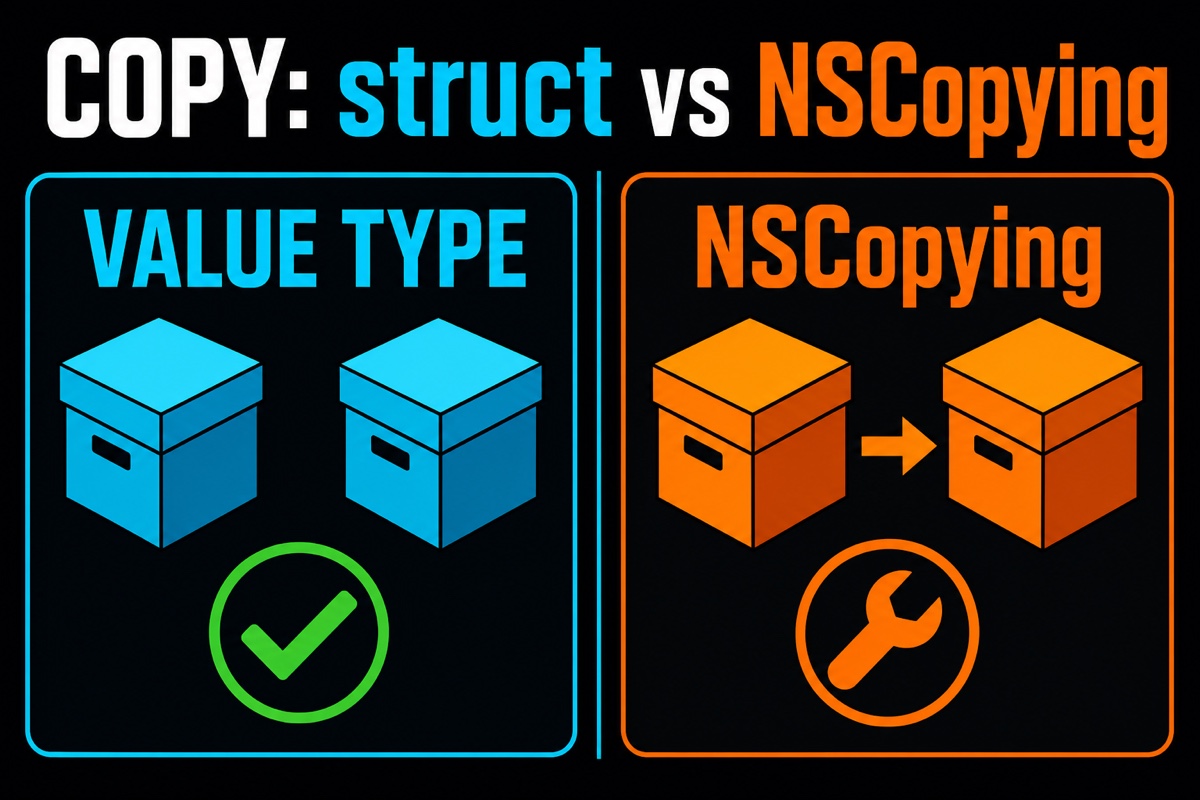
A value type (struct) is copied automatically on assignment, while a class (reference type) must implement NSCopying directly for a true copy.
This article explains what the Prototype pattern is and, with code examples, how NSCopying differs from value-type copying.
If you first need to understand the boundaries of copying methods, see Shallow Copy vs Deep Copy; for how Swift collections defer actual copying, also see Copy-on-Write Summary.
What Is the Prototype Pattern?
In short, the Prototype pattern is a design pattern that creates a new object by cloning an existing object.
Instead of building one from scratch, you copy an already configured original as if stamping out duplicates.
I find it easiest to compare this to a stamp. Once you make one good original stamp, you can just press it to create the rest.
It is especially useful when object creation is expensive or initial configuration is complex.
For example, instead of configuring a game character’s stats, equipment, and skills every time, you can clone one base character and customize it.
The key point is that the clone must be completely independent of the original.
If modifying the clone also changes the original, that is reference sharing, not copying.
This is exactly where value types and reference types diverge.
Why Is Value-Type Copying Convenient?
Swift’s structs and enums are value types.
The biggest advantage of value types is that they are copied automatically even when assigned or passed to a function.
The code below should make this clear. Changing a value after copying the original does not affect the other one.
struct Character {
    var name: String
    var level: Int
}

var origin = Character(name: "Warrior", level: 1)
var copy = origin      // The value is copied as a whole
copy.level = 99
print(origin.level)    // 1 (The original remains unchanged!)
Even after changing copy.level to 99, origin.level is still 1.
Because you do not need to write separate copying code, there is far less room for mistakes.
That is why I usually consider a struct first unless there is a specific reason not to.
This safety is also why Swift recommends value-type copying.
How Do You Use NSCopying?
The problem is classes, which are reference types.
Assigning a class does not copy it; it only shares the address pointing to the same instance.
So when a real copy is needed, you must adopt the NSCopying protocol and implement the copy(with:) method yourself.
class Character: NSCopying {
    var name: String
    init(name: String) { self.name = name }

    func copy(with zone: NSZone? = nil) -> Any {
        return Character(name: self.name)
    }
}

let origin = Character(name: "Warrior")
let clone = origin.copy() as! Character
Calling copy() creates a new instance, so changing clone leaves origin unchanged.
There is one important caveat here.
Inside copy(with:), you also need to create new internal properties for something close to a complete copy (deep copy).
If you only assign the internal objects as they are, the outside is copied but the contents remain shared—a shallow copy.
Value-Type Copying vs NSCopying: A Quick Comparison
Here is a table summarizing the differences.
| Category | Value-Type (struct) Copying | NSCopying(class) |
|---|---|---|
| Copying method | Copied automatically on assignment | Call copy() directly |
| Implementation required | Not required | copy(with:) implementation required |
| Default behavior | Always a separate copy | Address shared on assignment |
| Shallow/deep copy | Little to worry about | Must be handled manually |
| Recommended use | Most data models | When a reference type is required |
In summary, designing with value types is generally easier and safer.
However, use a class and NSCopying when you need inheritance, integration with an Objective-C API, or instance identity.
In these cases, implementing the Prototype pattern NSCopying fits neatly.

Frequently Asked Questions (Q&A)
Q. If I only use structs, can I ignore NSCopying?
For basic copying, yes. But when working with UIKit or Objective-C-based APIs, you may need to copy classes, so it is worth understanding the concept.
Q. What is the difference between copy() and mutableCopy()?
copy() creates an immutable copy, while mutableCopy() creates a mutable copy. The latter requires adopting NSMutableCopying.
Q. Is a deep copy always the right answer?
No. If sharing internal objects is acceptable, a shallow copy may offer better performance.

Wrapping Up
When copying feels confusing, ask yourself: “If I modify the original, does the clone change too?”
Value types let Swift handle that concern, while with classes we need to manage it ourselves using NSCopying.
I hope today’s summary helps you spend a little less time struggling with copying overnight. You’ve got this!